Why LibreOffice gets the honest claim
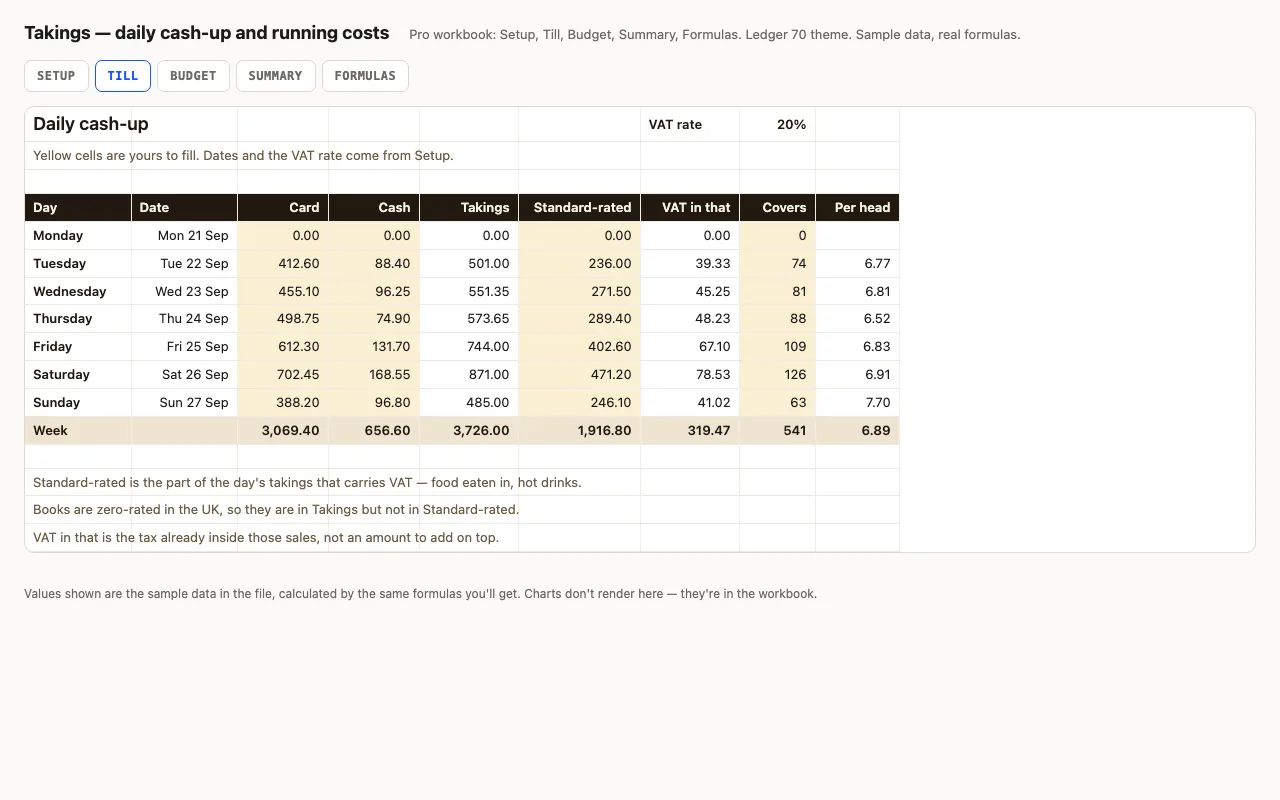
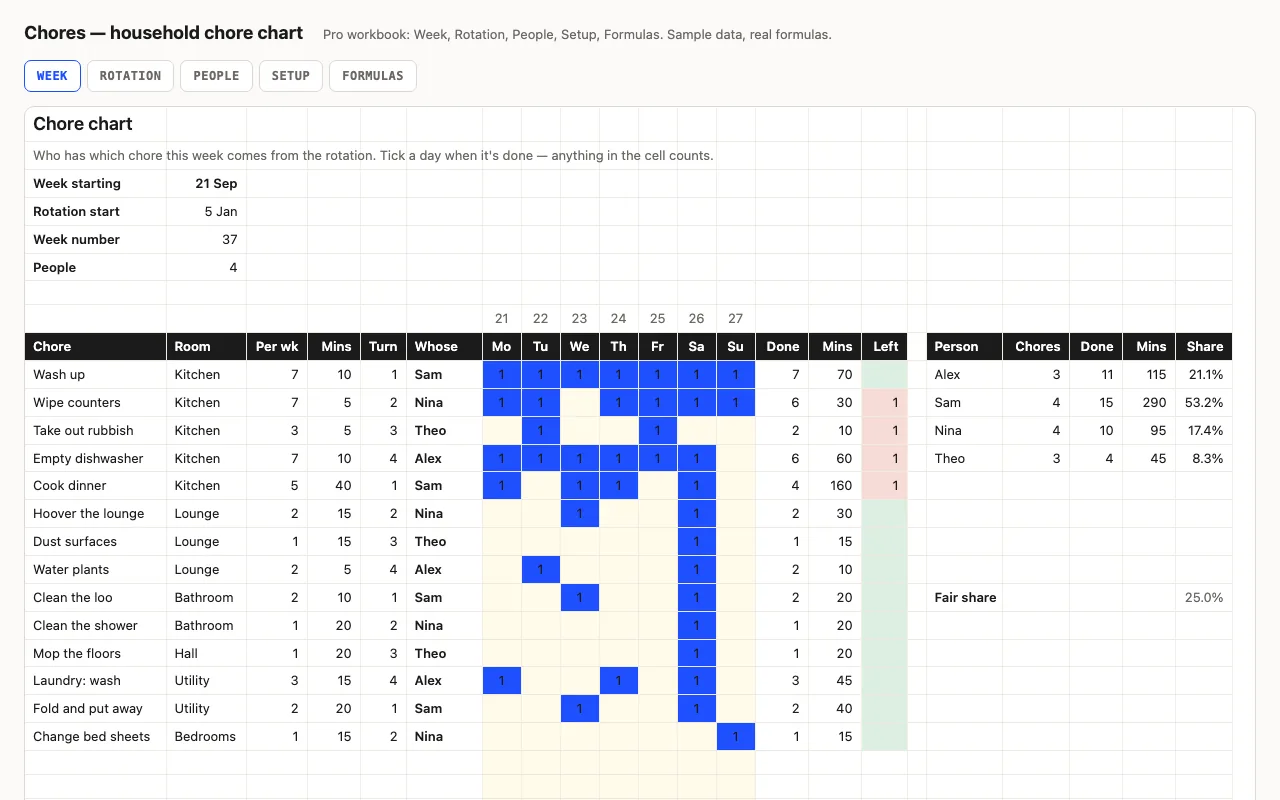
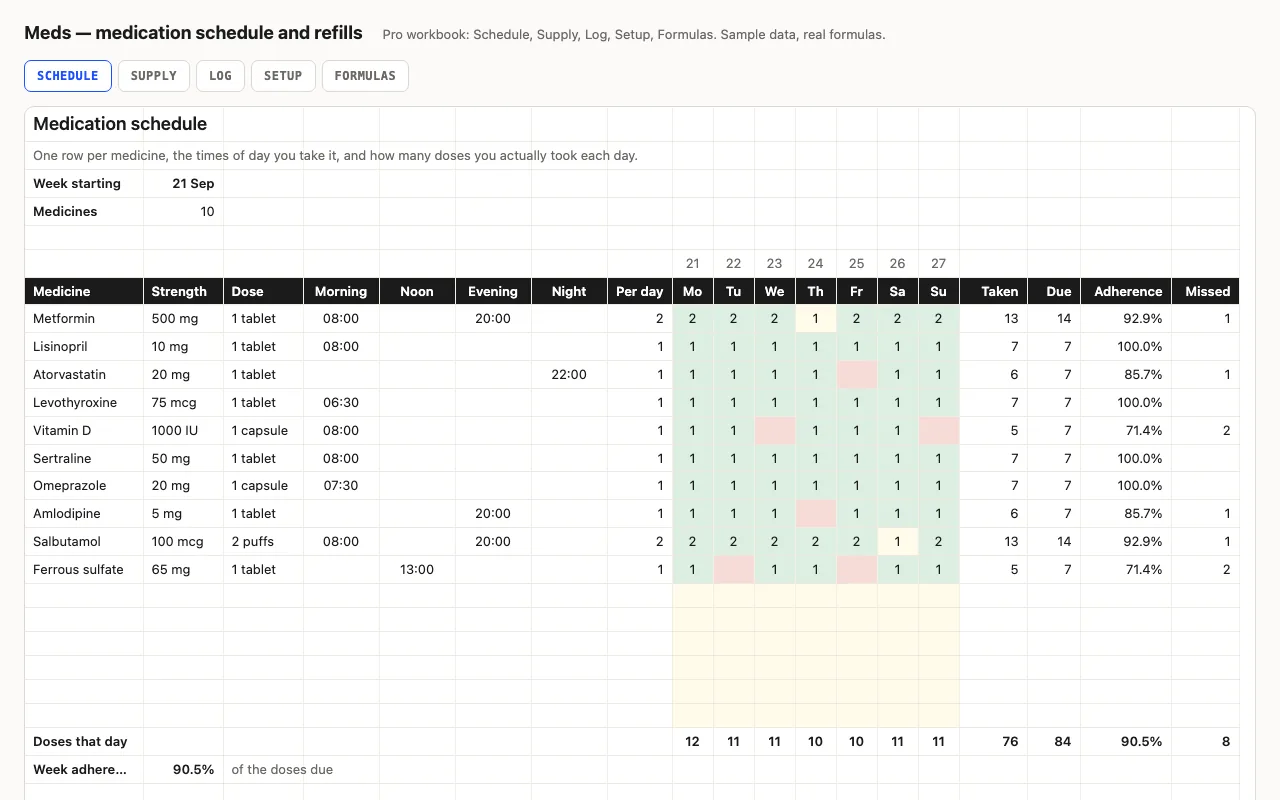
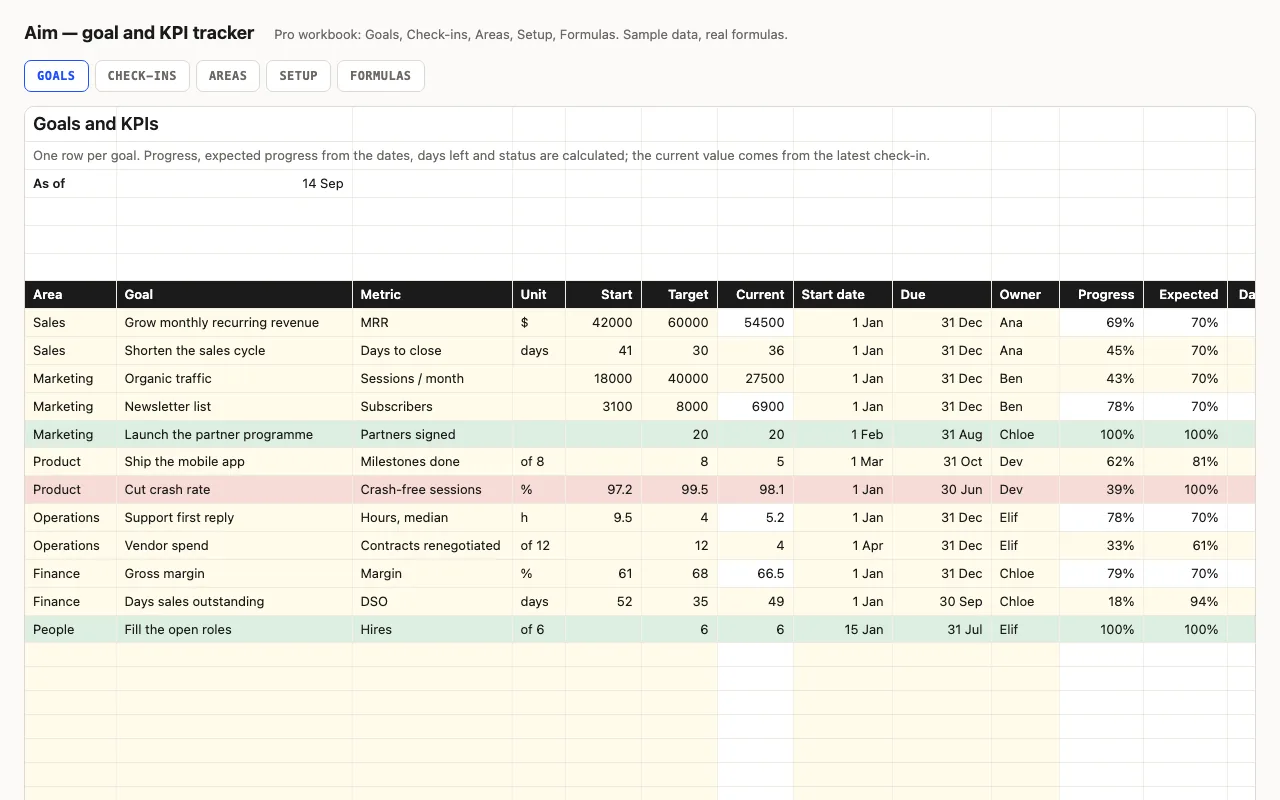
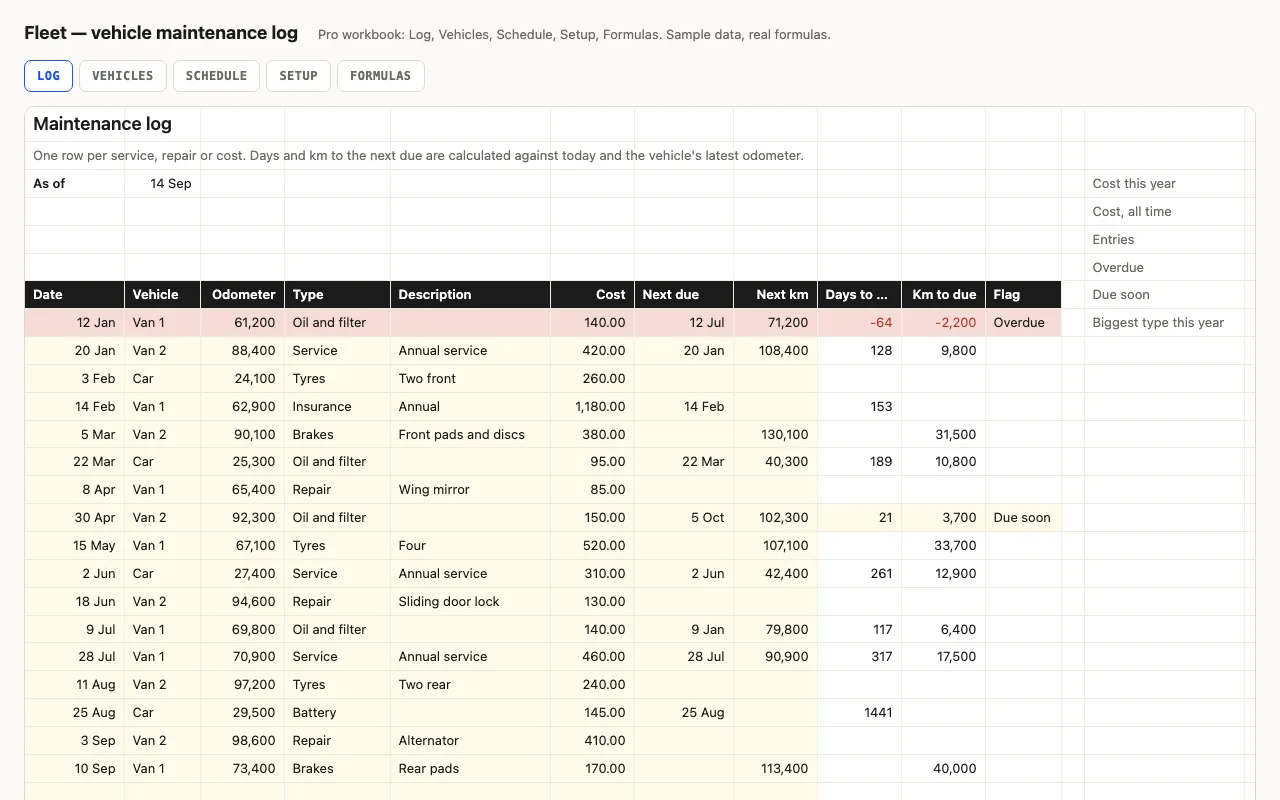
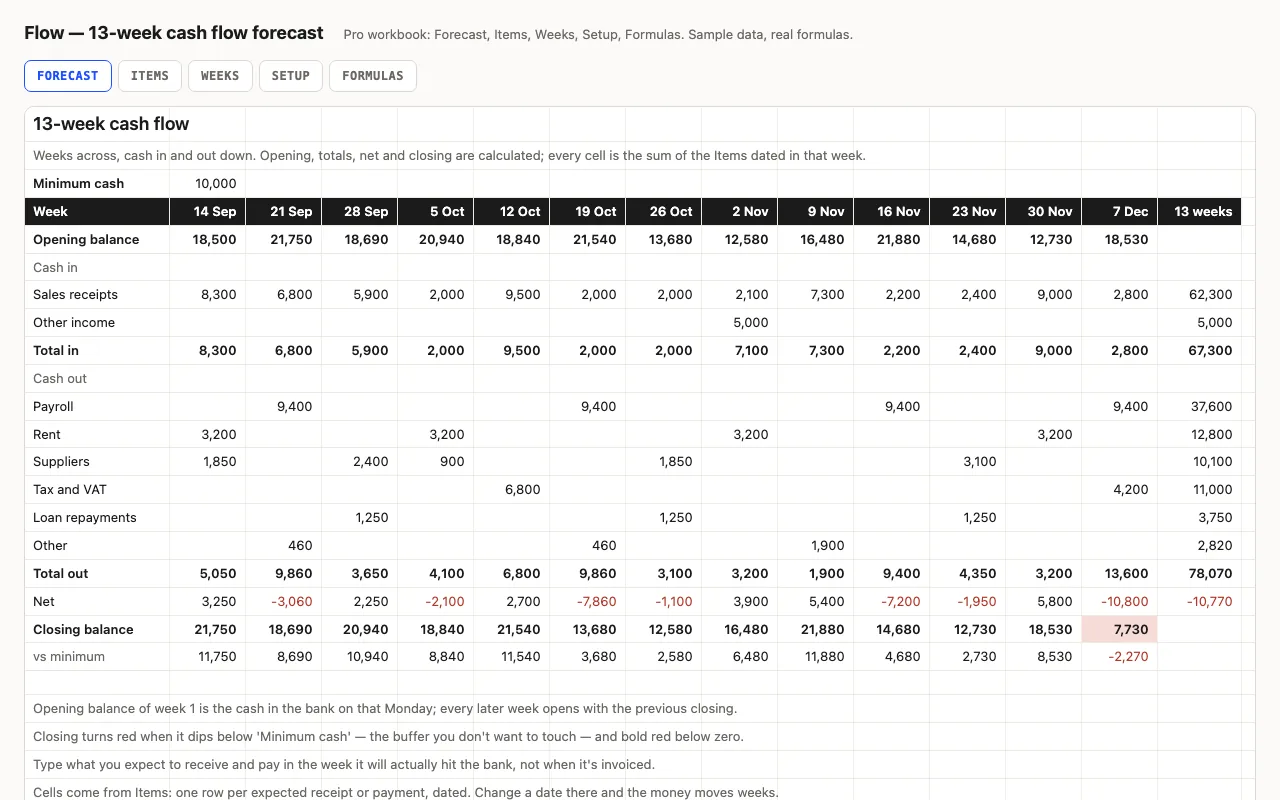
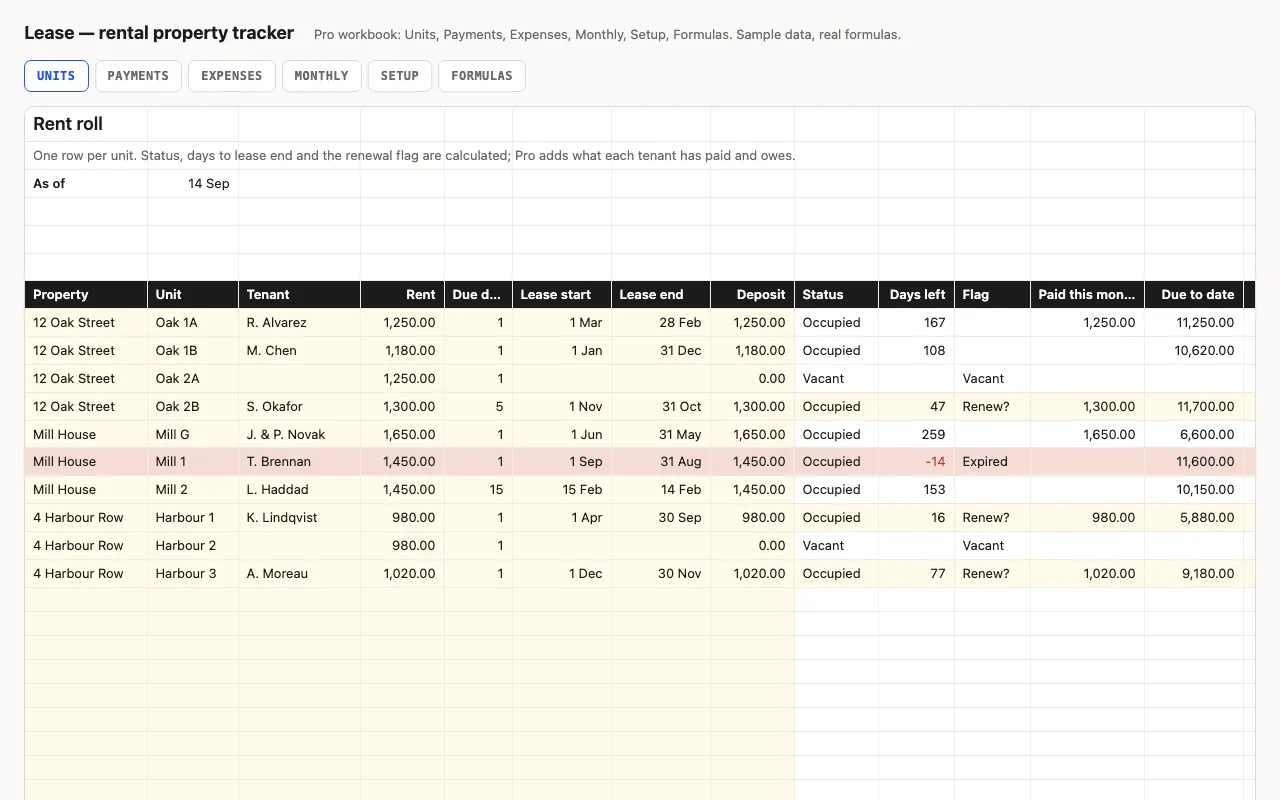
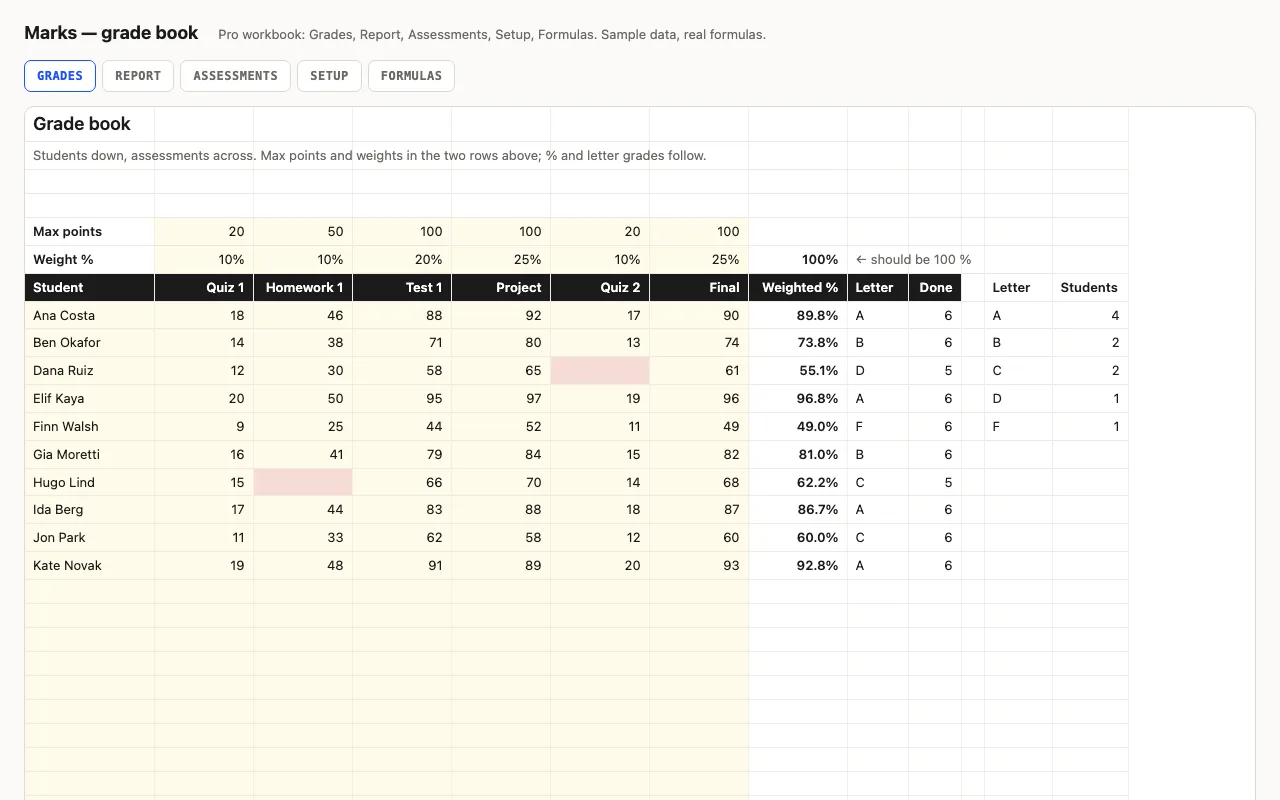
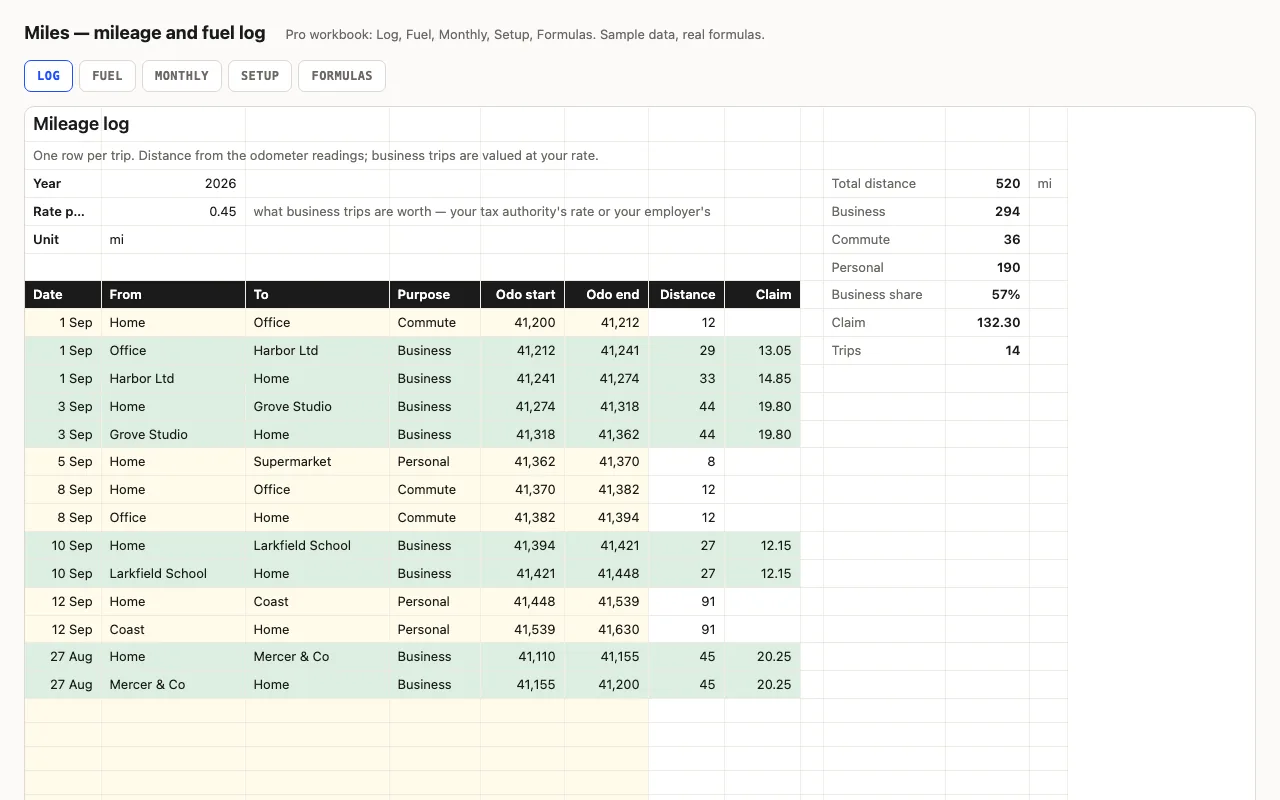
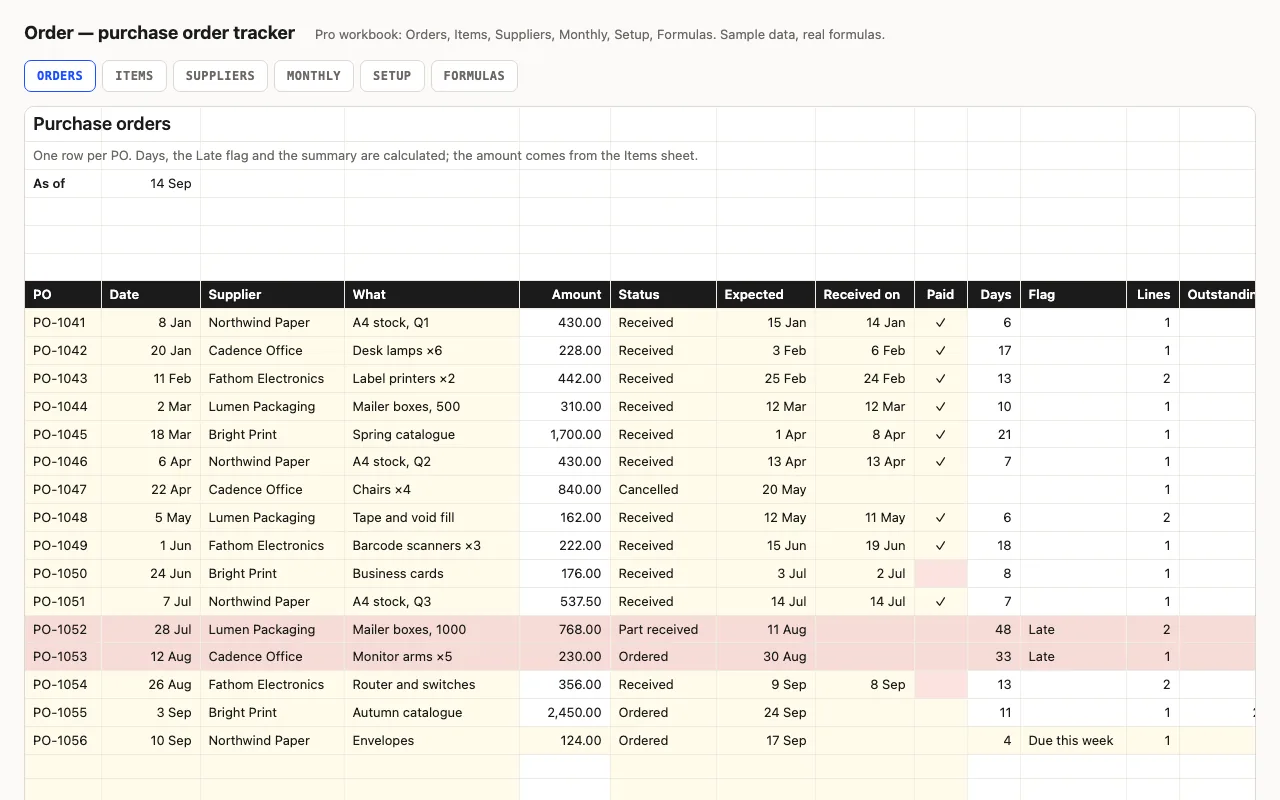
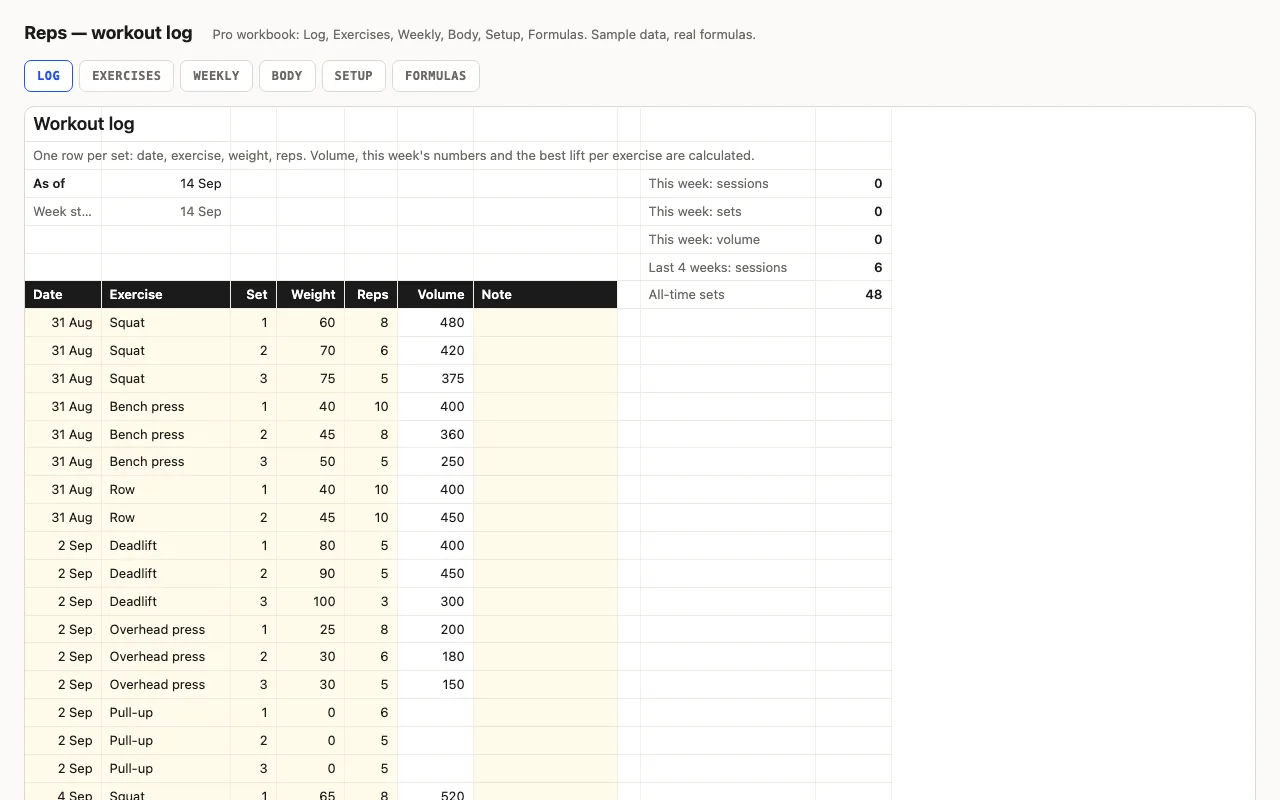
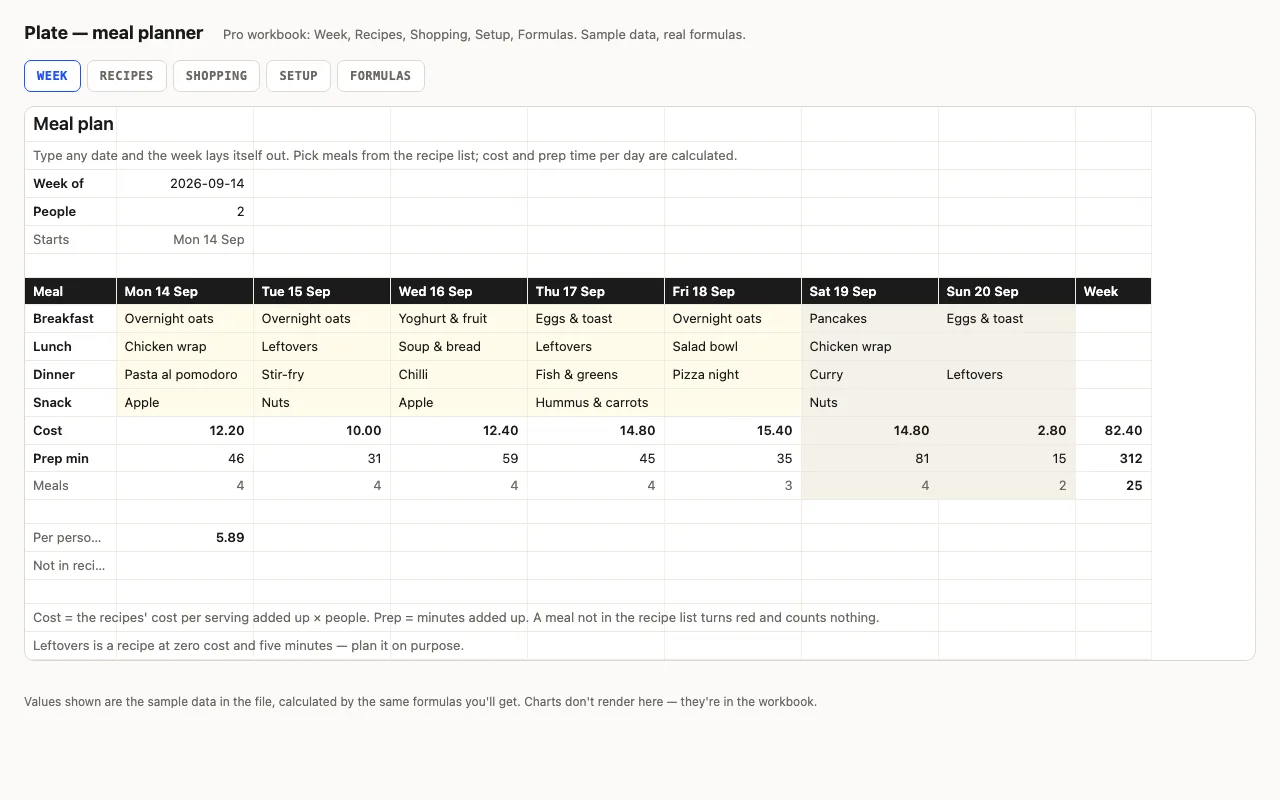
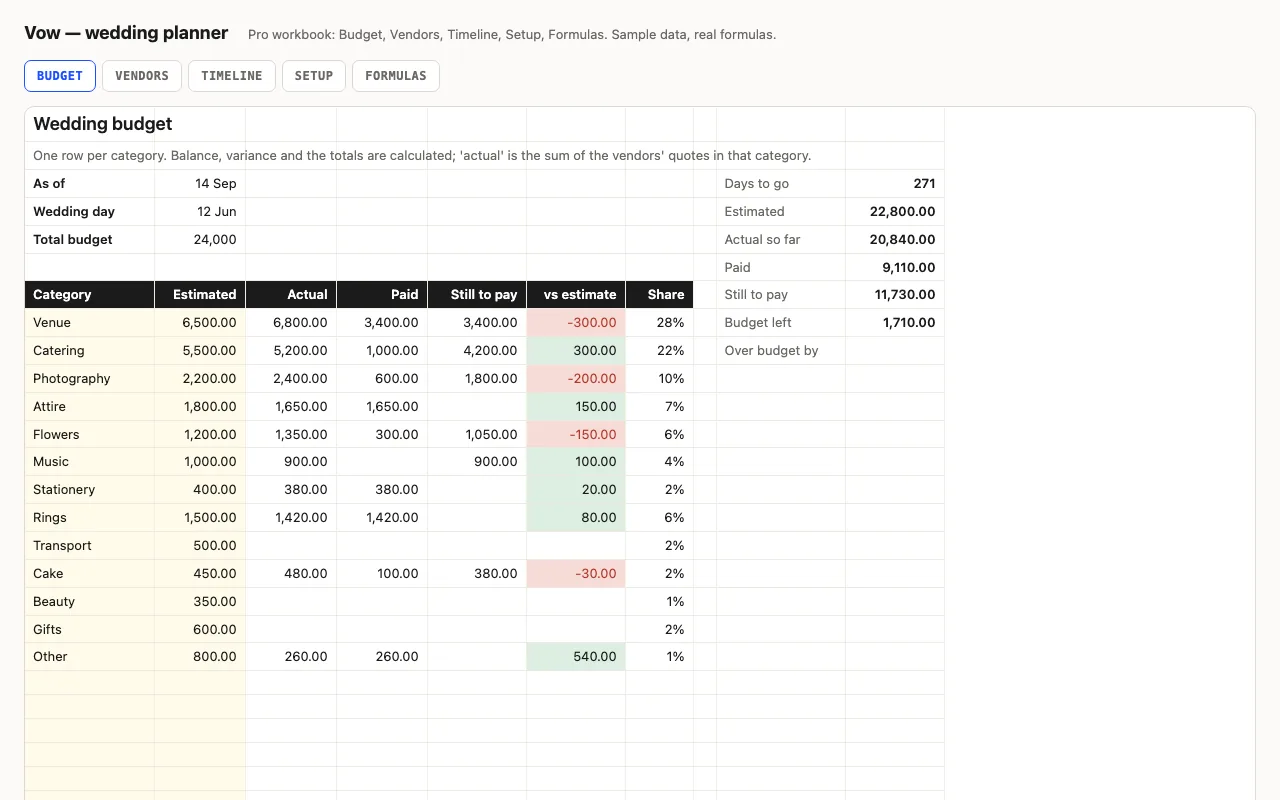
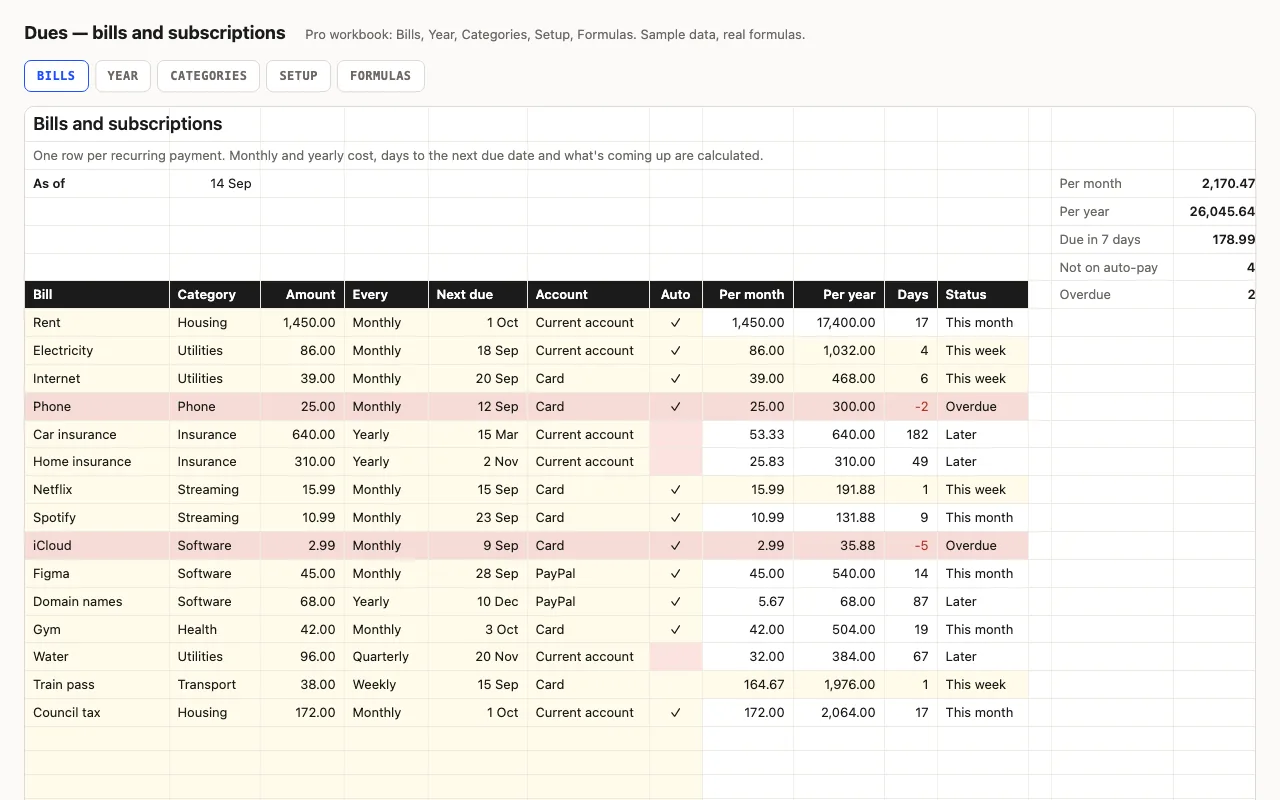
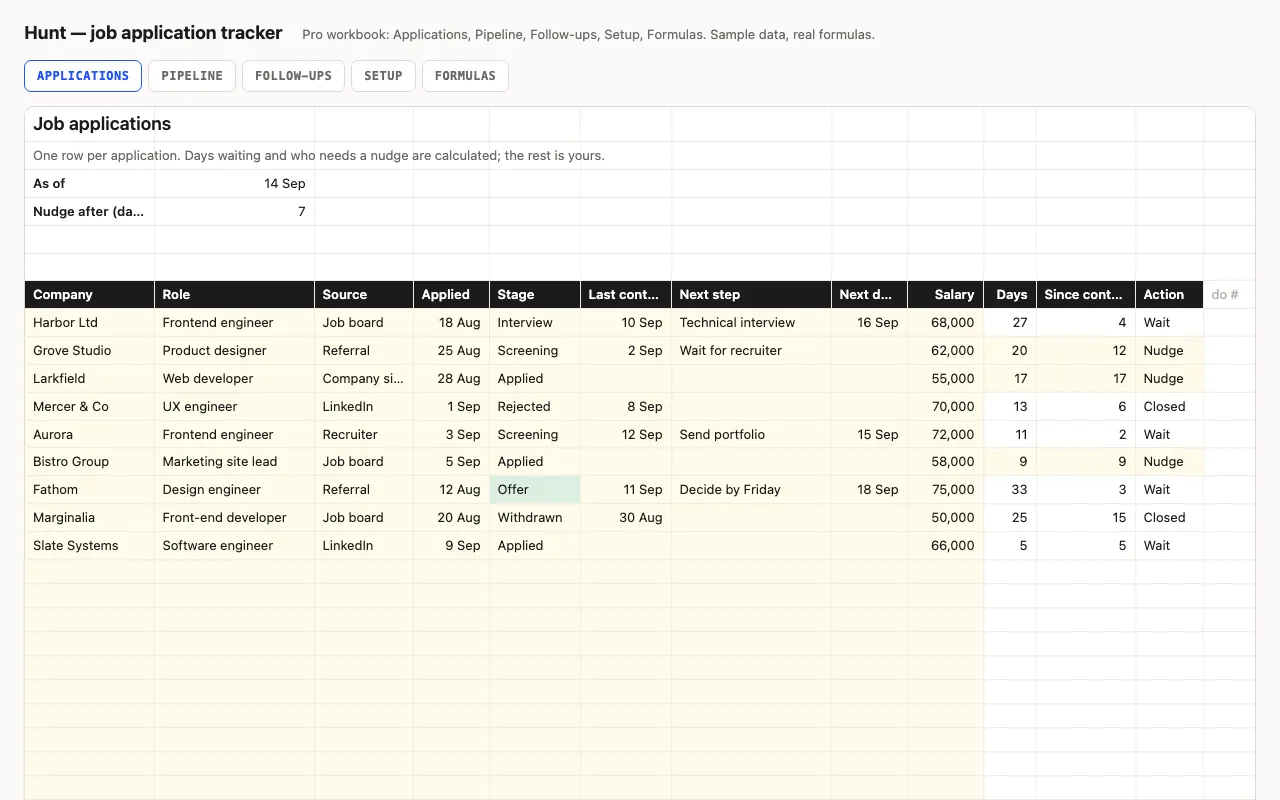
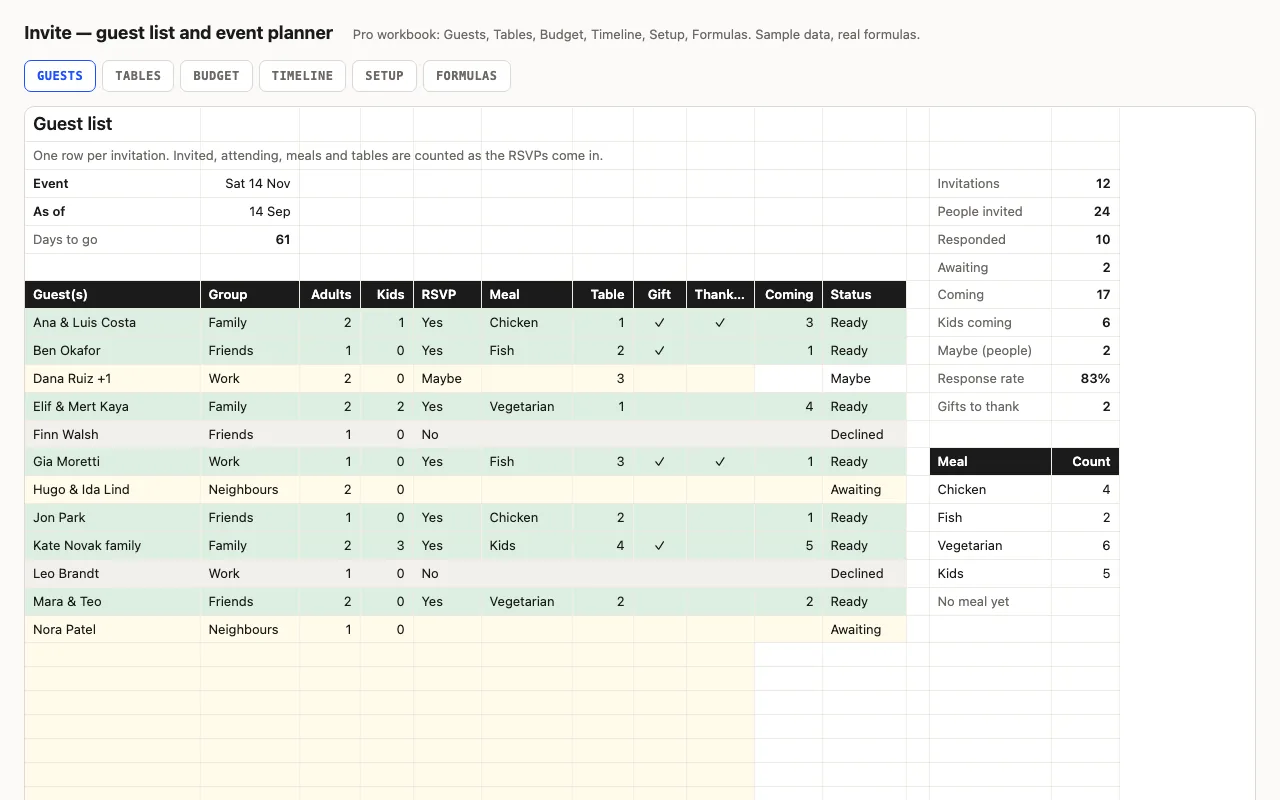
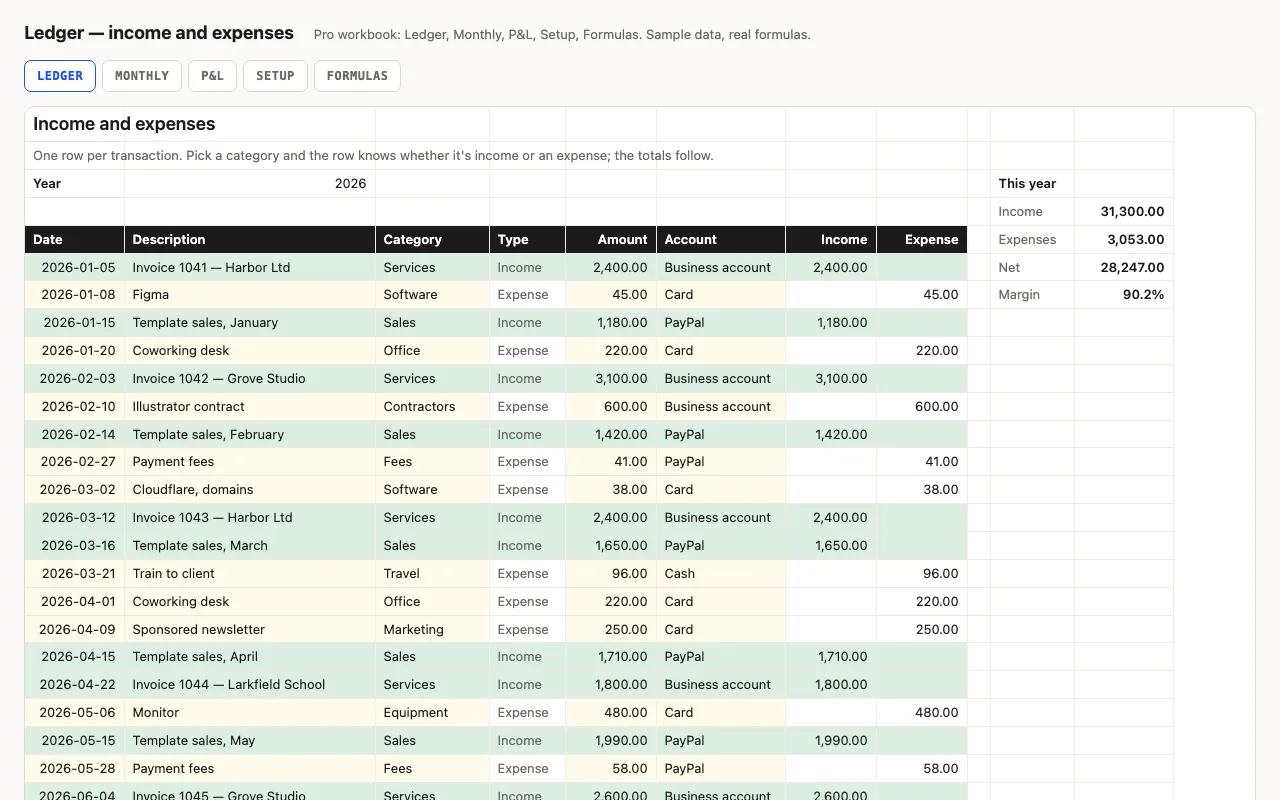
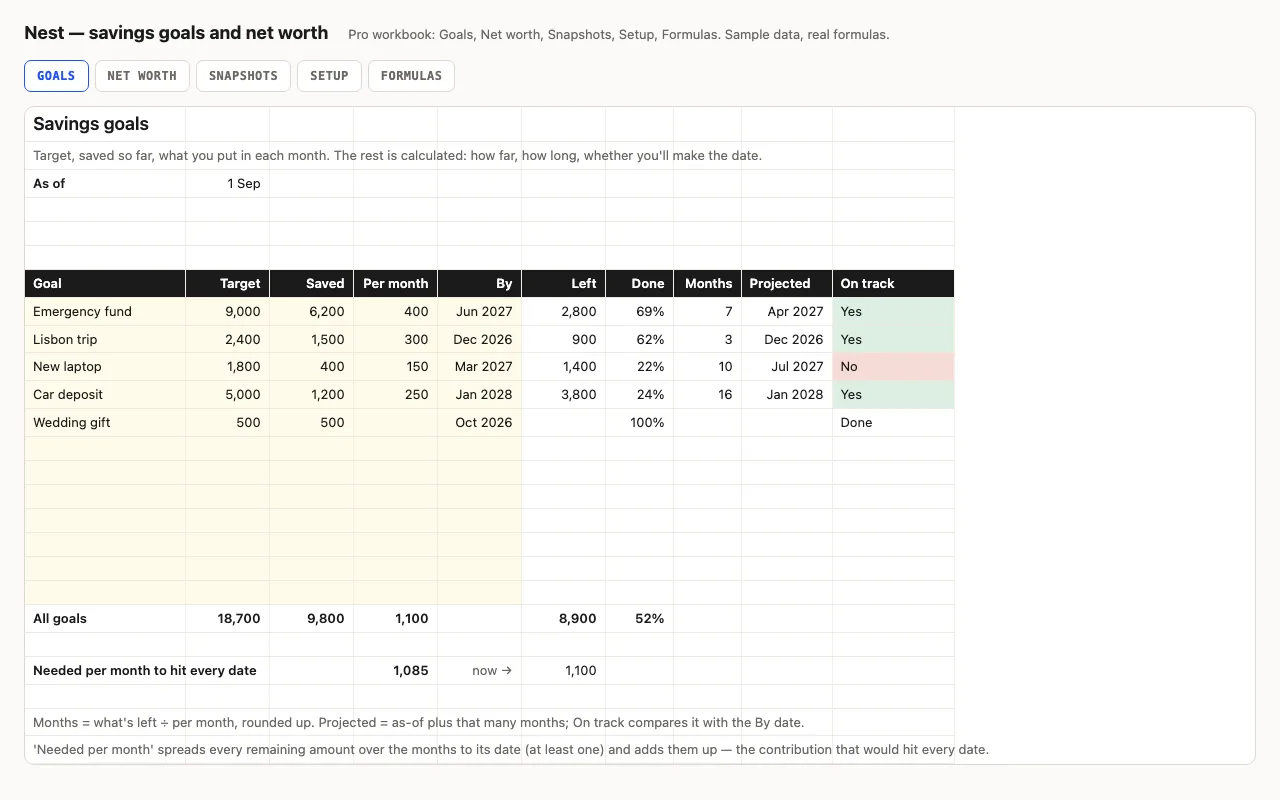
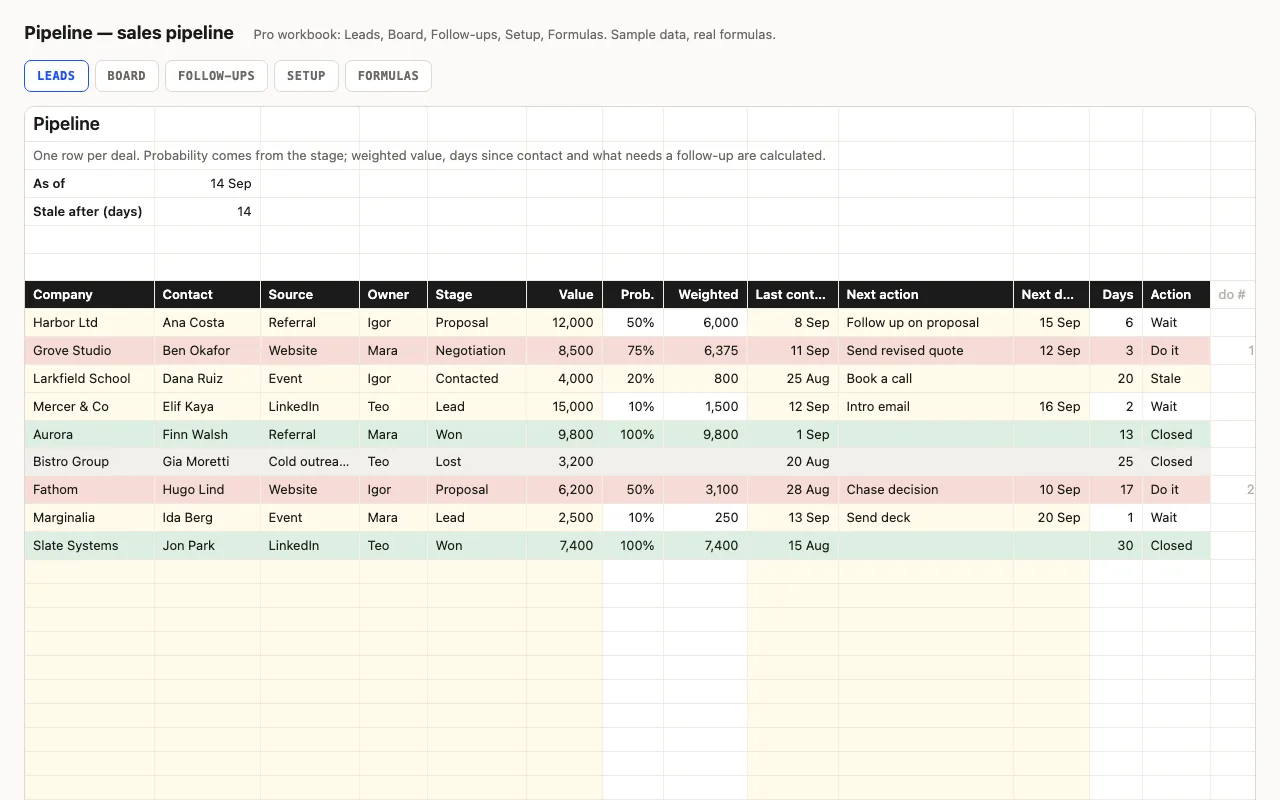
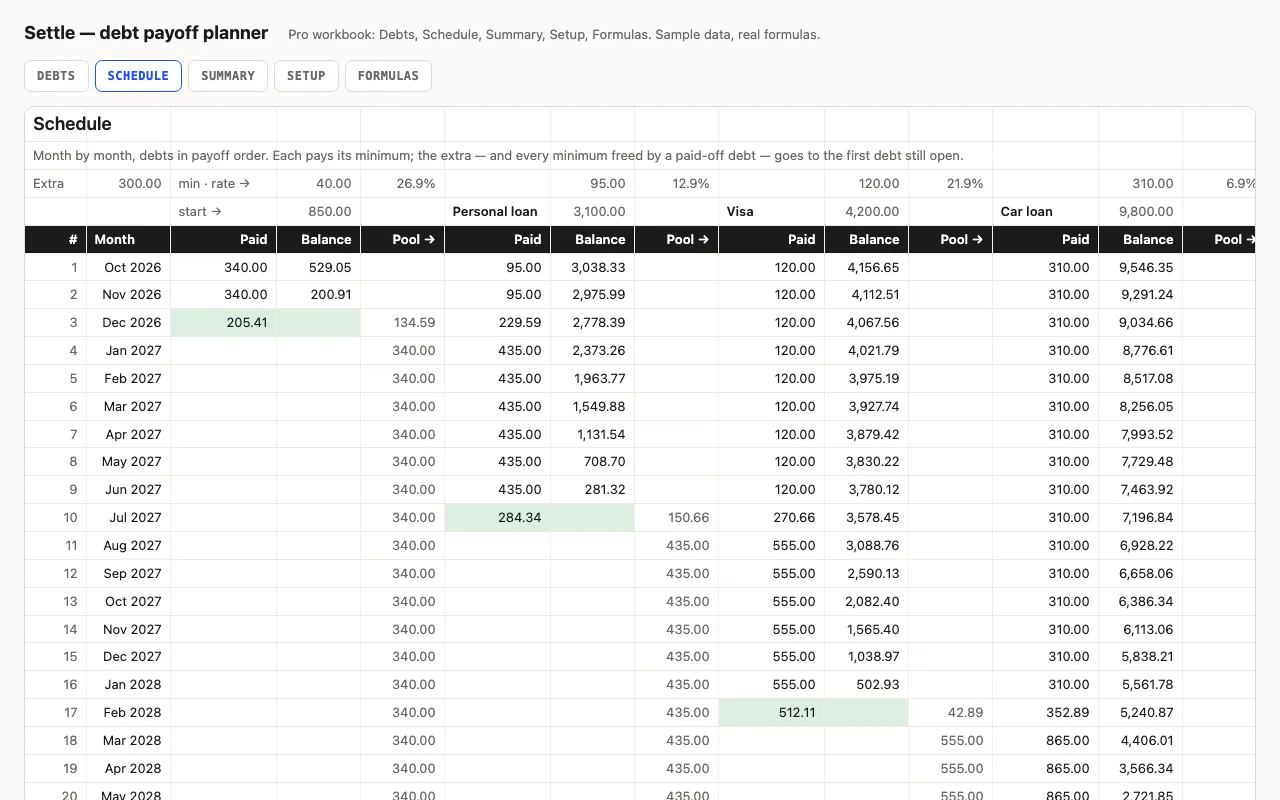
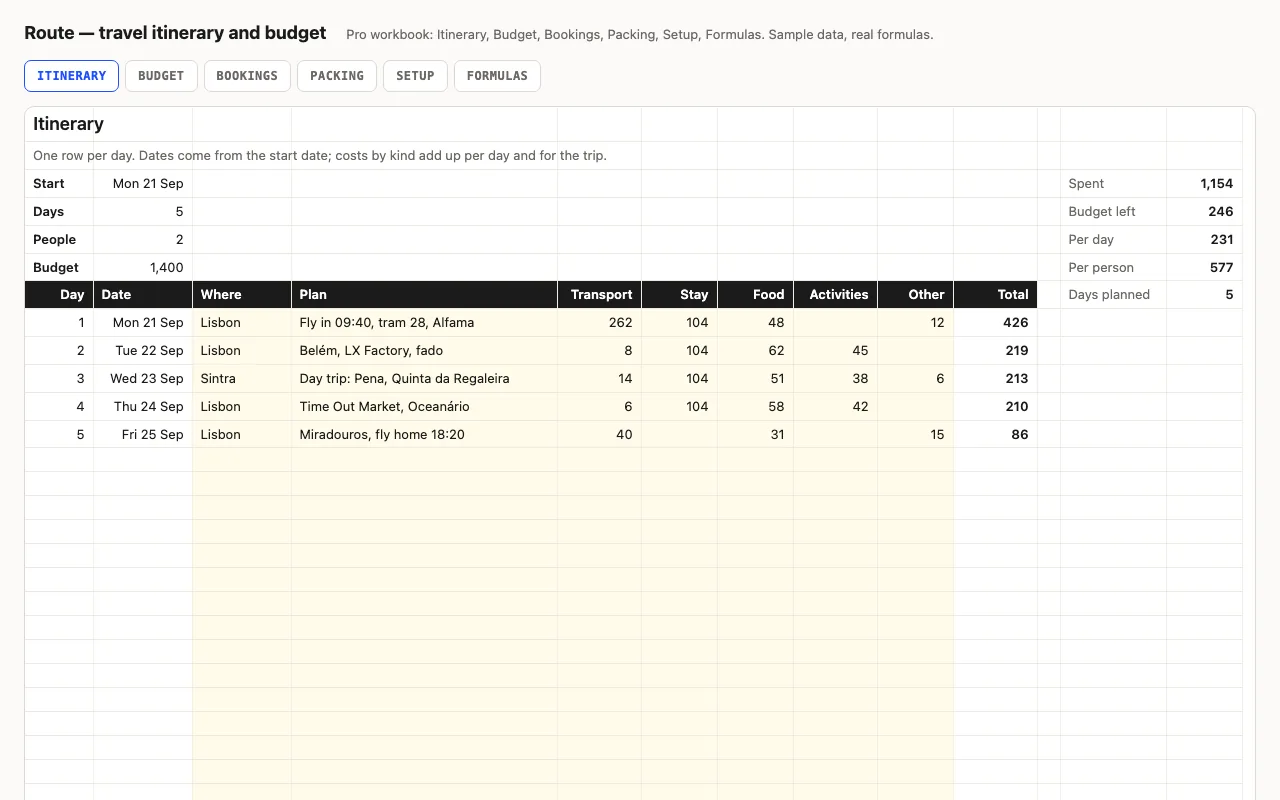
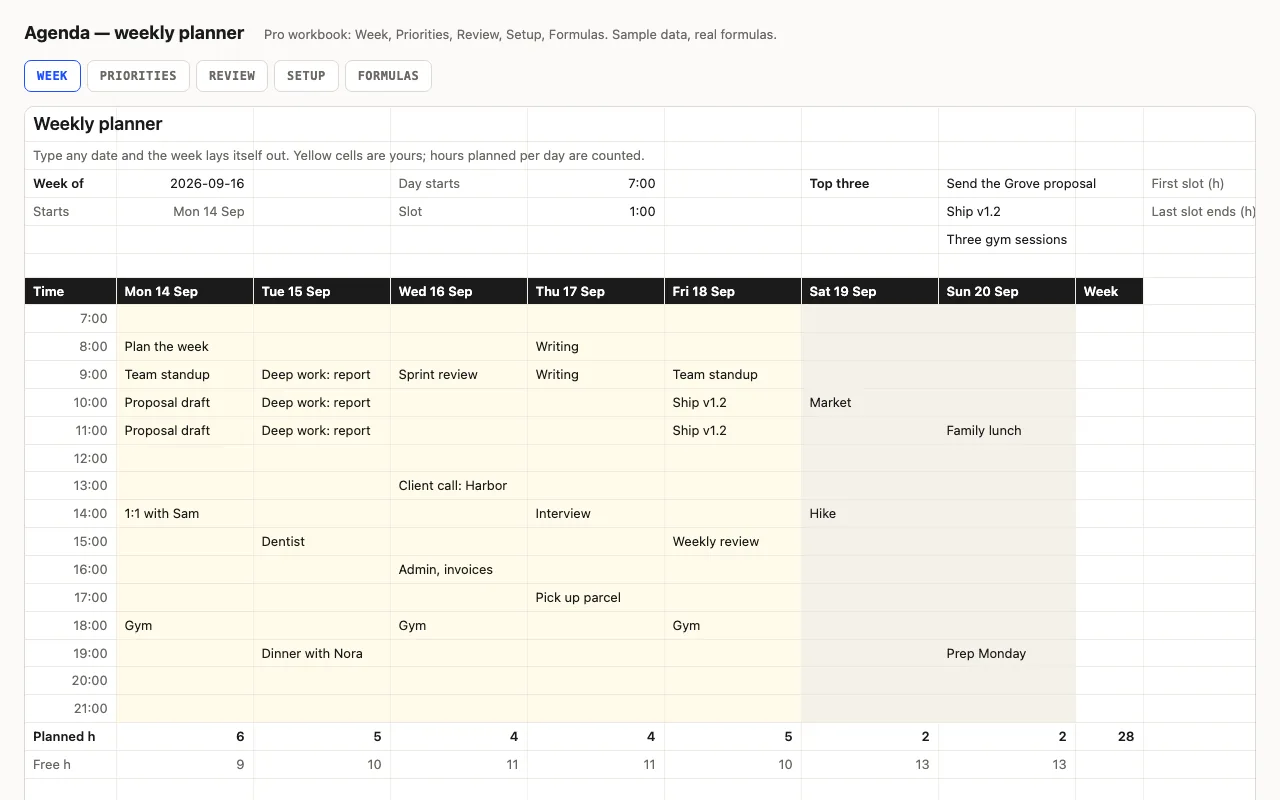
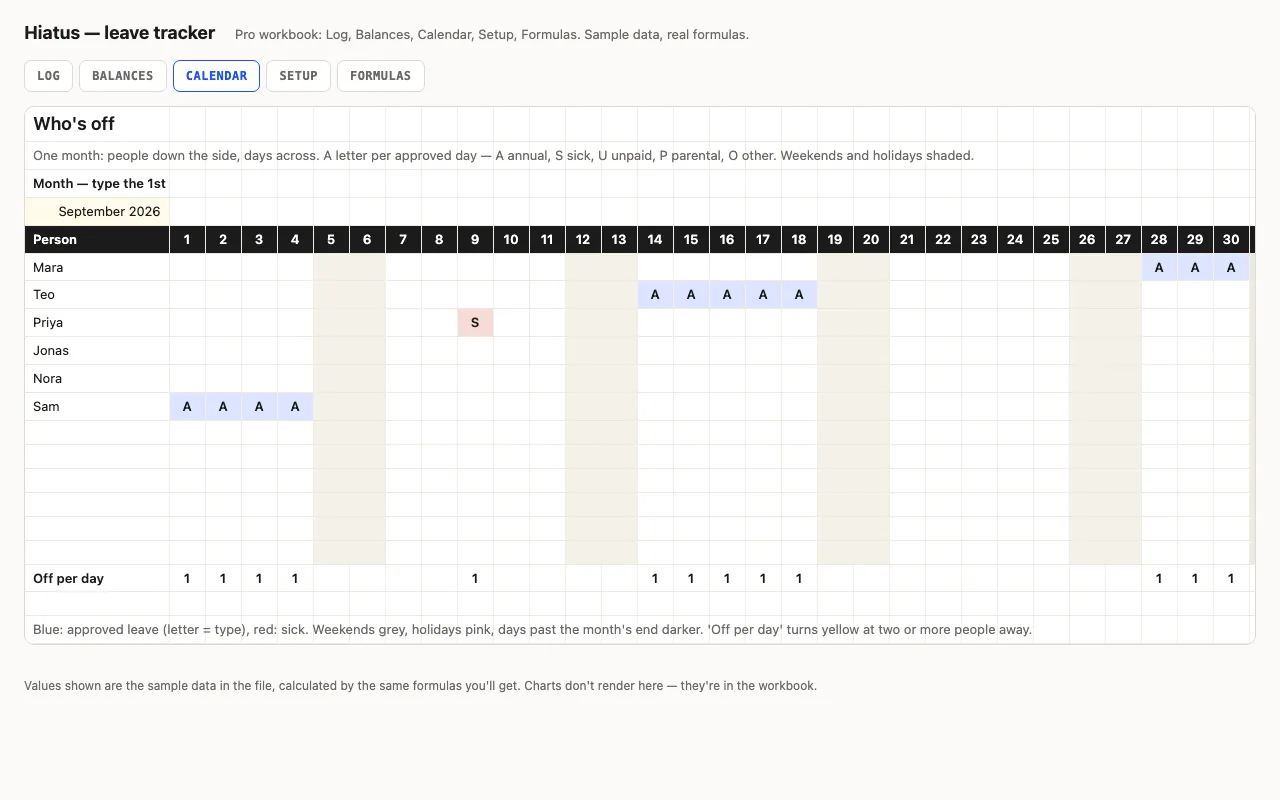
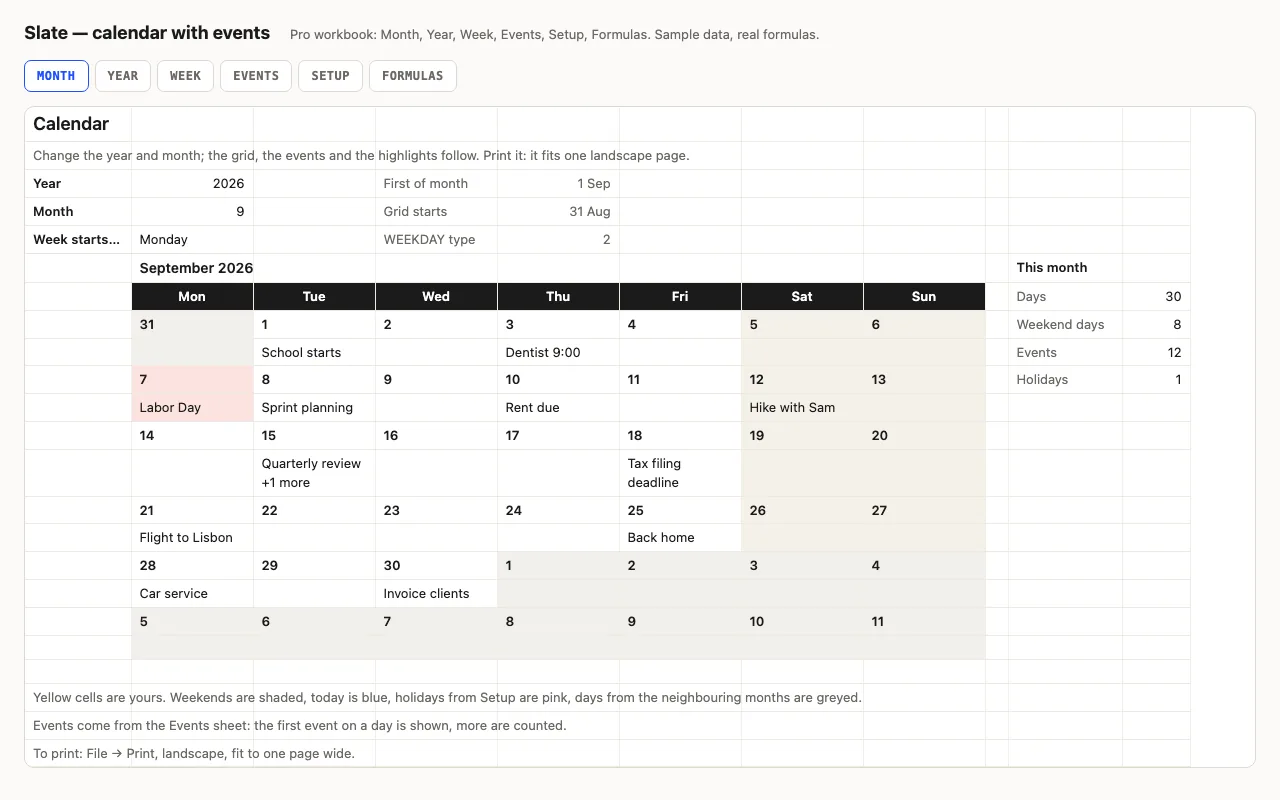
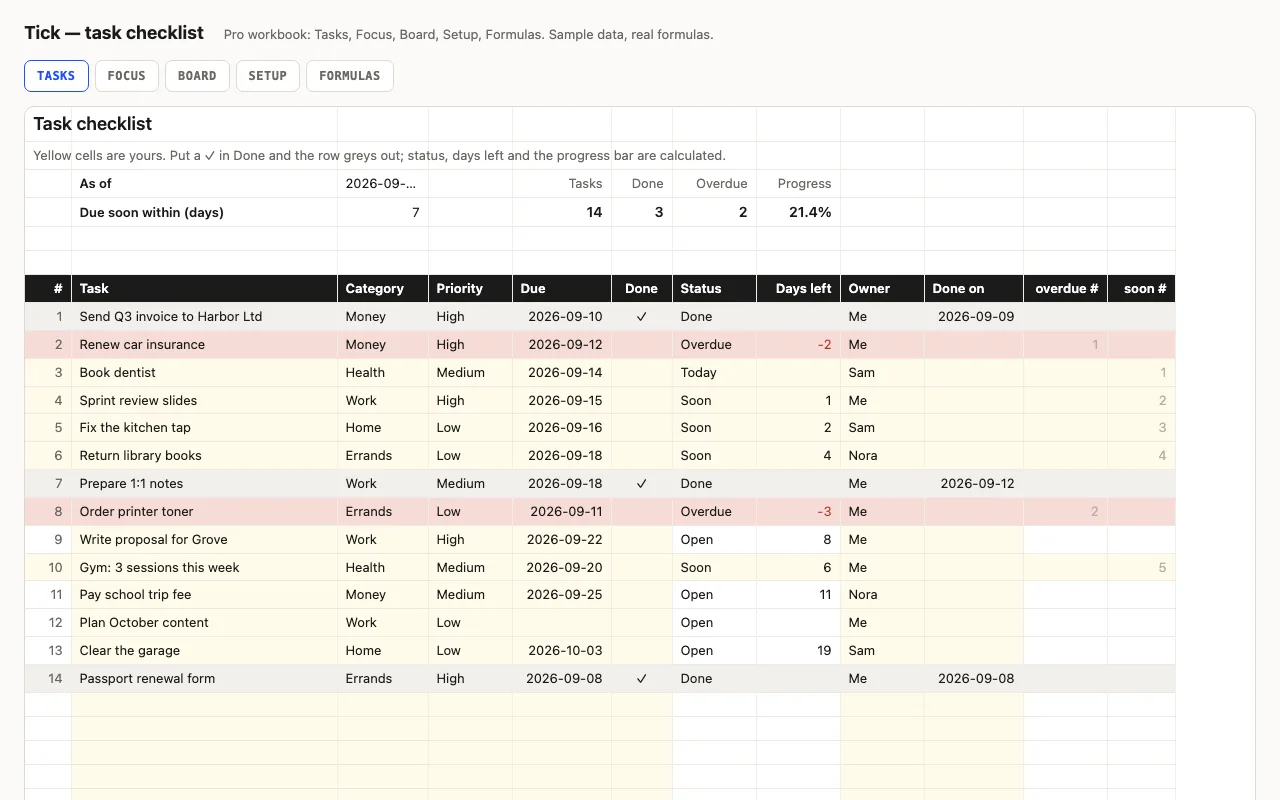
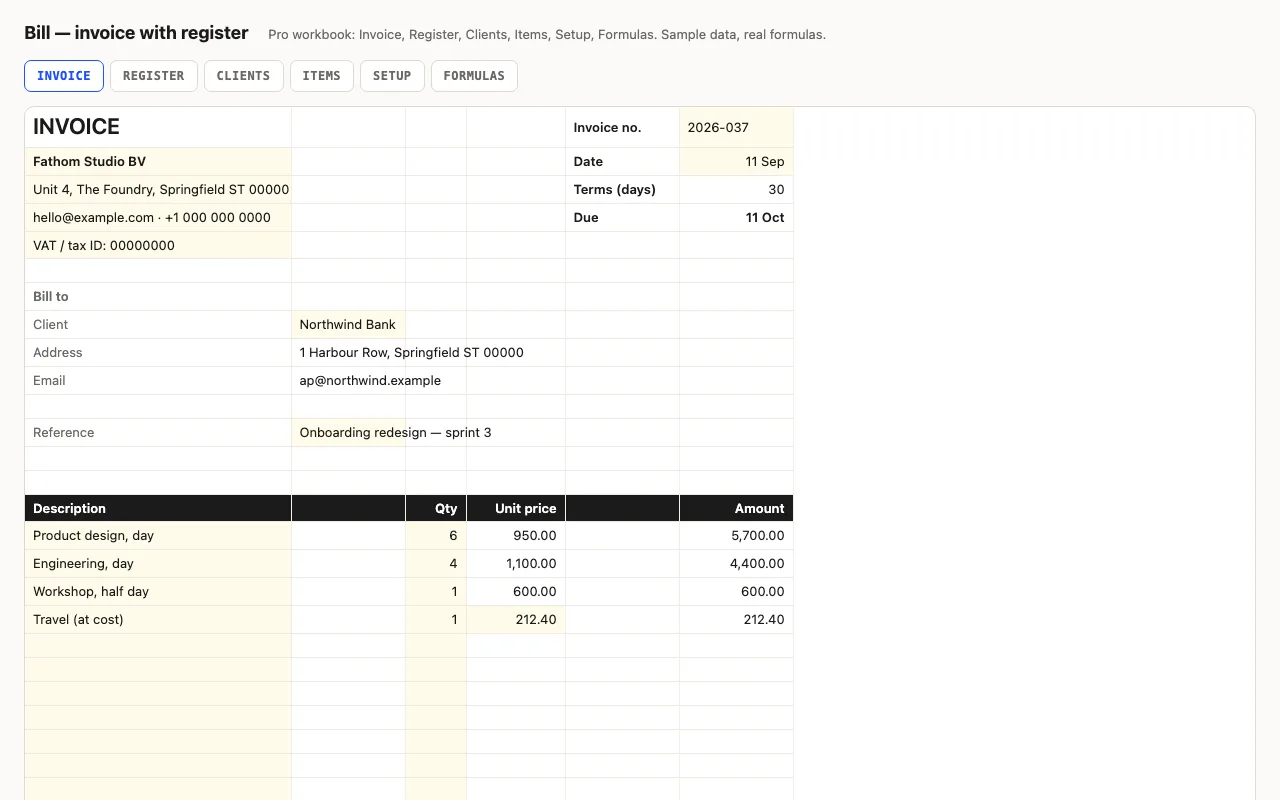
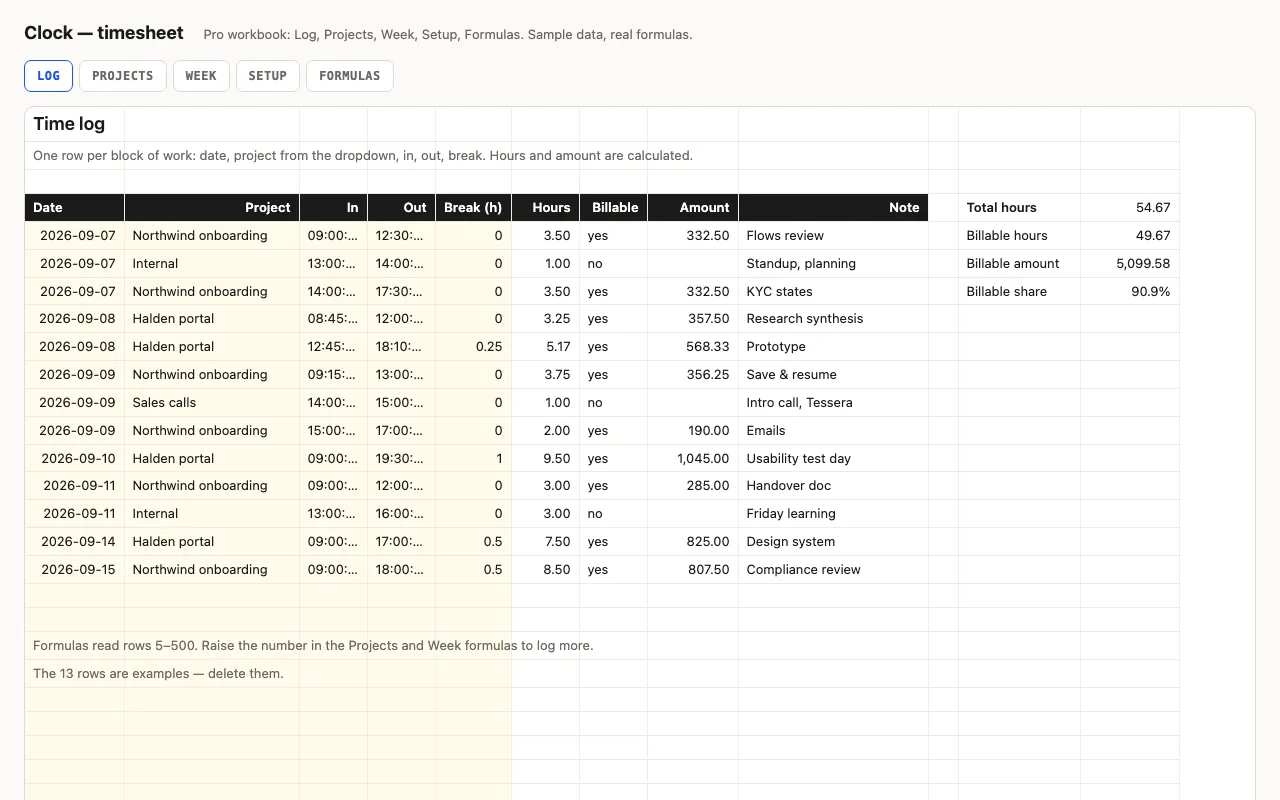
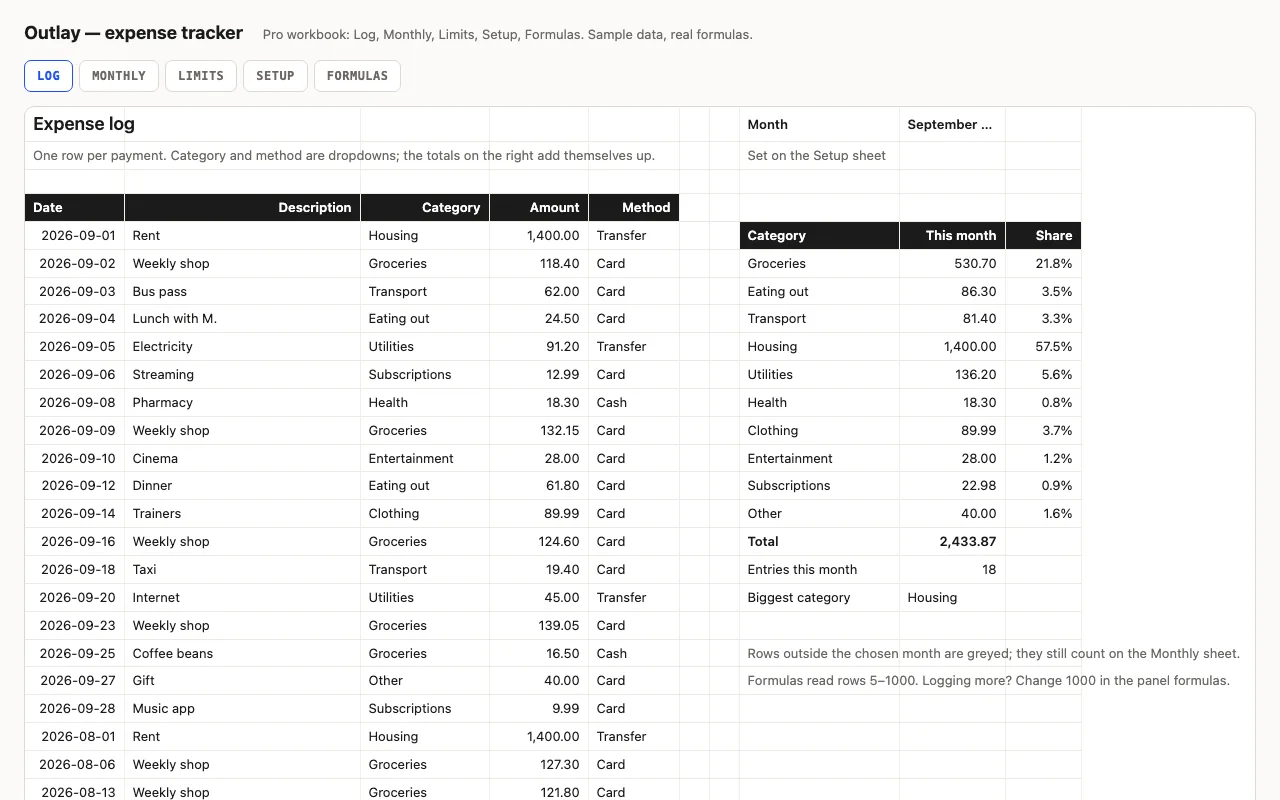
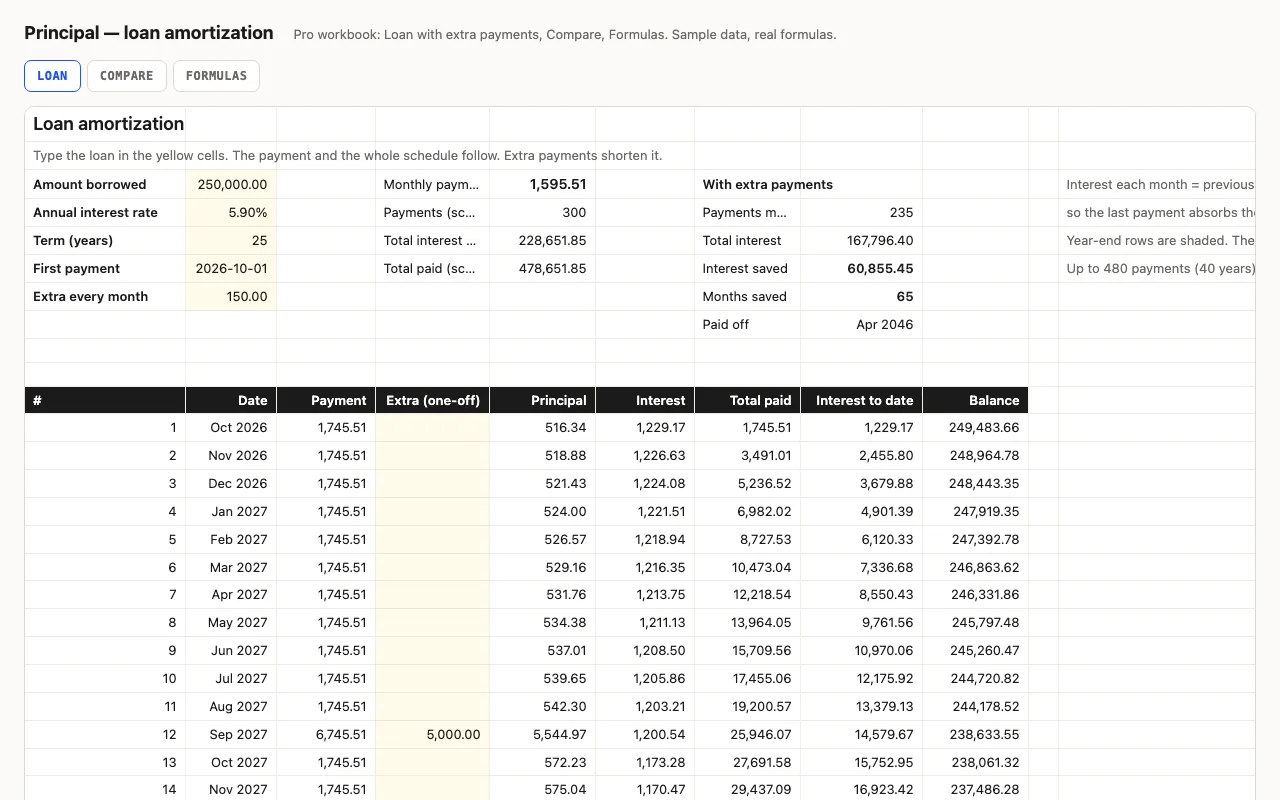
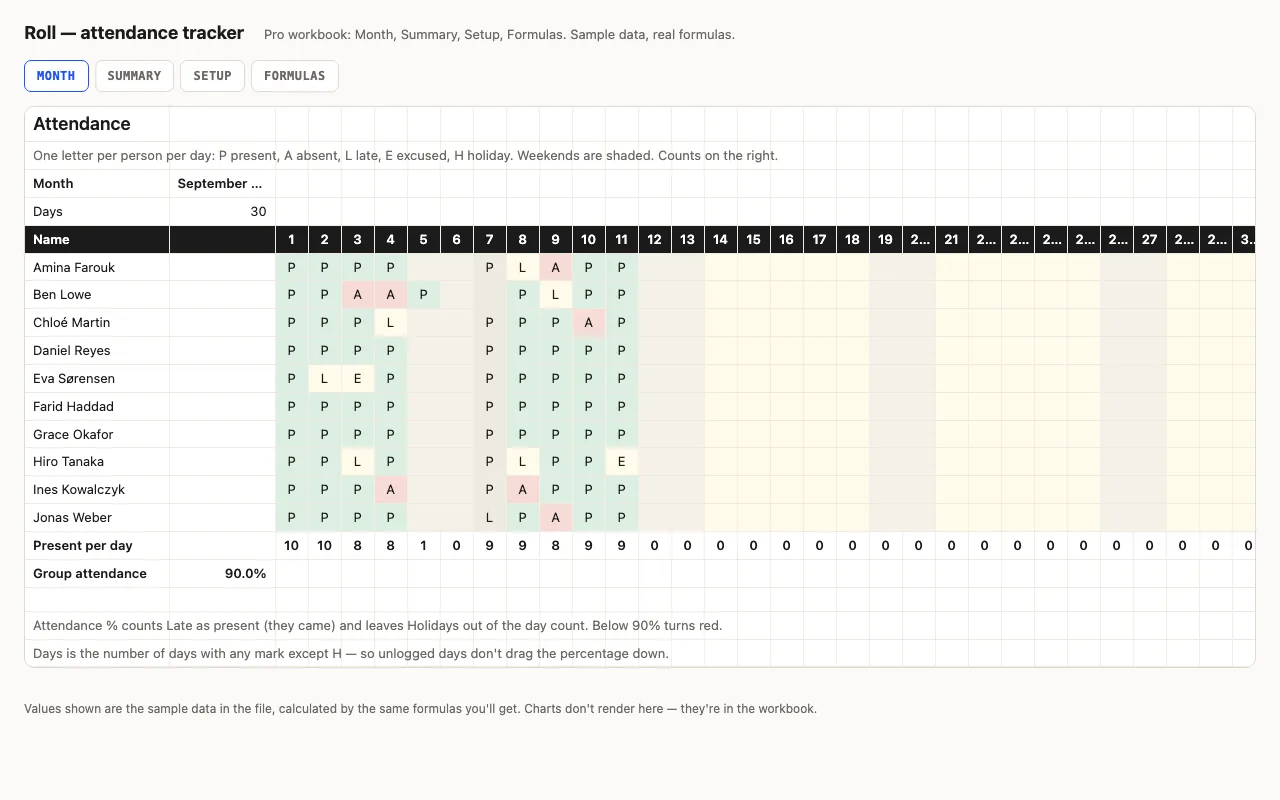
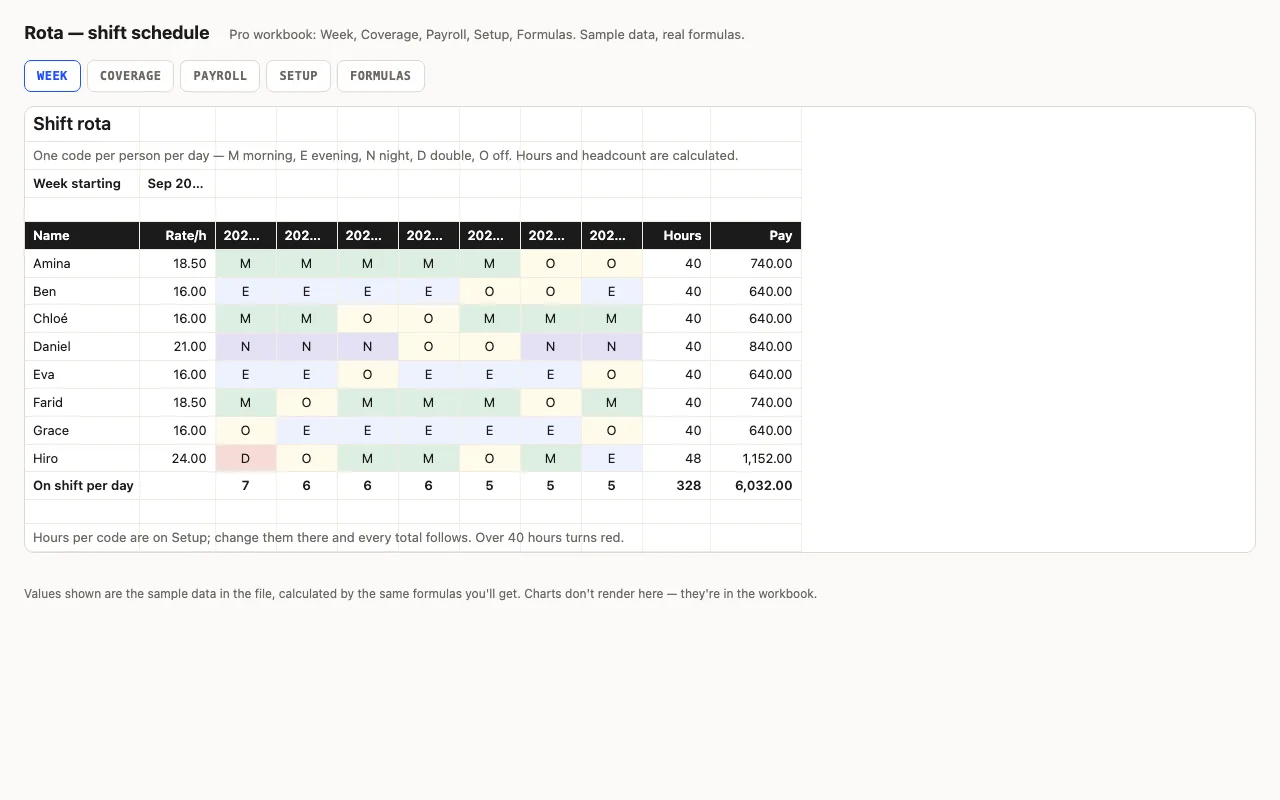
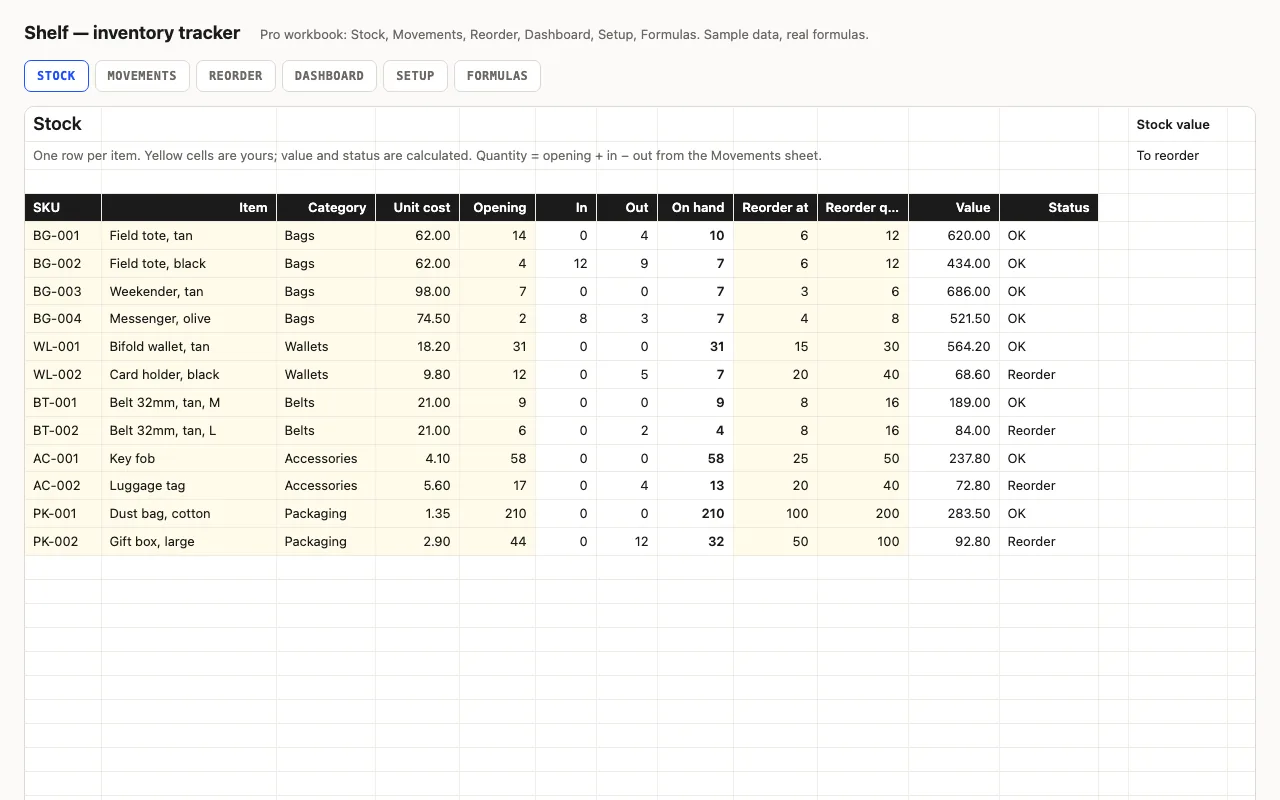
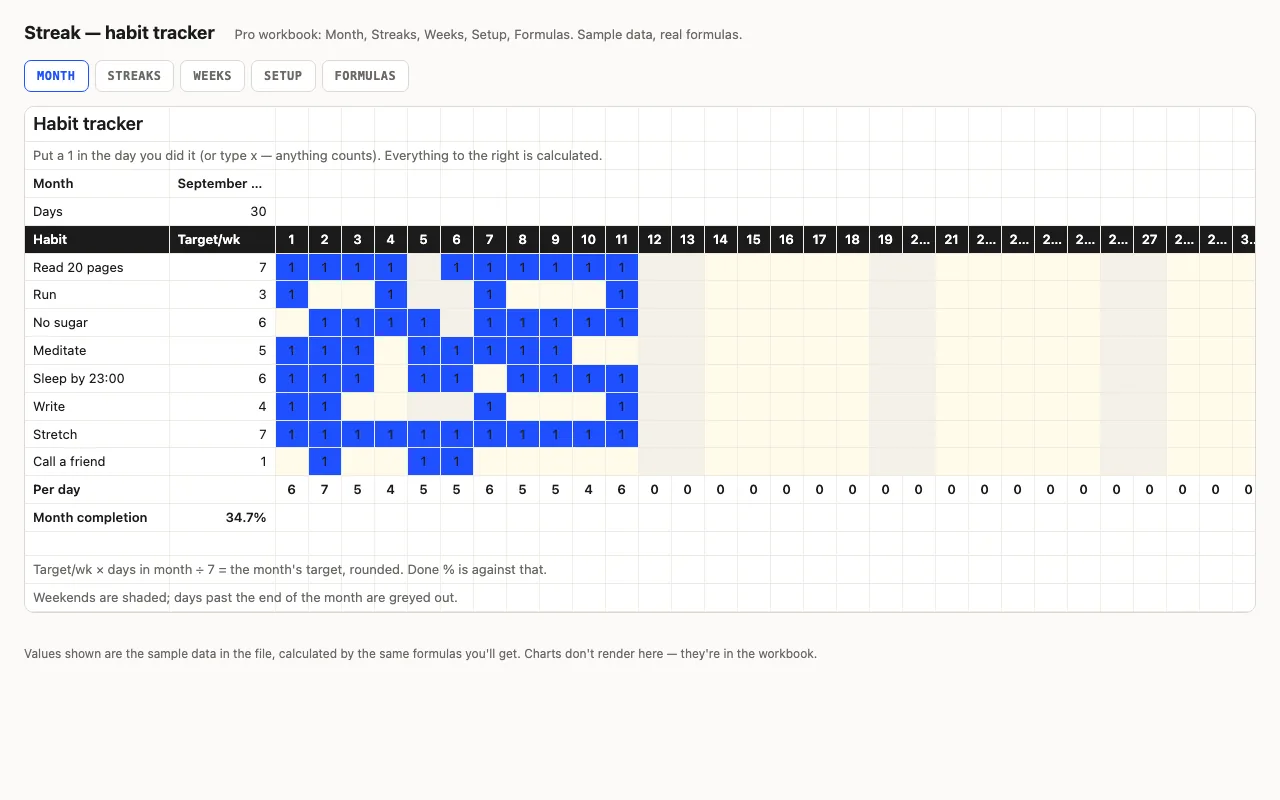
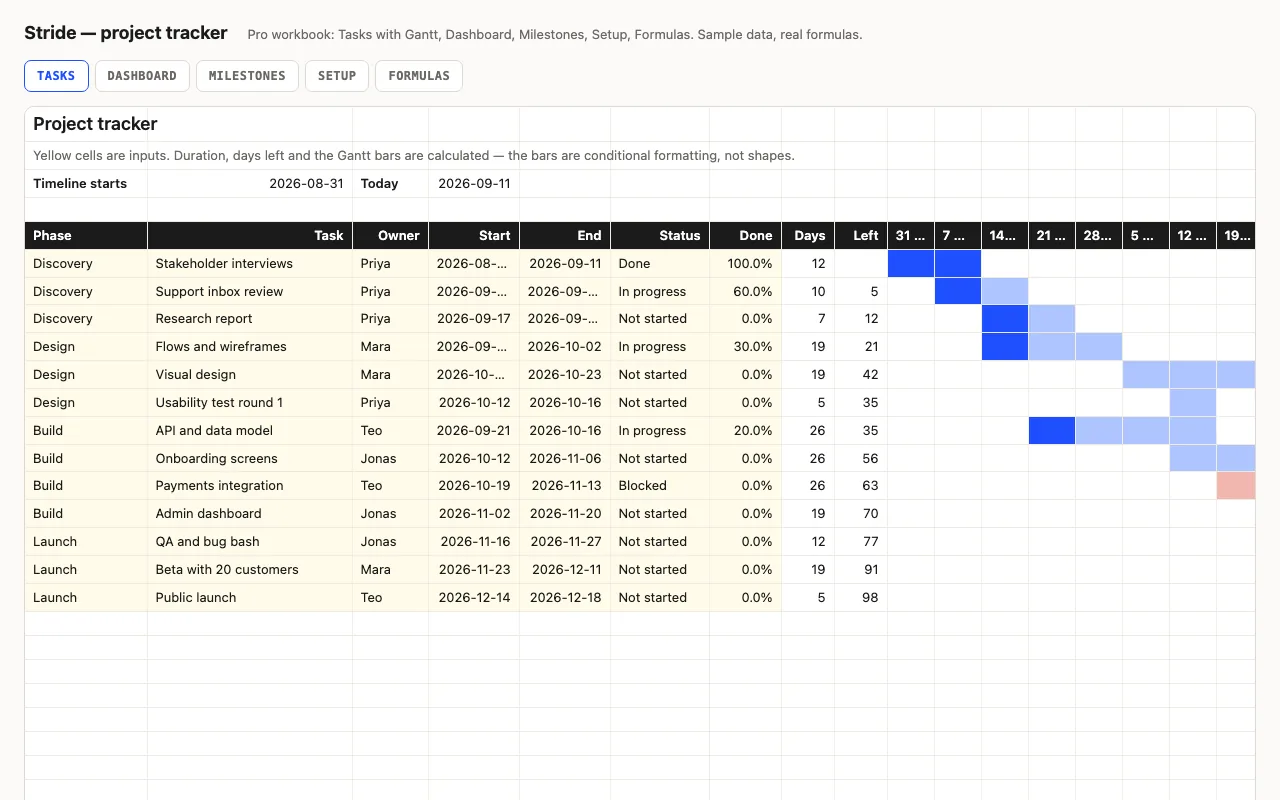
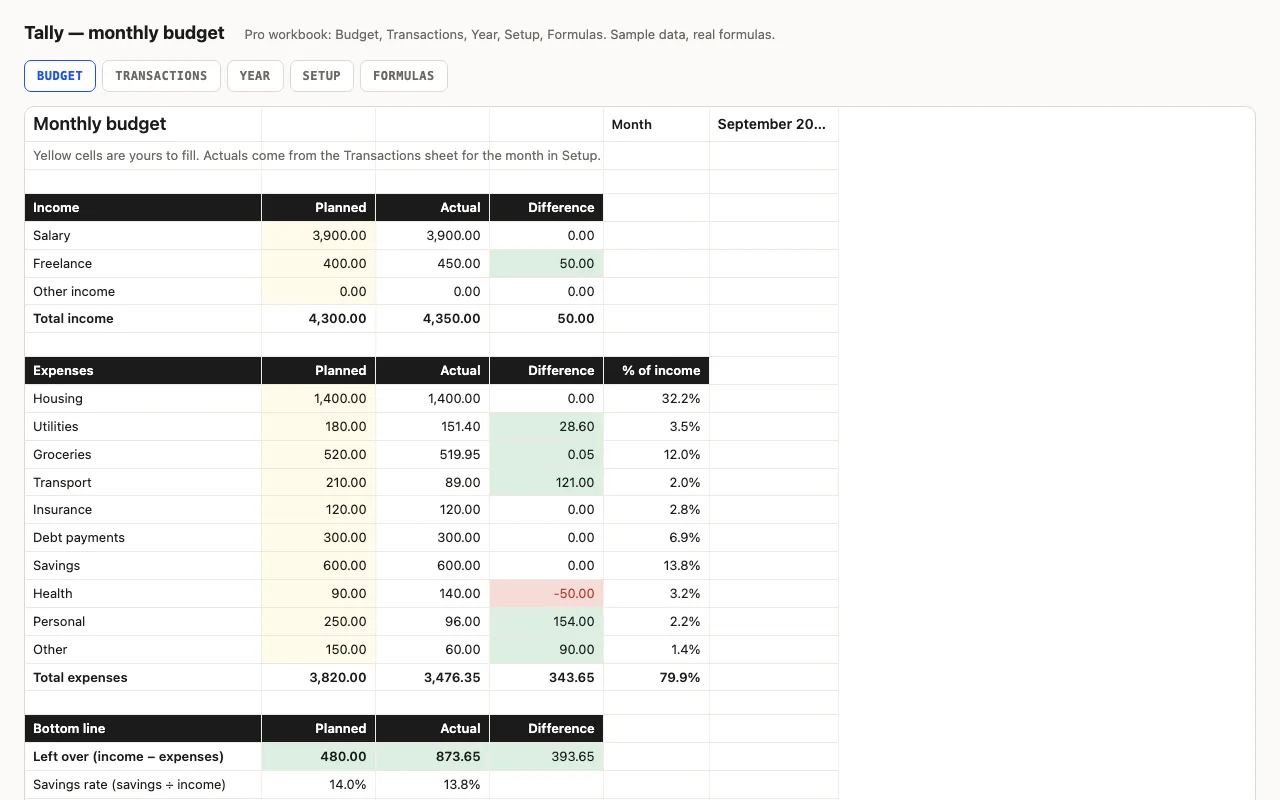
Most "works in LibreOffice" labels mean somebody opened the file once. Ours means the build script does: each workbook is loaded headless in LibreOffice Calc, recalculated, and its results are checked against expected values computed in Python — the same check runs in a second, independent formula engine. A single #NAME? or #VALUE! anywhere in the file fails the build. The screenshots on every product page are rendered from those LibreOffice results.
What that rules out
No macros (so no VBA that Calc would ignore), no FILTER, XLOOKUP, LET or dynamic arrays, no whole-column ranges, no add-ins. Where a modern function would be shorter, the workbook uses the portable form and explains it on a Formulas sheet — SUMPRODUCT(MAX(…)) instead of MAXIFS, a running COUNTIF instead of FILTER. The guide to building without macros lists every rule.
Working in Calc
Yellow cells are inputs, everything else is a formula. Data validation shows as a dropdown arrow on the cell; conditional formats are under Format → Conditional → Manage if you want to see or change the rules. To keep a native copy, Save As → ODF Spreadsheet; to hand the file back to an Excel user, leave it as .xlsx.
Questions
Do I need to convert the file?+−
No. LibreOffice Calc opens .xlsx directly — File → Open, or double-click. Keep it as .xlsx if you share it with Excel users, or File → Save As → ODF Spreadsheet (.ods) for a native copy.
Do the dropdowns and colours come across?+−
Yes: data-validation lists become Calc validity lists, conditional formatting stays conditional, named ranges keep their names. The previews on every product page are rendered from the LibreOffice recalculation, so what you see there is what Calc shows.
Which LibreOffice version?+−
Our build pipeline runs LibreOffice 7 on macOS. Anything from 6.x onwards has the functions these workbooks use.
Is this the same file as the Excel one?+−
Yes — one .xlsx per workbook, built from code, checked in two engines. There is no separate "LibreOffice edition" to keep in sync, which is the point.