A week that lays itself out
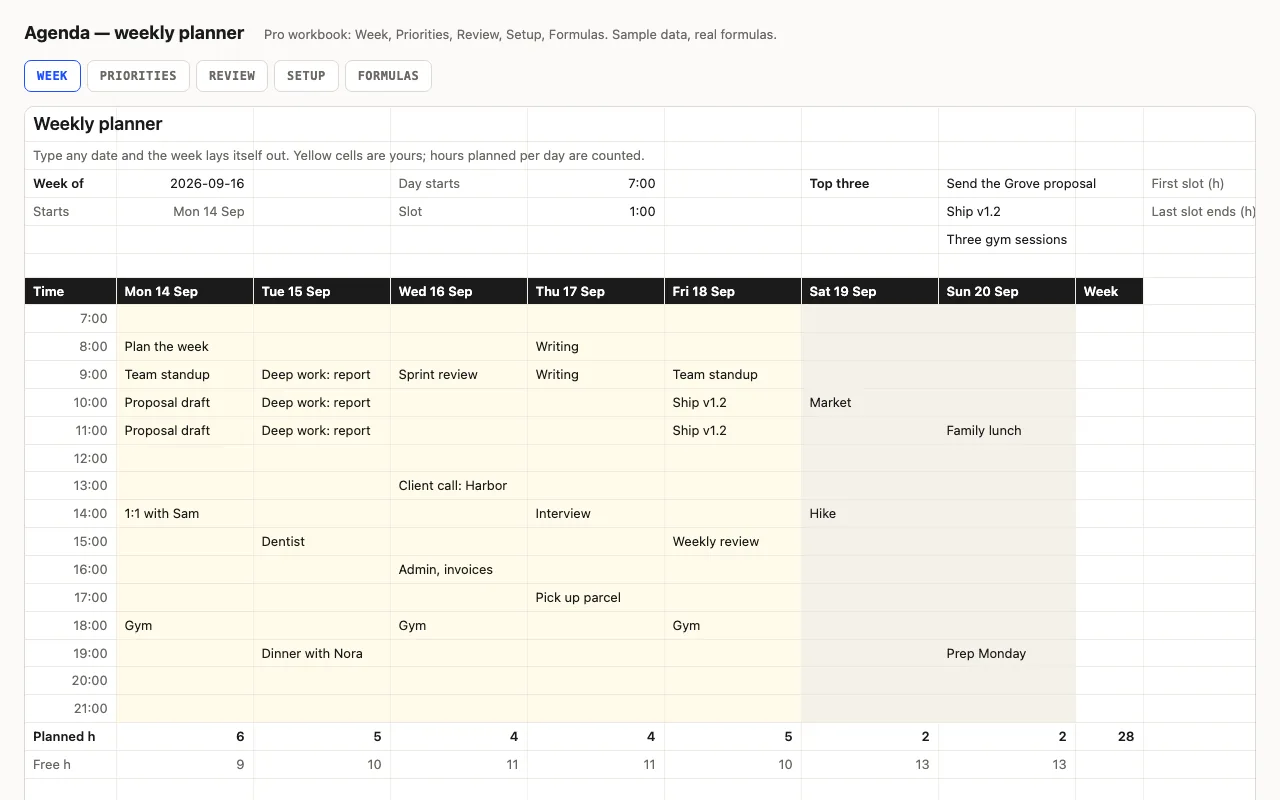
Type a date — any date — and the sheet snaps it back to Monday and writes the seven real
dates across the top. Down the side, fifteen time slots from the hour you start, at whatever
length you like. Type what you plan into the slots. The bottom row counts the hours you’ve
planned per day and what’s left, with a bar, and the week total.
It’s deliberately simple: a slot with anything in it counts as that slot. There is no
event list or lookup, because a planner you fill by hand should be quick to fill by hand.
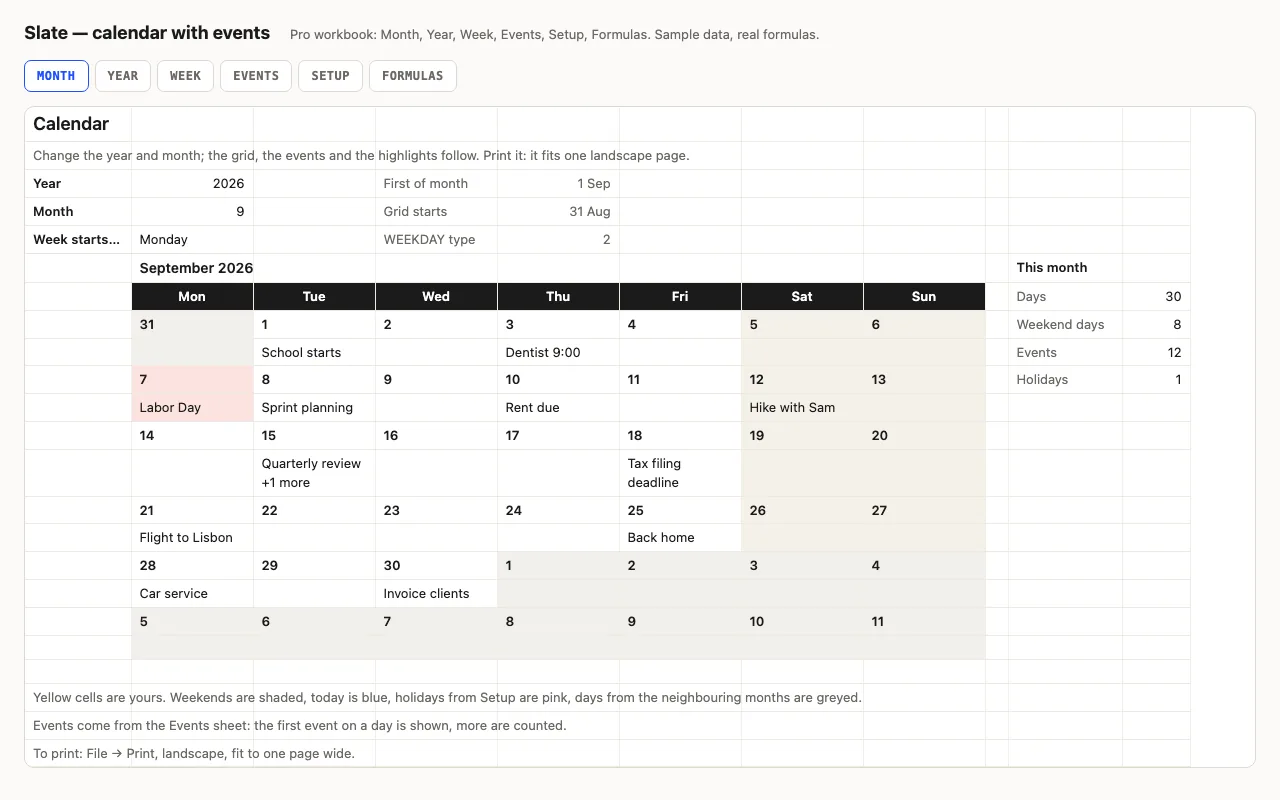
(If you want events from a list, that’s what Slate, the calendar, does.)
Pro: priorities and the Friday review
Priorities is a short list of what the week is for — twenty goals with a category and a ✓,
and the first three show at the top of the Week sheet. Review is the sheet for Friday:
planned hours per day with bars and each day’s share, the busiest and lightest day, the
weekday average, goals done out of goals set, and two boxes for what went well and what to
do first next week.
Checked, not just built
The build recalculates both workbooks in LibreOffice and in a second, independent engine and
compares twenty values — planned hours per day and for the week, free hours, the slot times,
the goal counts, the busiest-day share — against numbers computed outside Excel.