foldout
Free + Pro 5-sheet workbook no macros

Chores — household chore chart spreadsheet

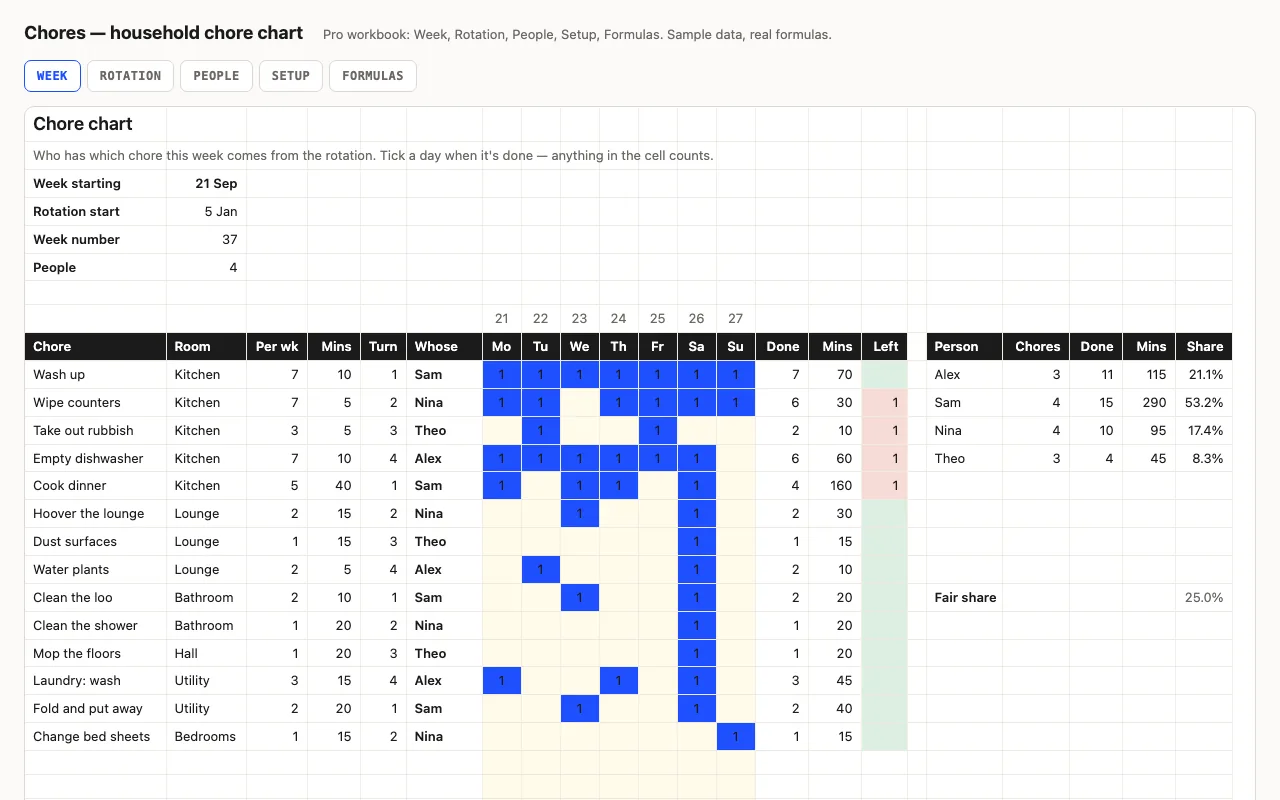
Chores down the side, seven days across, and a rotation that says whose turn each one is this week — change the date and the chart re-deals itself. Ticks, minutes and what's still owed are calculated, and each person's share is worked out on minutes, not on the number of chores. Pro adds eight weeks of the rotation printed ahead and a People sheet comparing everyone against a fair share. No macros.

  • XLSX
  • No macros
  • MOD rotation
  • SUMPRODUCT
  • Conditional formatting
  • Google Sheets

The sheets

  1. 01
    Week

    20 chores × 7 days. Room, times per week, minutes and a turn number each; the assignee comes from the rotation, ticks are counted, minutes and what's left are calculated. Totals per day and for the week, plus a block of up to 8 people with chores held, ticks, minutes and share.

    Free + Pro
  2. 02
    Rotation

    The next eight weeks of the same rotation, one column per week, so nobody has to remember whose turn it is.

    Pro
  3. 03
    People

    Per person: chores held, weekly target, done, left, minutes, share of the minutes against a fair share, and the difference coloured both ways.

    Pro
  4. 04
    Setup

    Week starting, rotation start, up to eight people, and the chores with room, times per week, minutes and turn.

    Pro
  5. 05
    Formulas

    Eight formulas explained, including the MOD rotation and SUMPRODUCT totals per person.

    Pro

Built for

  • Excel 2016+
  • Google Sheets
  • Numbers

Every workbook is recalculated in LibreOffice and by a second, independent formula engine on the sample data; the totals are compared with numbers worked out outside any spreadsheet, and every formula cell is scanned for errors. We don't run Excel itself on the build machine, so this says built for, not tested in — open the live preview to see the numbers the formulas produce.

What that means app by app: in Google Sheets, in Apple Numbers, in LibreOffice Calc.

Pro

$5

Every page, the Pro-only pages, the source files, no attribution, and 12 months of updates and email support.

Week grid with ticks and minutes
yes
Rotation picks this week's assignee
yes
Share of the work per person
yes
Eight weeks of the rotation ahead
yes
Fair share and the difference
yes
People and chores on Setup
yes
Formulas walkthrough sheet
yes
Credit line on the sheet
not required
Updates and support
12 months, email

Licence

Use it for unlimited personal and commercial purposes, including client work.
Do not resell the spreadsheet itself, alone or in a bundle.

Full licence terms →

The rotation does the arguing

Every chore carries a turn number. Who has it this week is that many places along the people list, walked round and round: INDEX(crew, MOD(week number + turn − 1, people) + 1). The week number is whole weeks since a rotation start date you set once, so changing the week at the top re-deals the whole chart — nothing to drag, nothing to retype.

Give four chores turns 1, 2, 3 and 4 and they land on four different people in the same week. Give two chores the same turn and they always travel together, which is what you want for “cook dinner” and “wash up”.

Share is measured in minutes

Each chore has a minutes-per-go number, and a person’s share is of the minutes actually done — not of the chores held. A forty-minute dinner and a five-minute bin run are not the same favour, and a chart that counts them the same is the reason chore charts get abandoned. The People sheet puts that share next to a fair share (1 ÷ the number of people) and colours the difference: pink over five points, green under.

Pro: eight weeks on the fridge

Rotation prints the next eight weeks in one table — the same formula with the column’s week offset added — so the chart can go on the wall once instead of being redone every Sunday. Add or remove a person on Setup and the whole table re-deals from the week you’re in.

Checked, not just built

The build recalculates both workbooks in LibreOffice and in a second, independent engine, then compares nineteen values — who each chore lands on, ticks and minutes per chore, what’s left, the week’s totals and completion, per-person counts, minutes and share, and the rotation one week on — against numbers computed outside Excel. It also scans every formula in the file for error cells.
Free download

  • chores.xlsx · Week sheet
  • README.md · LICENCE.txt

Pro download

  • chores-pro.xlsx · Week, Rotation, People,
  • Setup, Formulas
  • README.md · LICENCE.txt (Pro)

Read before you build

Version history

  • 1.0.02026-09-23

    First release

  • 0
    macros
  • 8
    formulas explained
  • 19
    checks the build runs
  • 20
    chore rows

Related spreadsheets

Plate — meal planner spreadsheet preview

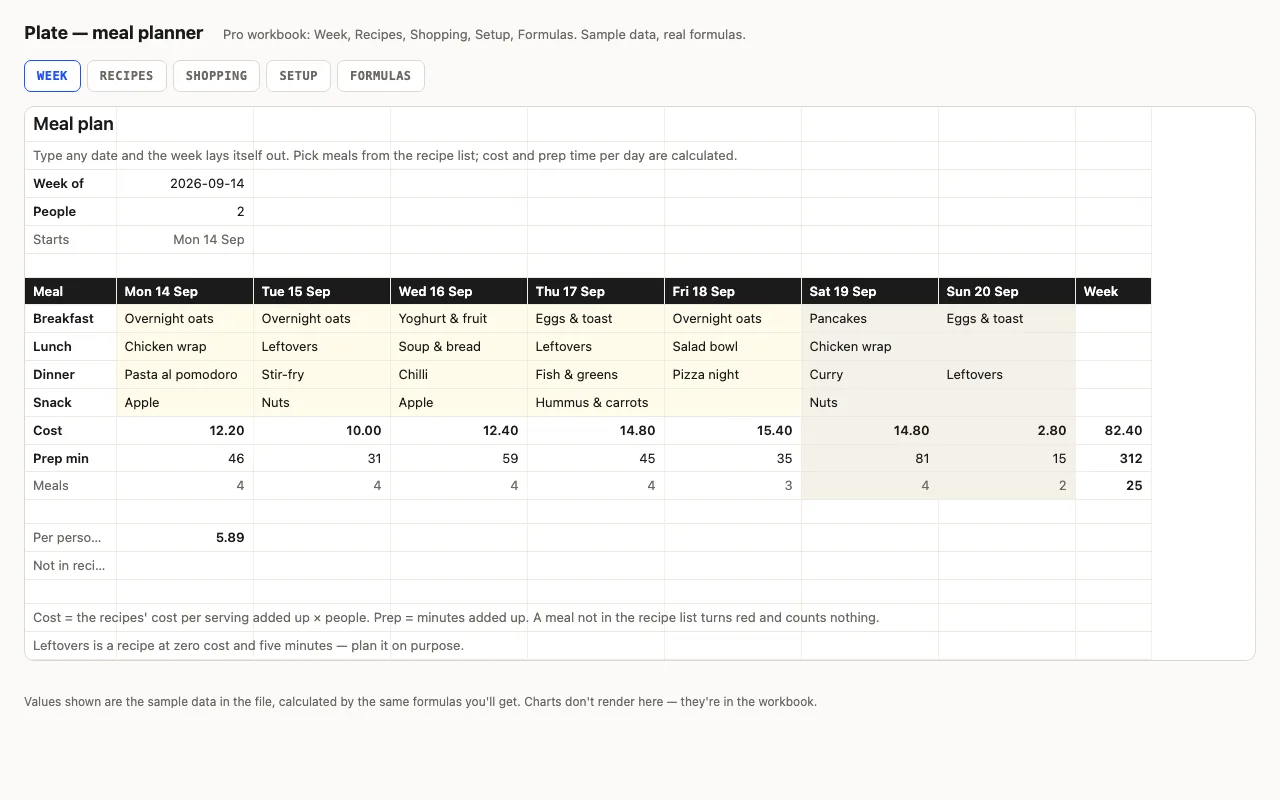
A week of meals picked from your recipe list, with cost and prep minutes per day worked out from the recipes, and a shopping list with ticks. Pro moves the recipes to their own sheet with categories, and the shopping list to one with aisles and what's left per aisle. No macros.

  • XLSX
  • No macros
  • SUMIF
live demo →
Route — travel itinerary and budget spreadsheet preview

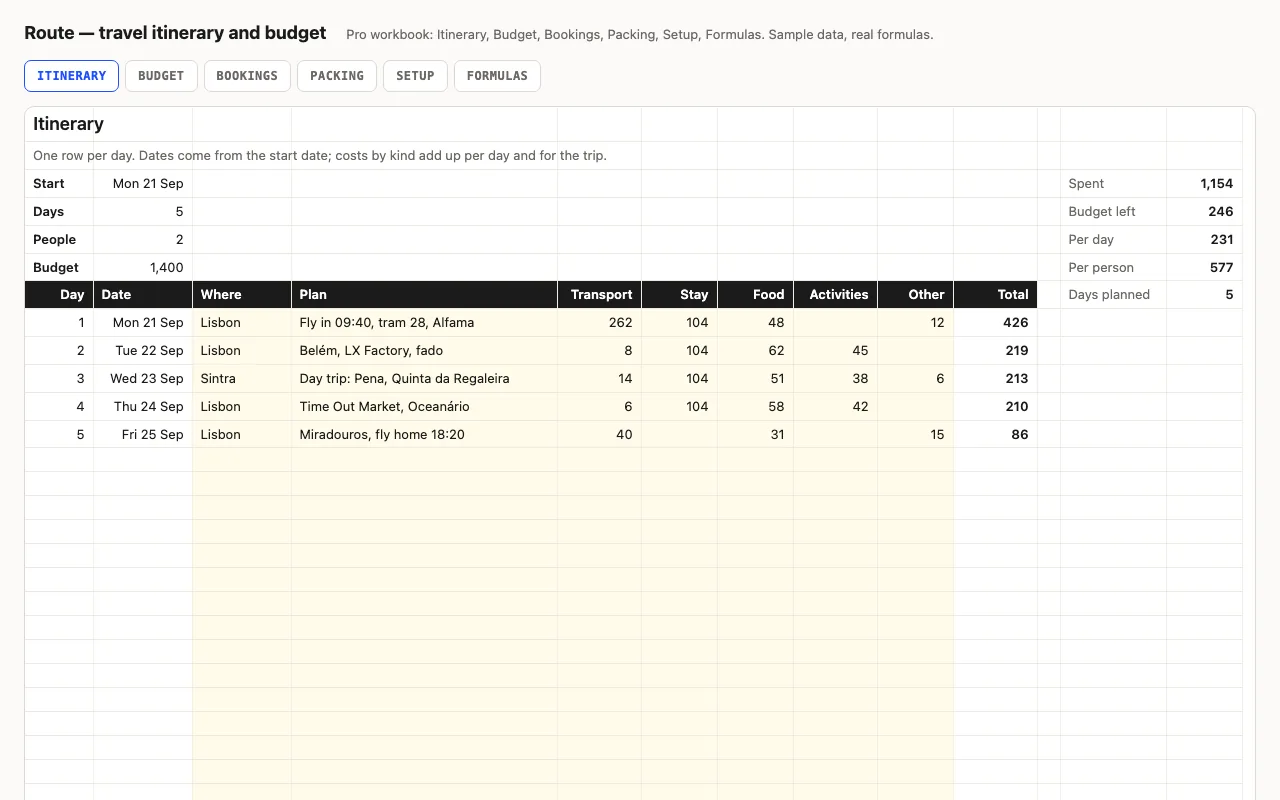
One row per day of the trip: dates from the start date, where you are, what you plan, and what it costs by kind. Daily and trip totals, per day and per person, against a budget. Pro adds a Budget sheet by kind, Bookings with confirmations and what's still to pay, and a Packing checklist. No macros.

  • XLSX
  • No macros
  • SUMIF
live demo →
Agenda — weekly planner spreadsheet preview

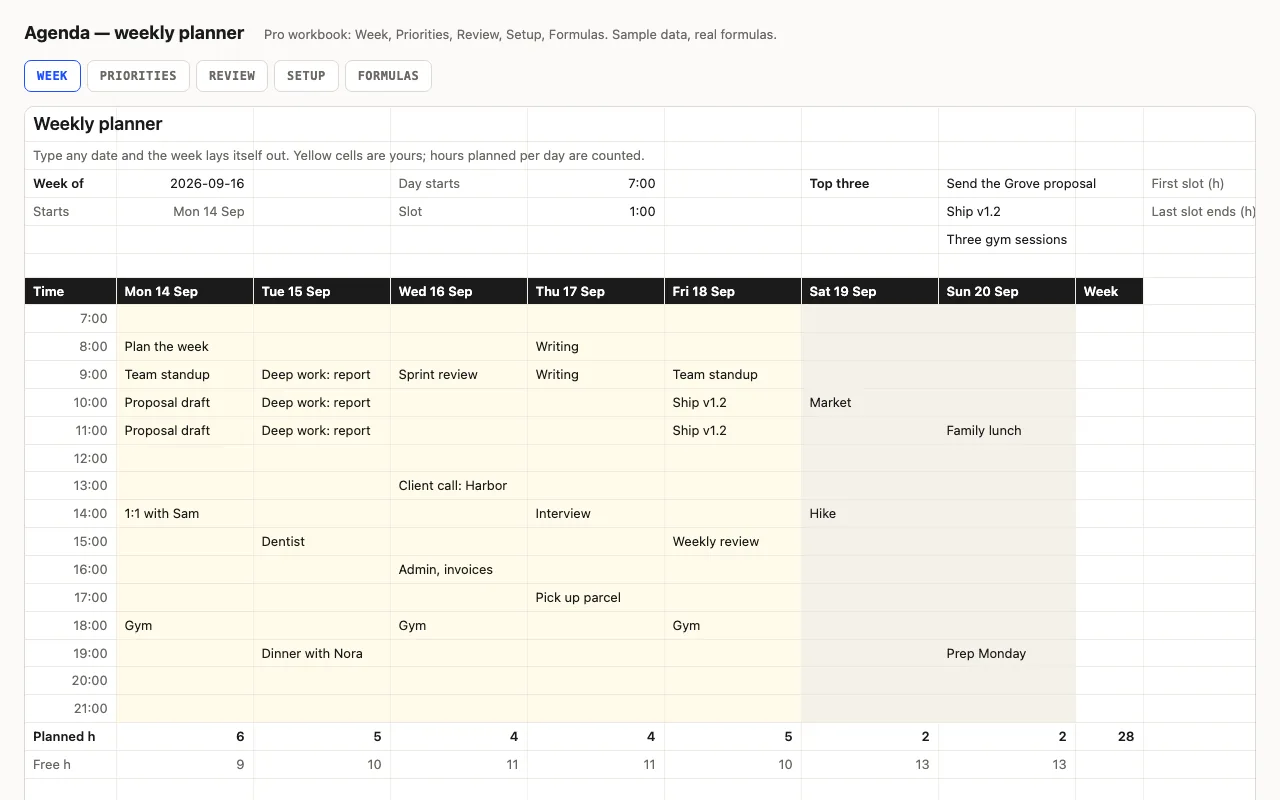
Type any date and the week lays itself out: seven day columns with real dates, fifteen time slots from the hour you start, weekends shaded, today highlighted. Planned and free hours per day are counted. Pro adds a Priorities sheet whose top three show on the week, a Friday Review sheet, and a formulas walkthrough. No macros.

  • XLSX
  • No macros
  • WEEKDAY
live demo →

Tell us what happened

Goes straight to a person. No account, no ticket number.

What is this about?

We keep the message and the page it came from. Nothing else — not your IP, not your browser. Privacy.