foldout
Free + Pro 4-sheet workbook no macros

Roll — attendance tracker spreadsheet

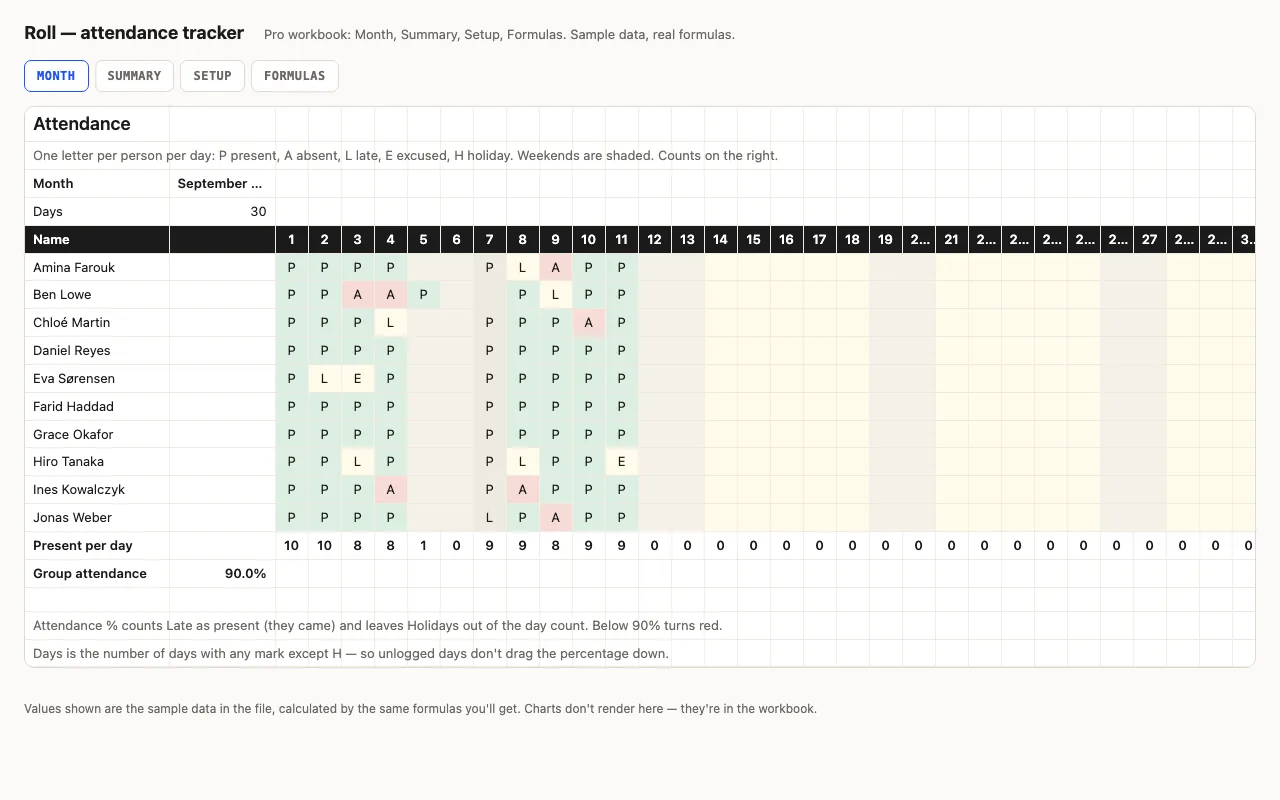
Names down the side, days across, one letter per cell — P, A, L, E, H — from a dropdown, coloured. Counts per person, attendance % that counts Late as present and leaves holidays out, present per day, weekends shaded. Pro adds a Summary with bars and flags, holidays from Setup, and a formulas walkthrough. No macros.

  • XLSX
  • No macros
  • COUNTIF
  • Data validation
  • Google Sheets

The sheets

  1. 01
    Month

    Ten people × 31 days, code dropdown with colours (green P, yellow L, red A), present/late/absent/excused counts, days logged, attendance %, present per day, group attendance. Weekends shaded.

    Free + Pro
  2. 02
    Summary

    Everyone with attendance % as a bar, counts by reason, below 90% in red, three or more absences highlighted; group %, how many below 90%, most absences, best attendance.

    Pro
  3. 03
    Setup

    Month, names, the code list as a named range, up to twenty holiday dates that grey their columns and drop out of the day count.

    Pro
  4. 04
    Formulas

    Eight formulas explained.

    Pro

Built for

  • Excel 2016+
  • Google Sheets
  • Numbers

Every workbook is recalculated in LibreOffice and by a second, independent formula engine on the sample data; the totals are compared with numbers worked out outside any spreadsheet, and every formula cell is scanned for errors. We don't run Excel itself on the build machine, so this says built for, not tested in — open the live preview to see the numbers the formulas produce.

Pro

$9

Every page, the Pro-only pages, the source files, no attribution, and 12 months of updates and email support.

Month grid with codes and counts
yes
Holidays greyed and excluded
yes
Summary with bars and flags
yes
Setup: names, codes, holidays
yes
Formulas walkthrough sheet
yes
Credit line on the sheet
not required
Updates and support
12 months, email

Licence

Use it for unlimited personal and commercial purposes, including client work.
Do not resell the spreadsheet itself, alone or in a bundle.

Full licence terms →

One letter per day, and the arithmetic is honest

P present, A absent, L late, E excused, H holiday — from a dropdown, so nobody types “p” in one cell and “Present” in another. Attendance % is Present plus Late over days logged: someone who came late still came, a holiday isn’t held against anyone, and a day you haven’t logged yet doesn’t pull the number down. Below 90% turns red.

Pro: the overview and the calendar

The Summary sheet ranks everyone with a bar, flags three or more absences, and names the best and the worst. Holiday dates on Setup grey out their columns on the Month grid and drop out of the day count — a COUNTIF against a named range, shown on the Formulas sheet.

Checked, not just built

The build recalculates the workbook in LibreOffice and in a second, independent engine on the sample month and compares twelve values — counts per code, attendance for a person with absences, present per day, the group figure, the below-90% count — against numbers computed outside Excel.
Free download

  • roll.xlsx · Month sheet
  • README.md · LICENCE.txt

Pro download

  • roll-pro.xlsx · Month, Summary,
  • Setup, Formulas
  • README.md · LICENCE.txt (Pro)

Read before you build

Version history

  • 1.0.02026-09-11

    First release

  • 0
    macros
  • 8
    formulas explained
  • 12
    checks the build runs
  • 90%
    the line that turns red

Related spreadsheets

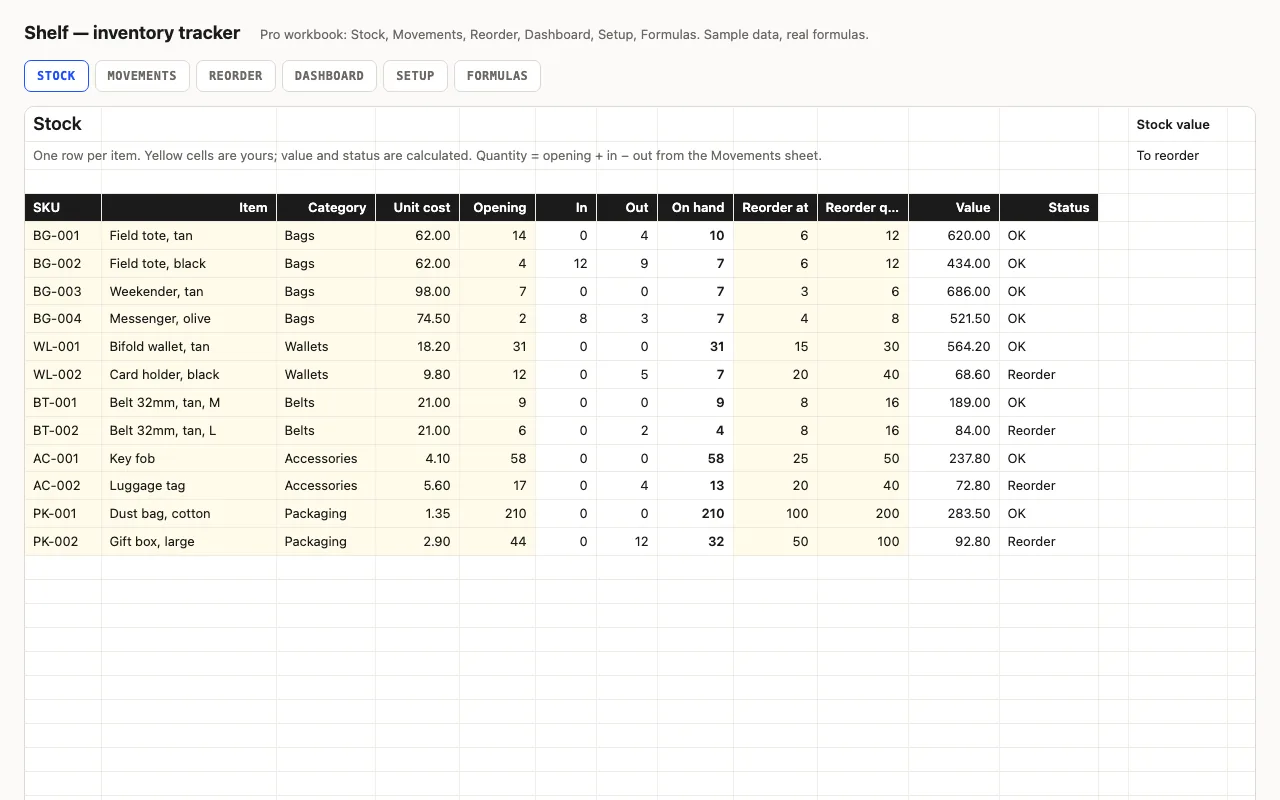
Shelf — inventory tracker spreadsheet preview

Stock levels, reorder points and stock value for Excel and Google Sheets, every number a visible formula. Status turns yellow at the reorder point and red at zero. Pro adds a Movements log that updates quantities, a Reorder list with the cost to restock, a Dashboard by category, and a formulas walkthrough.

  • XLSX
  • No macros
  • SUMIFS
live demo →
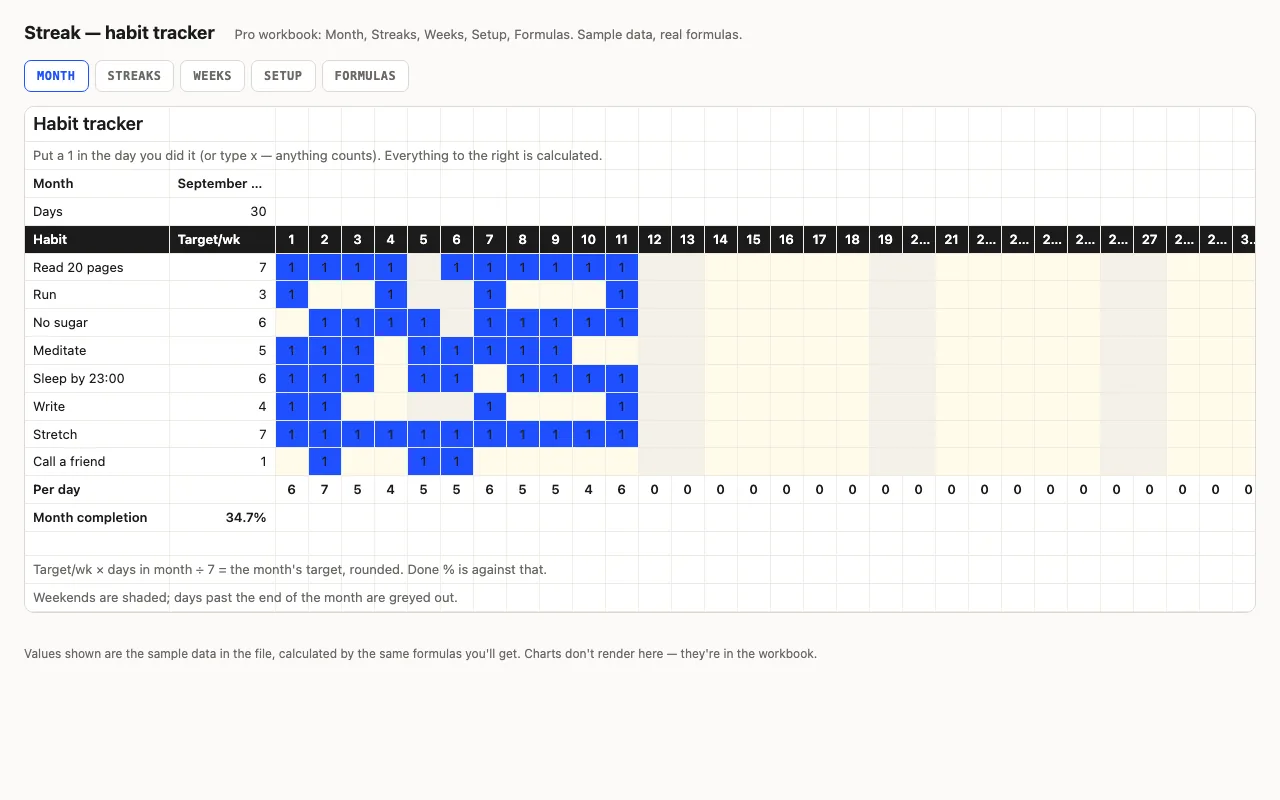
Streak — habit tracker spreadsheet preview

Habits down the side, days across the top, a mark when you did it. Done counts, a monthly target scaled from your weekly one, completion bars, weekends shaded. Pro adds current and best streaks with the running count on its own sheet, a by-week view, and a formulas walkthrough. No macros.

  • XLSX
  • No macros
  • COUNTA
live demo →
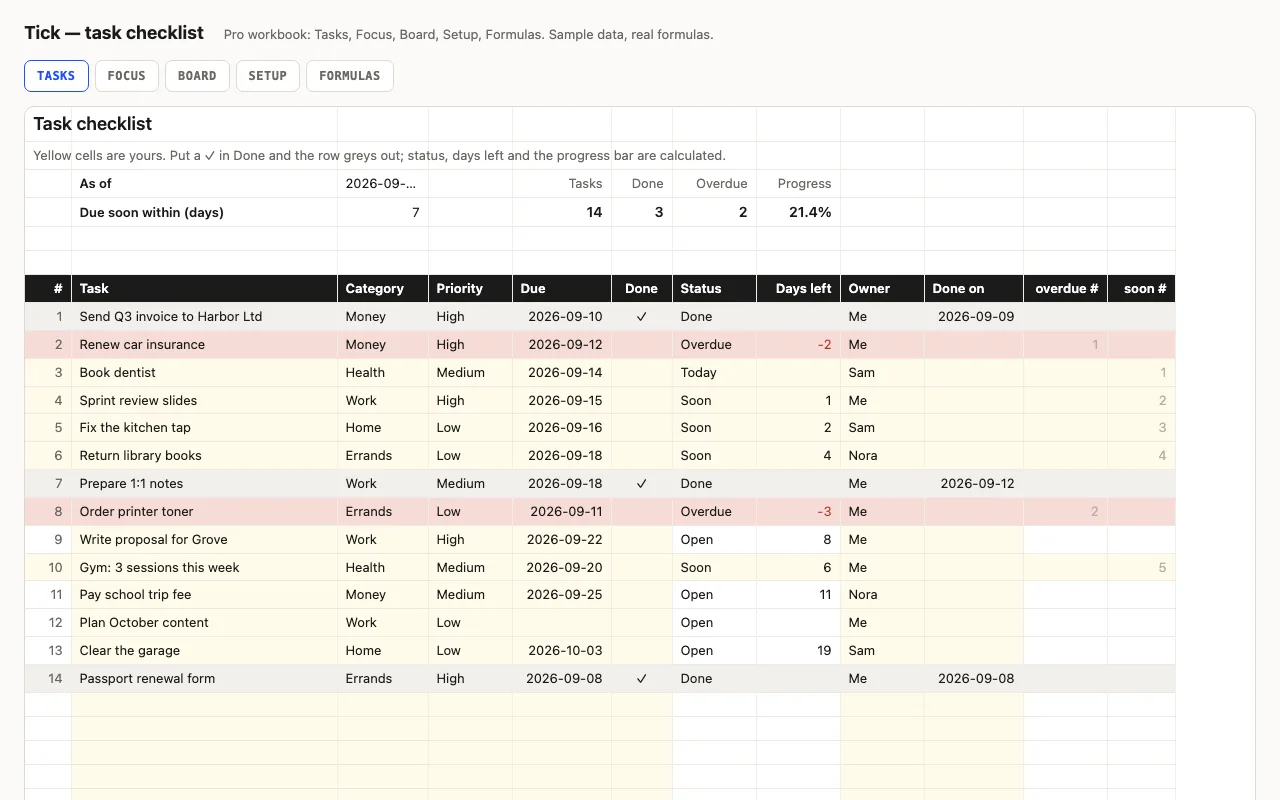
Tick — task checklist spreadsheet preview

A to-do list that knows what's late: task, category, priority, due date and a ✓ when done; status (Done, Overdue, Today, Soon, Open), days left and a progress bar are calculated. Pro adds a Focus sheet listing what's overdue and due this week, a Board with counts per category, person and priority, and a formulas walkthrough. No macros.

  • XLSX
  • No macros
  • COUNTIFS
live demo →