foldout
Free + Pro 5-sheet workbook no macros

Marks — grade book spreadsheet

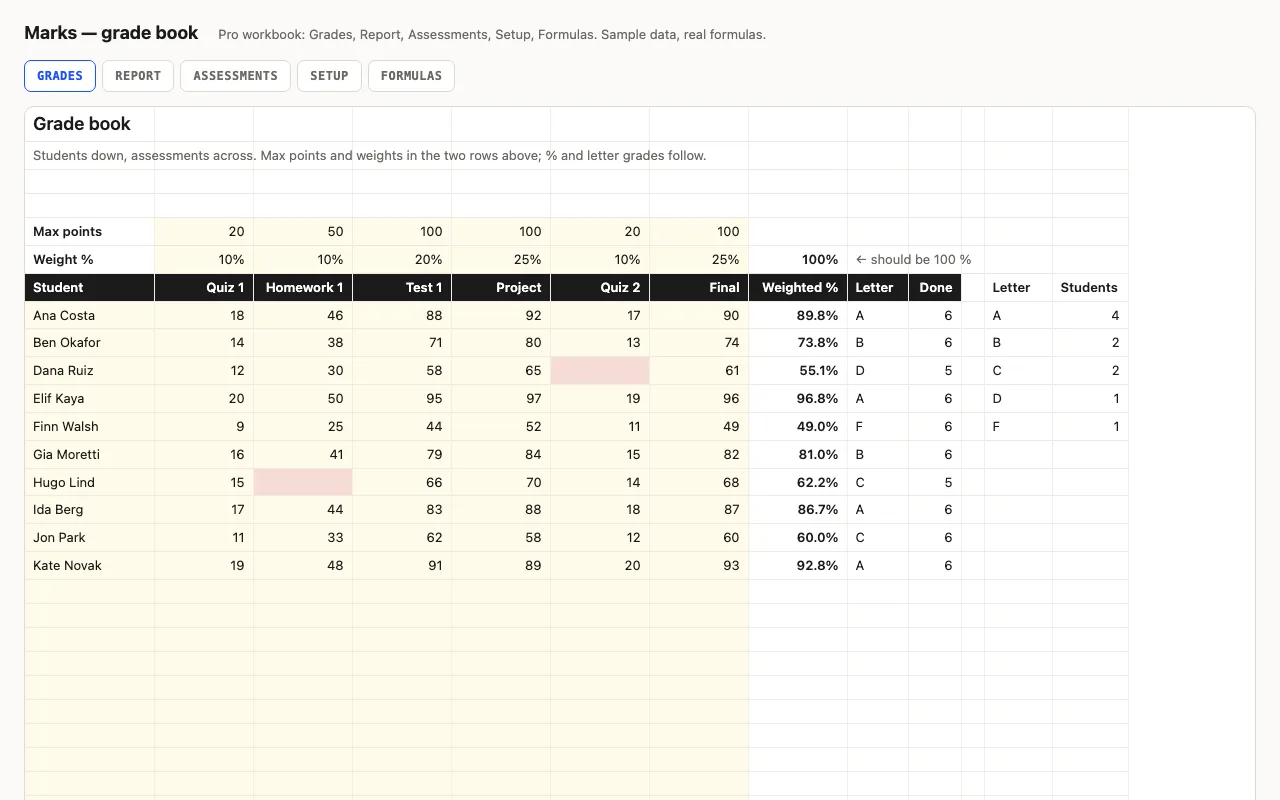
Students down the side, assessments across, with max points and a weight for each; the weighted percentage and letter grade follow, with class average, median, highest, lowest and missing per assessment and a grade distribution. Pro adds a per-student Report with rank and an Assessments sheet showing which was hardest. No macros.

  • XLSX
  • No macros
  • SUMPRODUCT
  • INDEX/MATCH
  • Conditional formatting
  • Google Sheets

The sheets

  1. 01
    Grades

    40 students × 6 assessments; max points and weight rows; weighted % with bars, letter from bands you set, assessments done; class average, median, highest, lowest and missing per assessment; letter distribution. Blank scores red, scores over max pink.

    Free + Pro
  2. 02
    Report

    Per student: weighted %, letter, rank, done, missing, best and weakest assessment as a share of its max.

    Pro
  3. 03
    Assessments

    Average % of max, median, high, low, done and missing per assessment; hardest, easiest, class average.

    Pro
  4. 04
    Setup

    Assessment names, grade bands with letters.

    Pro
  5. 05
    Formulas

    Seven formulas explained, including MATCH type 1 for bands and SUMPRODUCT(MAX()) for a row's best.

    Pro

Built for

  • Excel 2016+
  • Google Sheets
  • Numbers

Every workbook is recalculated in LibreOffice and by a second, independent formula engine on the sample data; the totals are compared with numbers worked out outside any spreadsheet, and every formula cell is scanned for errors. We don't run Excel itself on the build machine, so this says built for, not tested in — open the live preview to see the numbers the formulas produce.

What that means app by app: in Google Sheets, in Apple Numbers, in LibreOffice Calc.

Pro

$5

Every page, the Pro-only pages, the source files, no attribution, and 12 months of updates and email support.

Grades with weighted % and letters
yes
Class stats and distribution
yes
Per-student report with rank
yes
Per-assessment analysis
yes
Bands and names on Setup
yes
Formulas walkthrough sheet
yes
Credit line on the sheet
not required
Updates and support
12 months, email

Licence

Use it for unlimited personal and commercial purposes, including client work.
Do not resell the spreadsheet itself, alone or in a bundle.

Full licence terms →

Weighted, banded, visible

Six assessments with a max and a weight each. A student’s grade is Σ (score ÷ max × weight) ÷ Σ weights — one SUMPRODUCT — and the letter comes from bands you can edit, found with MATCH type 1 on ascending thresholds rather than a chain of IFs. A blank score is a zero and turns red; a score above the max turns pink. Under the class: average, median, highest, lowest and missing per assessment, and how many of each letter.

Pro: the report and the analysis

Report gives one line per student with rank (how many are above, plus one), done and missing, and their best and weakest assessment as a share of its max. Assessments turns the table sideways: average % of max, median, high, low and missing per assessment, and which one was hardest.

One of those formulas is worth knowing: a row’s best score-over-max is SUMPRODUCT(MAX(scores/maxes)). A bare MAX(scores/maxes) silently returns only the first cell in Excel 2016 and LibreOffice — the build caught it.

Checked, not just built

The build recalculates both workbooks in LibreOffice and in a second, independent engine and compares twenty-eight values — weighted percentages and letters, class median, missing counts, the distribution, ranks, best and weakest, per-assessment averages — against numbers computed outside Excel.
Free download

  • marks.xlsx · Grades sheet
  • README.md · LICENCE.txt

Pro download

  • marks-pro.xlsx · Grades, Report, Assessments,
  • Setup, Formulas
  • README.md · LICENCE.txt (Pro)

Read before you build

Version history

  • 1.0.02026-09-14

    First release

  • 0
    macros
  • 7
    formulas explained
  • 28
    checks the build runs
  • 40
    students

Related spreadsheets

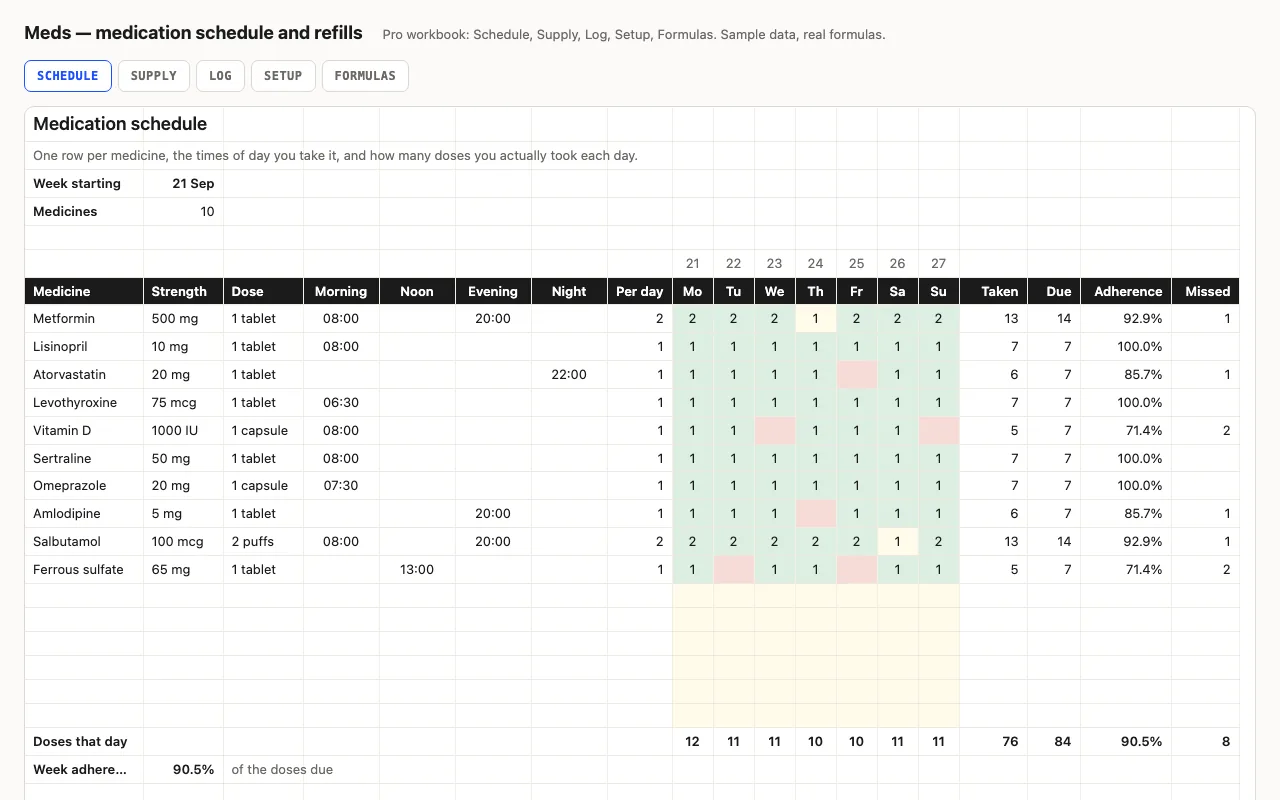
Meds — medication schedule and refill planner spreadsheet preview

One row per medicine with its strength, dose and the times of day it's taken; the week grid records doses actually taken and works out adherence against what was due. Pro adds a refill planner — units used a day, days left, the date it runs out and the date to order — and a dated dose log. A tracker, not medical advice. No macros.

  • XLSX
  • No macros
  • SUMPRODUCT
live demo →
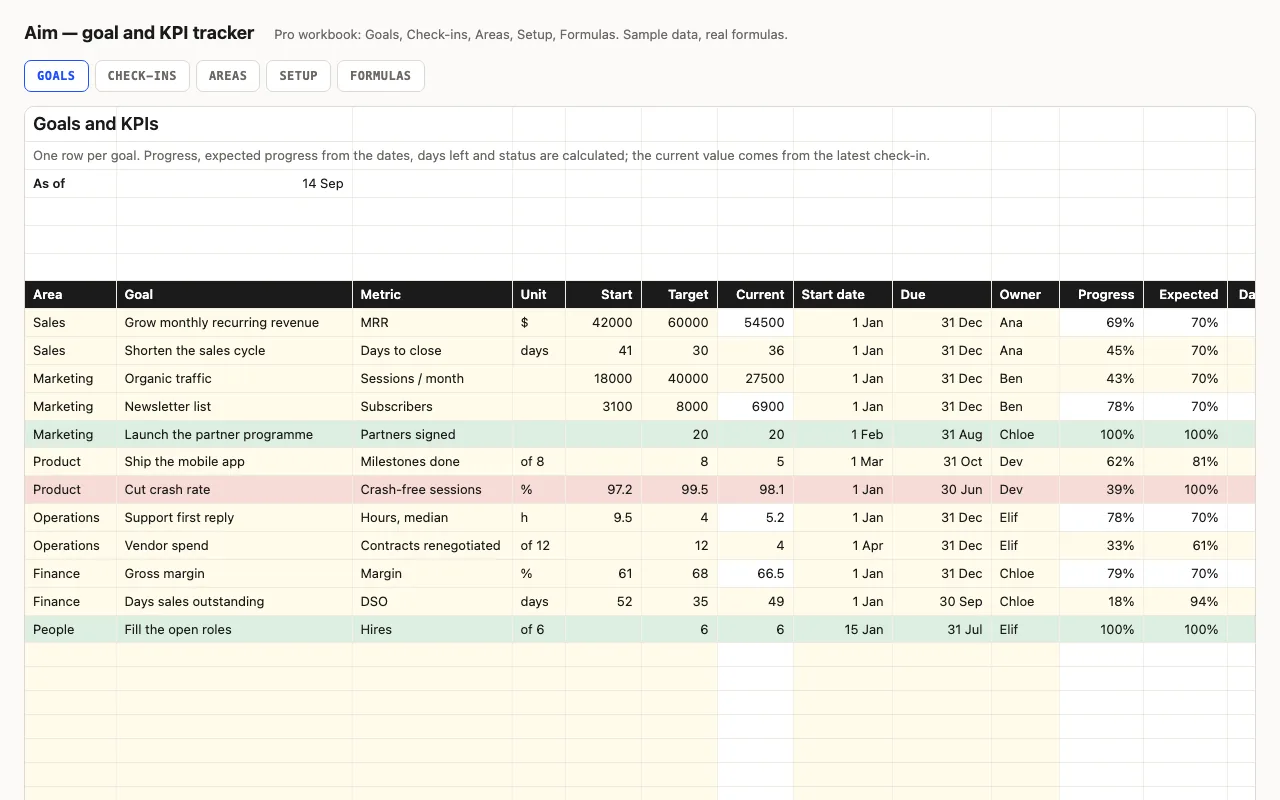
Aim — goal and KPI tracker spreadsheet preview

One row per goal or KPI: start, target, current, dates, owner. Progress, expected progress from the calendar, days left and a status — Done, On track, Behind, Overdue — are calculated. Pro adds monthly check-ins that feed the current value, and a view by area and by owner. No macros.

  • XLSX
  • No macros
  • COUNTIFS
live demo →
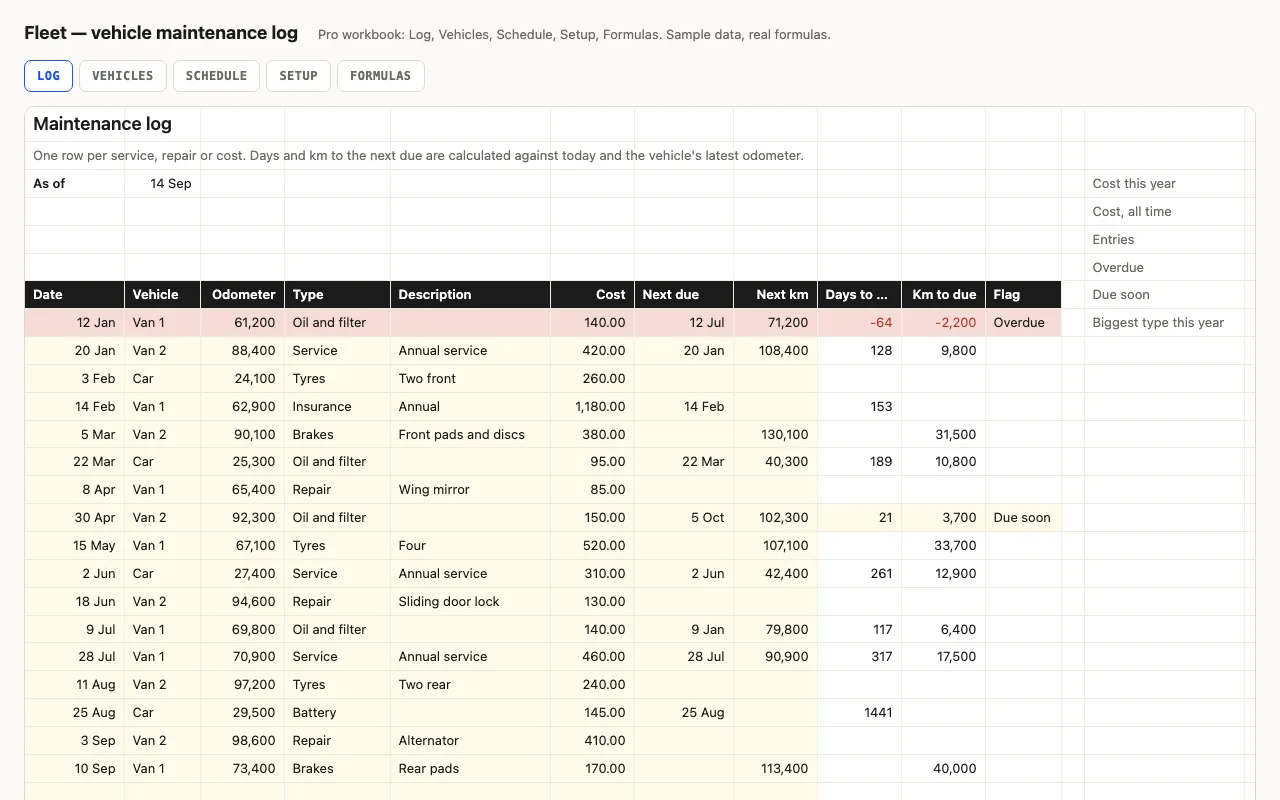
Fleet — vehicle maintenance log spreadsheet preview

One row per service or repair with the odometer and the next-due the garage gave you; days and km to each, overdue and due-soon flags, cost this year. Pro adds a Vehicles sheet with cost per km and tax, insurance and inspection reminders, and a service schedule that reads last-done from the log. No macros.

  • XLSX
  • No macros
  • SUMPRODUCT
live demo →

Tell us what happened

Goes straight to a person. No account, no ticket number.

What is this about?

We keep the message and the page it came from. Nothing else — not your IP, not your browser. Privacy.