foldout
Free + Pro 5-sheet workbook no macros

Hiatus — leave and PTO tracker spreadsheet

One row per request — who, what kind, from, to — and the working days are counted for you, weekends out. Balances per person against an annual allowance. Pro excludes public holidays, adds an approval status, a Balances sheet per person and type, and a month calendar showing who's off on which day. No macros.

  • XLSX
  • No macros
  • SUMIFS
  • COUNTIFS
  • WEEKDAY
  • Google Sheets

The sheets

  1. 01
    Log

    200 request rows: person and type from dropdowns, from and to, working days counted with weekends excluded, a request ending before it starts flagged red. Free: twelve people with allowances and their annual, sick and other days and what's left, on the same sheet.

    Free + Pro
  2. 02
    Balances

    Per person × leave type for the year on Setup, approved only; left against the allowance (red when overdrawn, yellow at three or fewer), % used with bars, team totals, pending requests and days.

    Pro
  3. 03
    Calendar

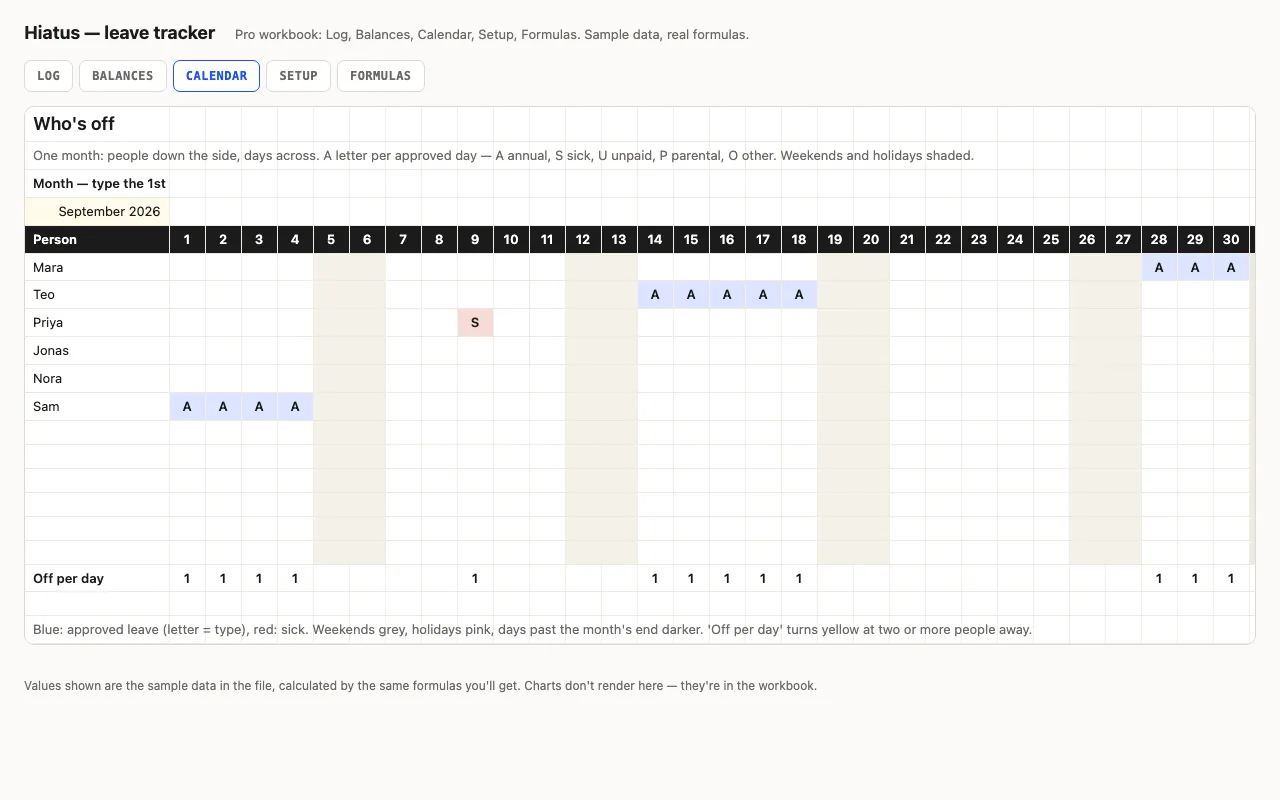
    Type the 1st of any month: people down the side, days across, a letter per approved day (A annual, S sick red, U, P, O), weekends and holidays shaded, days off per person and people off per day.

    Pro
  4. 04
    Setup

    Year, team with allowances, leave types with letters, statuses, forty holidays.

    Pro
  5. 05
    Formulas

    Eight formulas explained: the weekend arithmetic without NETWORKDAYS, the holiday subtraction, the five-way COUNTIFS behind each calendar cell, counting letters with SUMPRODUCT(LEN()).

    Pro

Built for

  • Excel 2016+
  • Google Sheets
  • Numbers

Every workbook is recalculated in LibreOffice and by a second, independent formula engine on the sample data; the totals are compared with numbers worked out outside any spreadsheet, and every formula cell is scanned for errors. We don't run Excel itself on the build machine, so this says built for, not tested in — open the live preview to see the numbers the formulas produce.

What that means app by app: in Google Sheets, in Apple Numbers, in LibreOffice Calc.

Pro

$5

Every page, the Pro-only pages, the source files, no attribution, and 12 months of updates and email support.

Request log with working days counted
yes
Public holidays excluded from the count
yes
Approval status (only Approved counts)
yes
Balances per person and type, % used
own sheet
Month calendar: who's off when
yes
Formulas walkthrough sheet
yes
Credit line on the sheet
not required
Updates and support
12 months, email

Licence

Use it for unlimited personal and commercial purposes, including client work.
Do not resell the spreadsheet itself, alone or in a bundle.

Full licence terms →

Requests in, balances out

A leave tracker is a log and two questions: how many days does this request cost, and how many does each person have left. The log counts working days for you — calendar days minus Saturdays minus Sundays, done with WEEKDAY arithmetic rather than NETWORKDAYS so the result is the same in every app and the arithmetic is visible. Balances read the log with SUMIFS per person and type, for the year on Setup, so last year’s rows can stay.

Pro: holidays, approval, and the calendar

Pro subtracts the public holidays on Setup from each request, adds a Status column so only Approved requests count (Pending stays yellow, Declined is struck through), and moves balances to their own sheet with % used and team totals. The Calendar sheet is the one a manager wants: type the 1st of any month and see people down the side, days across, a letter per approved day, weekends and holidays shaded, and how many people are off each day.

Each calendar cell is a five-way COUNTIFS — this person, this type, approved, from ≤ day, to ≥ day — nested once per type so the first match gives the letter. Counting the letters in a row uses SUMPRODUCT(LEN(…)), because every letter is one character and every empty result is zero; it’s the portable way to count non-empty formula results.

Checked, not just built

The build recalculates both workbooks in LibreOffice and in a second, independent engine and compares thirty-five values — day counts for requests that span a bank holiday, start on one and end in the next month, every balance on the sample team, and specific calendar cells including the pending request that must not appear — against numbers computed outside Excel.
Free download

  • hiatus.xlsx · Log sheet with balances
  • README.md · LICENCE.txt

Pro download

  • hiatus-pro.xlsx · Log, Balances, Calendar,
  • Setup, Formulas
  • README.md · LICENCE.txt (Pro)

Read before you build

Version history

  • 1.0.02026-09-12

    First release

  • 0
    macros
  • 8
    formulas explained
  • 35
    checks the build runs
  • 12
    people

Related spreadsheets

Hunt — job application tracker spreadsheet preview

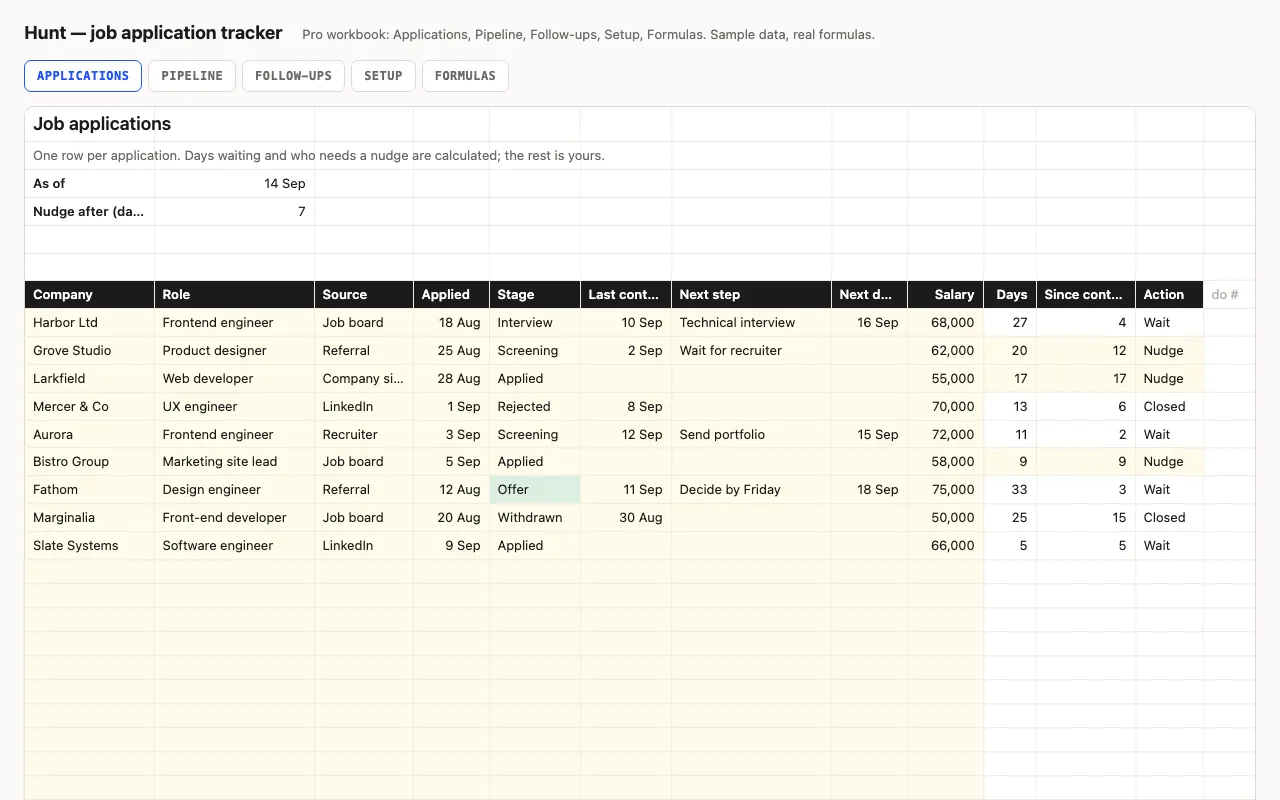
One row per application: company, role, stage, dates, next step. Days waiting and which applications need a nudge are calculated; active, interviews, offers and response rate are kept at the top. Pro adds a Pipeline sheet with conversion between stages and results by source, and a Follow-ups sheet that lists what needs doing. No macros.

  • XLSX
  • No macros
  • COUNTIF
live demo →
Streak — habit tracker spreadsheet preview

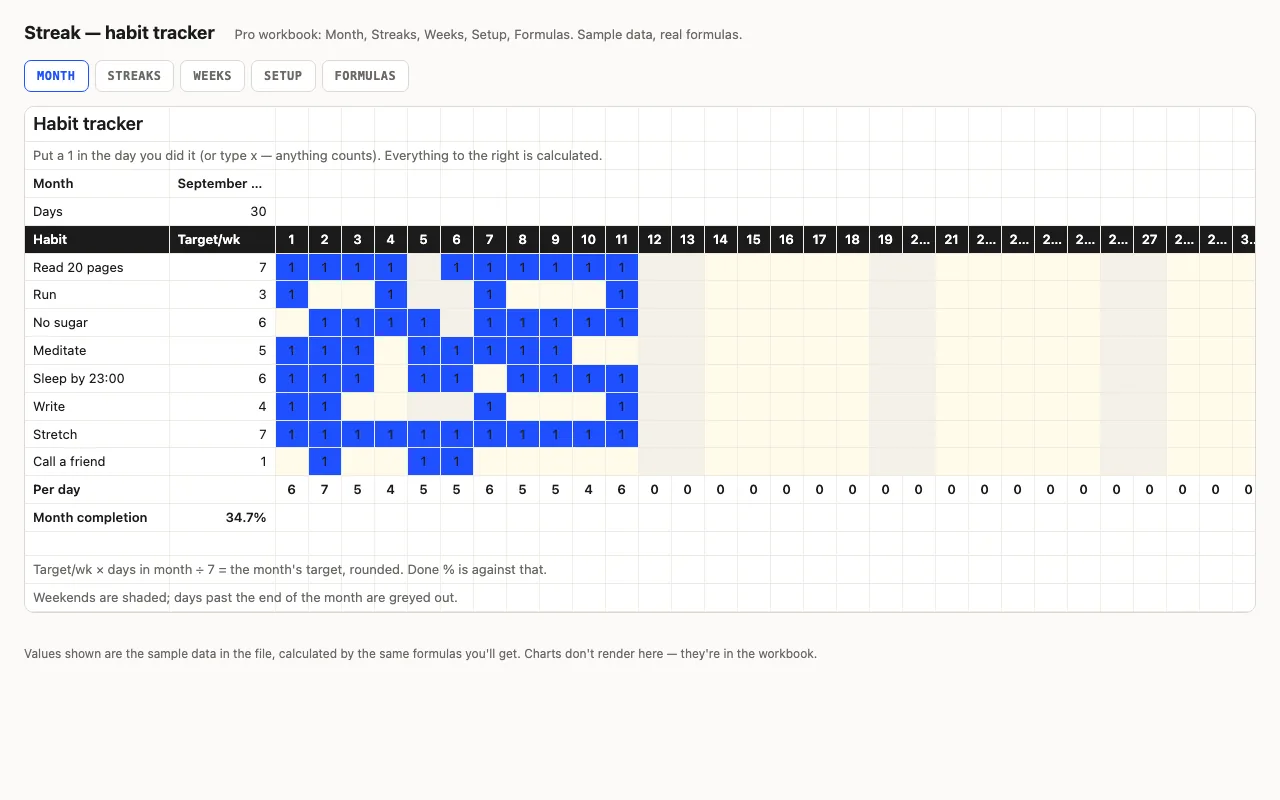
Habits down the side, days across the top, a mark when you did it. Done counts, a monthly target scaled from your weekly one, completion bars, weekends shaded. Pro adds current and best streaks with the running count on its own sheet, a by-week view, and a formulas walkthrough. No macros.

  • XLSX
  • No macros
  • COUNTA
live demo →
Meds — medication schedule and refill planner spreadsheet preview

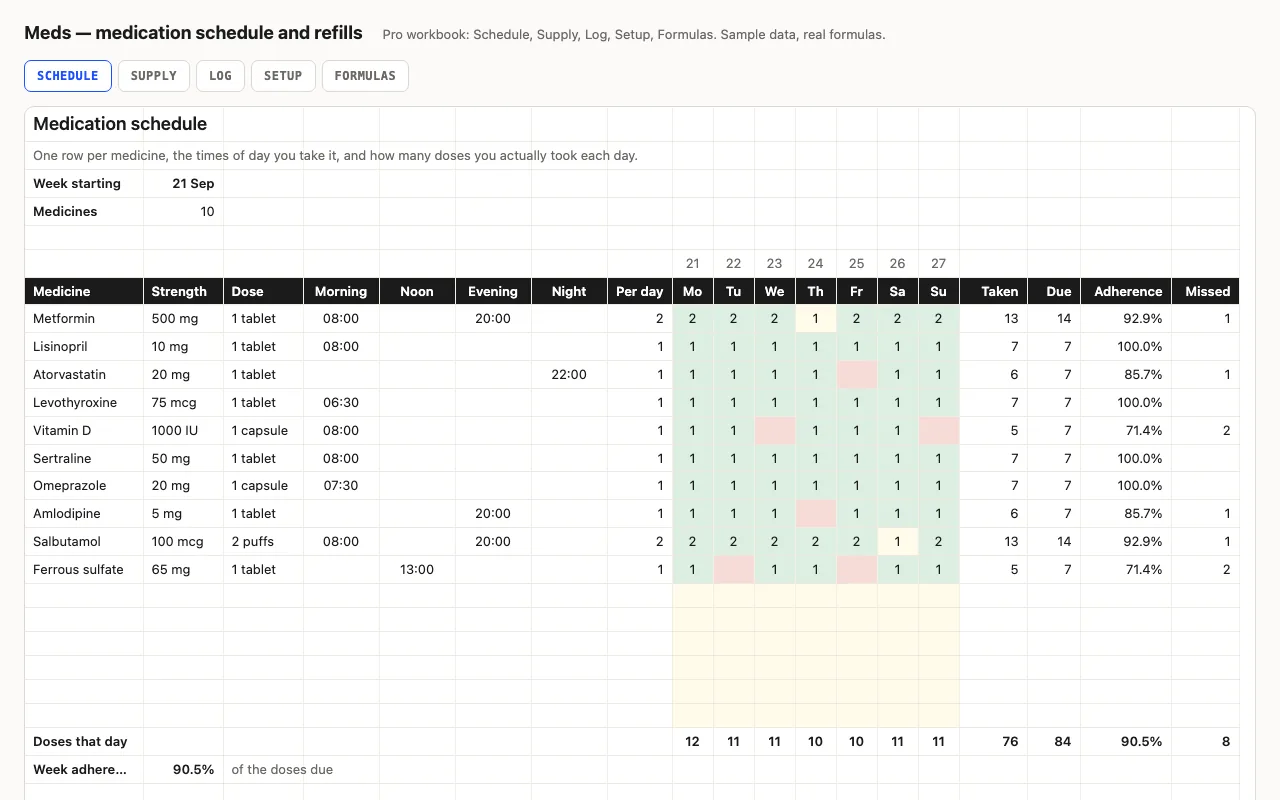
One row per medicine with its strength, dose and the times of day it's taken; the week grid records doses actually taken and works out adherence against what was due. Pro adds a refill planner — units used a day, days left, the date it runs out and the date to order — and a dated dose log. A tracker, not medical advice. No macros.

  • XLSX
  • No macros
  • SUMPRODUCT
live demo →

Tell us what happened

Goes straight to a person. No account, no ticket number.

What is this about?

We keep the message and the page it came from. Nothing else — not your IP, not your browser. Privacy.