foldout
Free + Pro 5-sheet workbook no macros

Rota — shift schedule spreadsheet

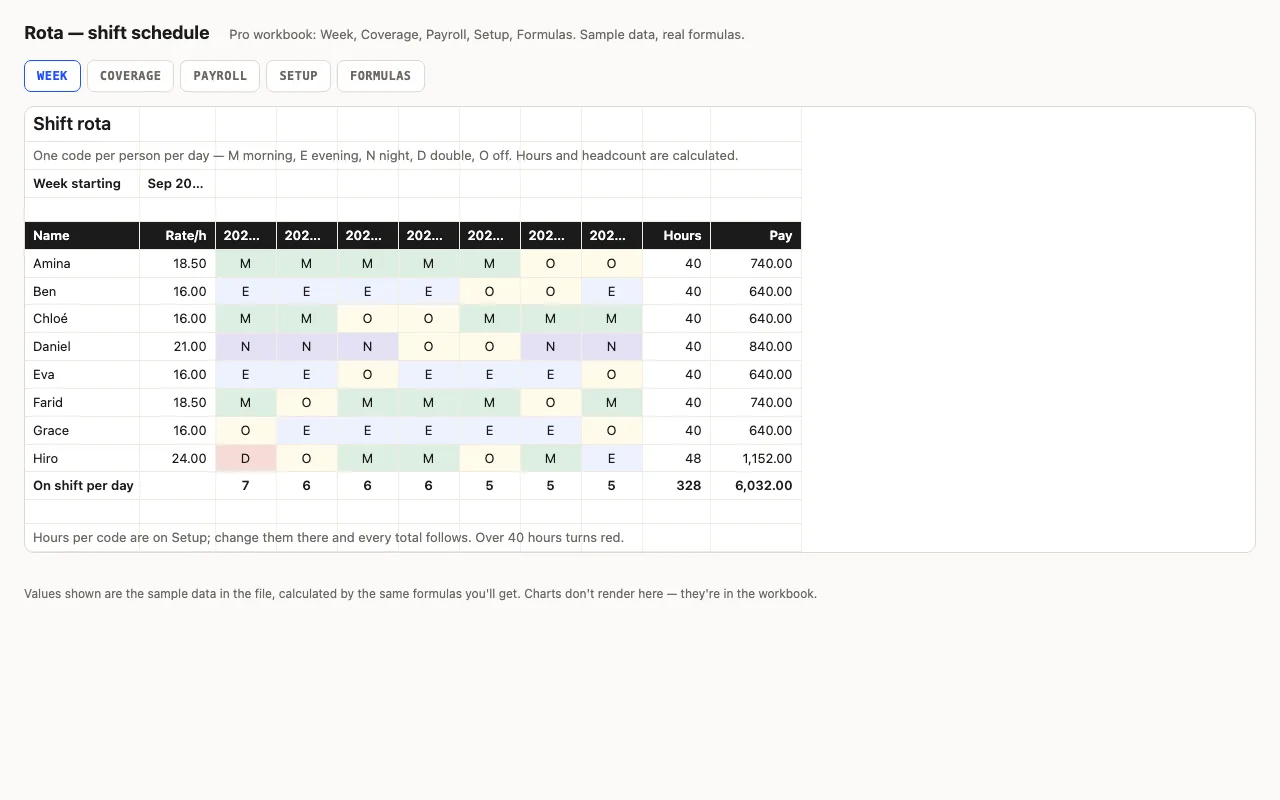
A week of shifts: people down the side, seven days across, a shift code per cell from a dropdown — hours and pay per person come from the code table, headcount per day is counted. Pro adds coverage against required staffing per shift, payroll with overtime, and a formulas walkthrough. No macros.

  • XLSX
  • No macros
  • SUMPRODUCT
  • Data validation
  • Google Sheets

The sheets

  1. 01
    Week

    Eight people × 7 days. Codes M/E/N/D/O from a dropdown, coloured. Hours per person from the code table (SUMPRODUCT + SUMIF, no XLOOKUP), pay from the rate, on-shift count per day, over 40 hours flagged.

    Free + Pro
  2. 02
    Coverage

    Scheduled against required per shift per day: red when short, yellow when over, green when exact. A double covers morning and evening. Counts of shifts short and over.

    Pro
  3. 03
    Payroll

    Regular hours up to the threshold, overtime above it at the multiplier, pay per person with bars, total overtime cost.

    Pro
  4. 04
    Setup

    Week start, codes with start/end/hours, required per shift, the team with hourly rates, overtime threshold and multiplier.

    Pro
  5. 05
    Formulas

    Eight formulas explained.

    Pro

Built for

  • Excel 2016+
  • Google Sheets
  • Numbers

Every workbook is recalculated in LibreOffice and by a second, independent formula engine on the sample data; the totals are compared with numbers worked out outside any spreadsheet, and every formula cell is scanned for errors. We don't run Excel itself on the build machine, so this says built for, not tested in — open the live preview to see the numbers the formulas produce.

Pro

$9

Every page, the Pro-only pages, the source files, no attribution, and 12 months of updates and email support.

Week grid with hours and pay
yes
Coverage vs required staffing
yes
Payroll with overtime
yes
Setup: codes, rates, staffing rules
yes
Formulas walkthrough sheet
yes
Credit line on the sheet
not required
Updates and support
12 months, email

Licence

Use it for unlimited personal and commercial purposes, including client work.
Do not resell the spreadsheet itself, alone or in a bundle.

Full licence terms →

Seven codes a row, and the hours add themselves

Each cell is a shift code from a dropdown. The hours for a person’s week come from one formula — SUMPRODUCT(SUMIF(codes, row, hours)) — which looks up all seven codes in the shift table at once and adds the hours. It’s the portable way to do it: no XLOOKUP, no helper row, works in Excel 2016 and Numbers. Change a code’s hours on Setup and every total follows.

Pro: are you covered, and what does it cost

Coverage counts how many people are on each shift each day and colours the cell against what Setup says you need — red short, yellow over. Doubles count for both morning and evening. Payroll splits hours at the overtime threshold, applies the multiplier, and shows what overtime is costing above plain rate.

Checked, not just built

The build recalculates the workbook in LibreOffice and in a second, independent engine on the sample rota and compares eleven values — hours for two people, one over 40, pay, on-shift counts, coverage, overtime hours and the payroll total — against numbers computed outside Excel.
Free download

  • rota.xlsx · Week sheet
  • README.md · LICENCE.txt

Pro download

  • rota-pro.xlsx · Week, Coverage, Payroll,
  • Setup, Formulas
  • README.md · LICENCE.txt (Pro)

Read before you build

Version history

  • 1.0.02026-09-11

    First release

  • 0
    macros
  • 8
    formulas explained
  • 11
    checks the build runs
  • 5
    shift codes, editable

Related spreadsheets

Slate — calendar spreadsheet preview

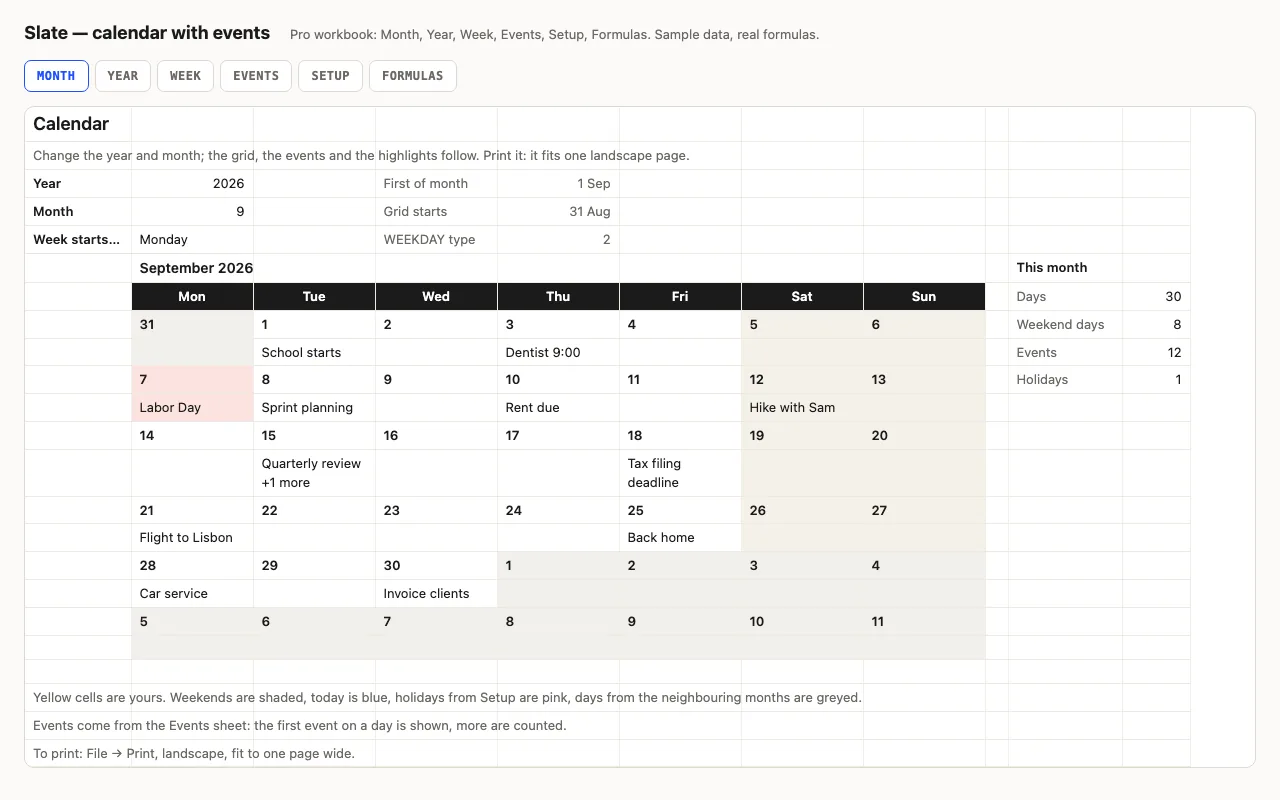
Type a year and a month and the calendar redraws itself: weekends shaded, today blue, other months greyed, and your events written into the right days from a list. Pro adds the whole year on one sheet, a week planner, holidays, and a formulas walkthrough. No macros.

  • XLSX
  • No macros
  • WEEKDAY
live demo →
Clock — timesheet spreadsheet preview

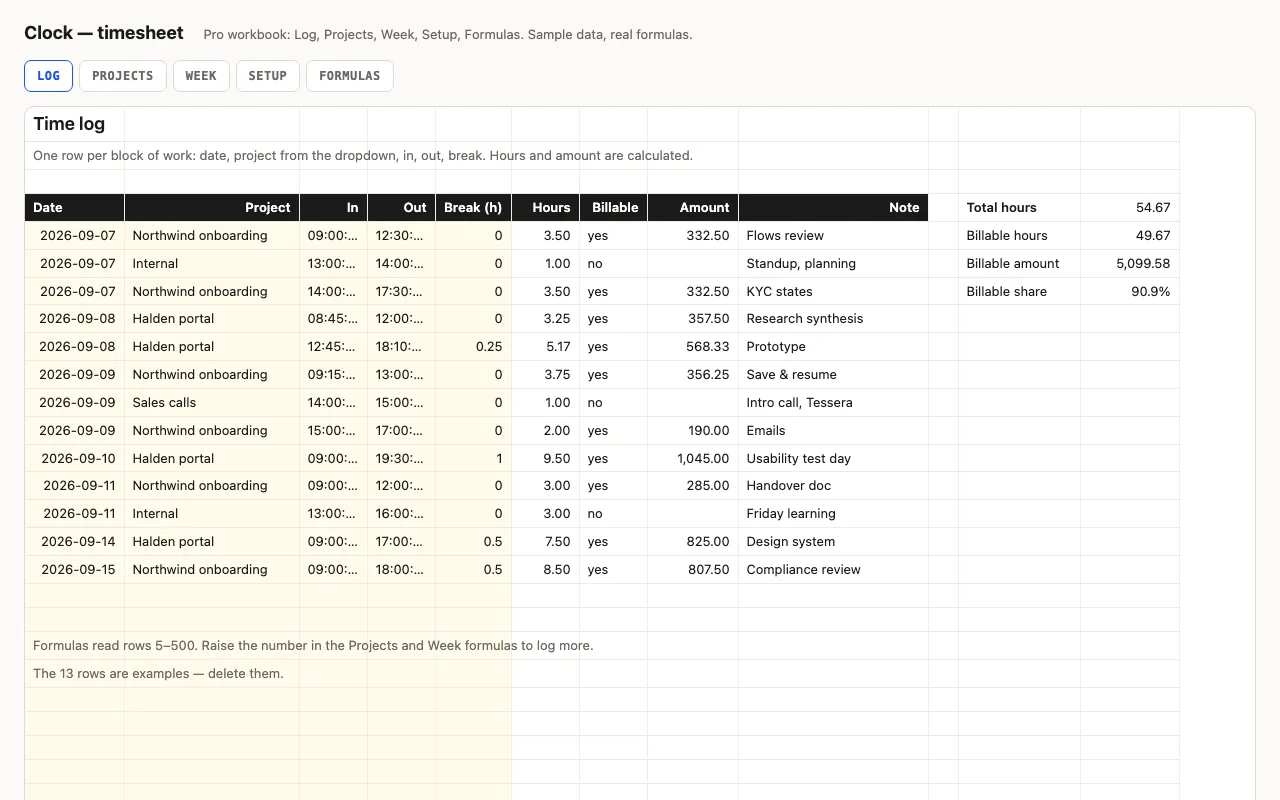
Type in and out as times and a break in hours; hours and overtime are calculated, night shifts past midnight included. Pro adds a log with projects and hourly rates, billable amounts per project and per week, distinct days worked, and a formulas walkthrough. No macros.

  • XLSX
  • No macros
  • Time arithmetic
live demo →
Tick — task checklist spreadsheet preview

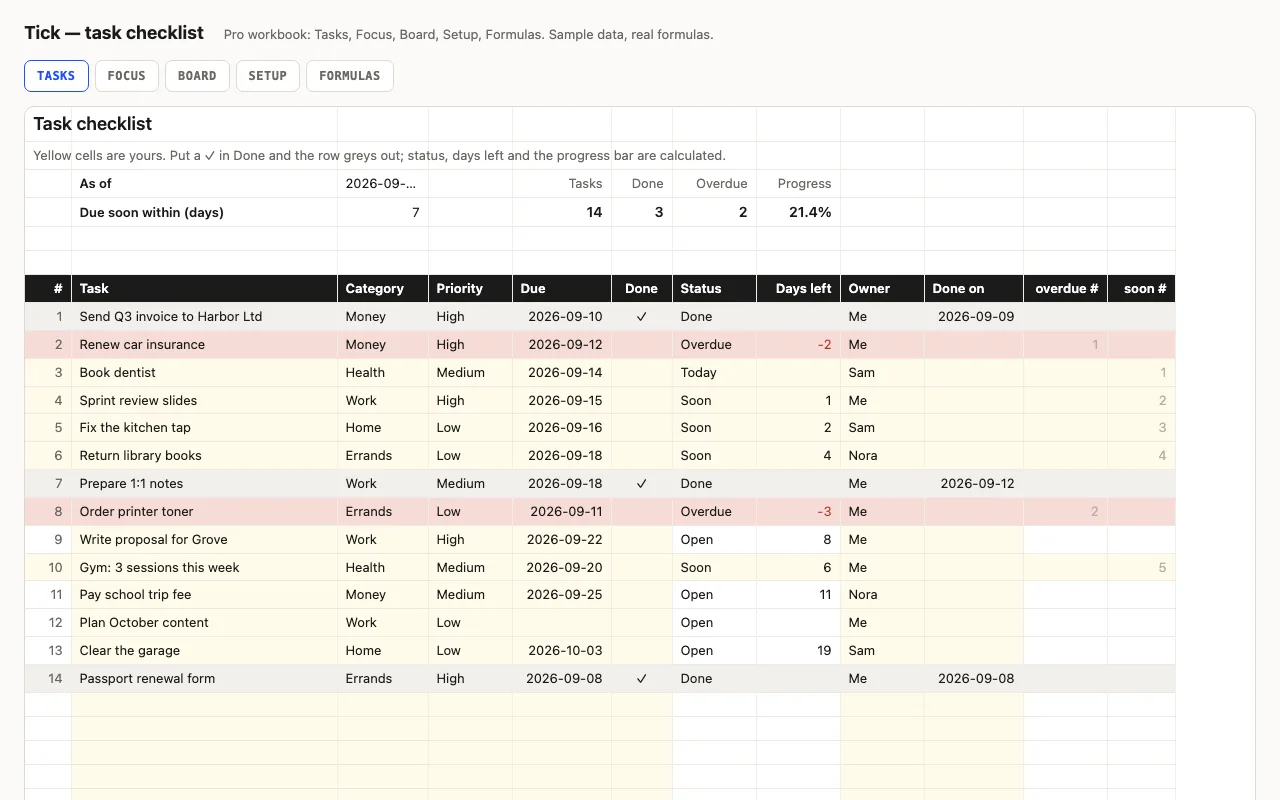
A to-do list that knows what's late: task, category, priority, due date and a ✓ when done; status (Done, Overdue, Today, Soon, Open), days left and a progress bar are calculated. Pro adds a Focus sheet listing what's overdue and due this week, a Board with counts per category, person and priority, and a formulas walkthrough. No macros.

  • XLSX
  • No macros
  • COUNTIFS
live demo →