foldout

HTML emails that don't fall apart in Outlook

1 template: onboarding, transactional mail, digests and announcements. MJML source, compiled HTML with inline styles, tables and VML where Outlook's Word engine needs them. All free and downloadable without signup.

  • built for · Outlook 2016
  • built for · Outlook 2019
  • built for · Outlook 365
  • built for · Outlook.com
  • built for · Gmail web
  • built for · Gmail iOS
  • built for · Apple Mail
  • built for · Yahoo Mail
  • built for · Thunderbird
built for: 1 shown
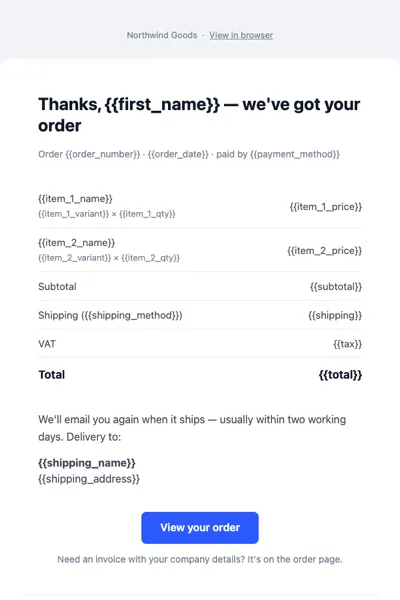
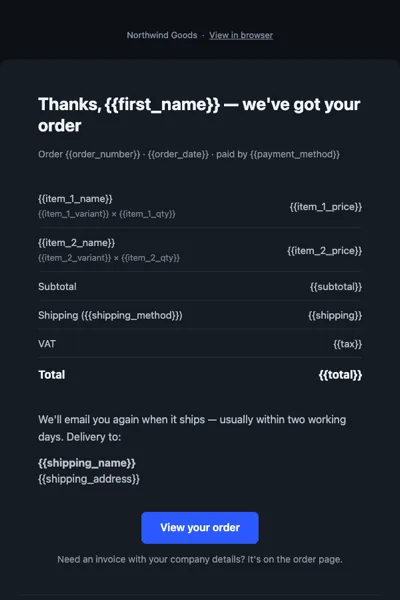
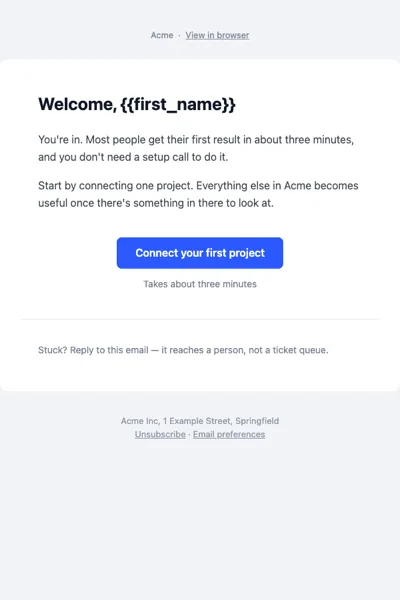
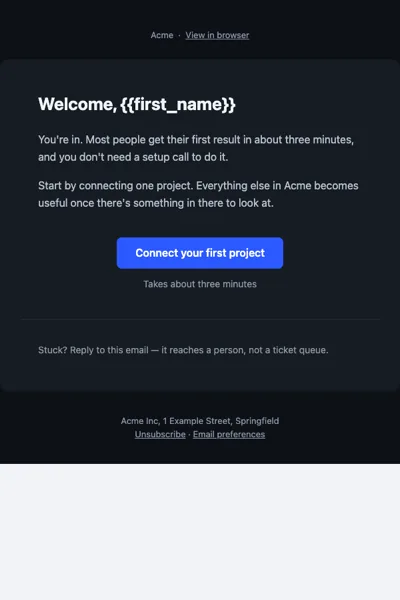
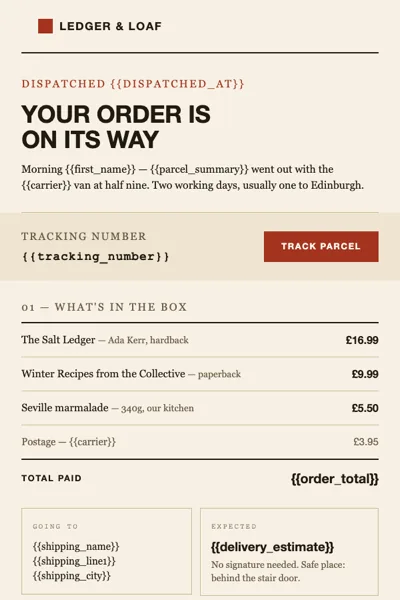
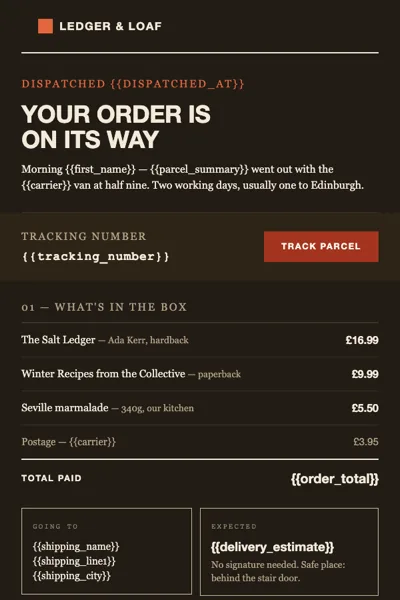
Welcome email rendered in a light inbox Welcome email rendered in a dark inbox

Welcome

Free

A four-email onboarding series built in MJML: welcome, activation, trial ending, day-14 check-in. Built for Outlook, Gmail and Apple Mail, and it holds up in dark mode. The first email is free.

  • Outlook
  • Outlook.com
  • Gmail

light / dark inbox · desktop and mobile

live preview →
How these emails are built

Every email starts as MJML and compiles to nested tables with conditional comments for Outlook and VML for buttons — the structure the Word rendering engine can actually draw. Dark mode is handled with prefers-color-scheme plus [data-ogsc] fallbacks for Outlook.com, which rewrites colours instead of reading media queries.

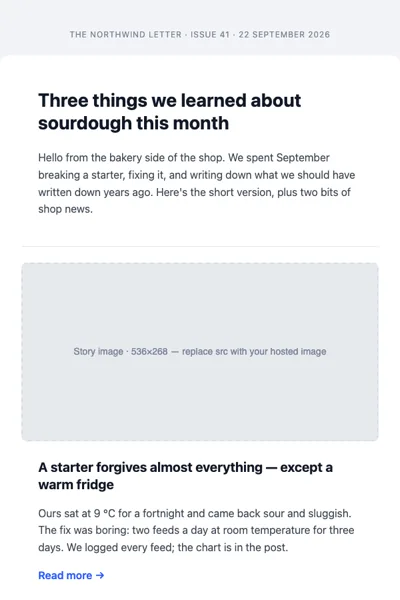
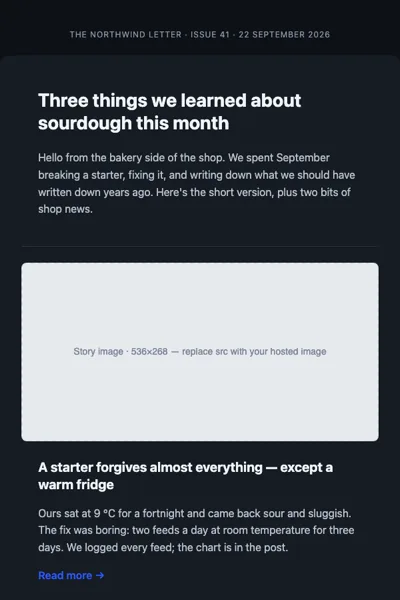
The previews on each card are browser renders of the compiled HTML at 600 px, in a light and a dark inbox and at phone width. They are not captures from the mail clients themselves — where a client applies its own colour inversion we say “partial” in the support table and explain what differs.

What you get in the archive

Compiled HTML with inline styles that pastes straight into a sending service, the MJML source with a shared theme partial, and a preview page. Node is only needed if you want to rebuild the MJML — the compiled HTML works without any build step.

Email types

OnboardingTransactionalDigestAnnouncementPassword resetInvoices and receipts

Email guides

Why your email breaks in Outlook
5 min read