foldout
Free + Pro 4-email series

Transactional — receipt, shipped, password reset, verify email

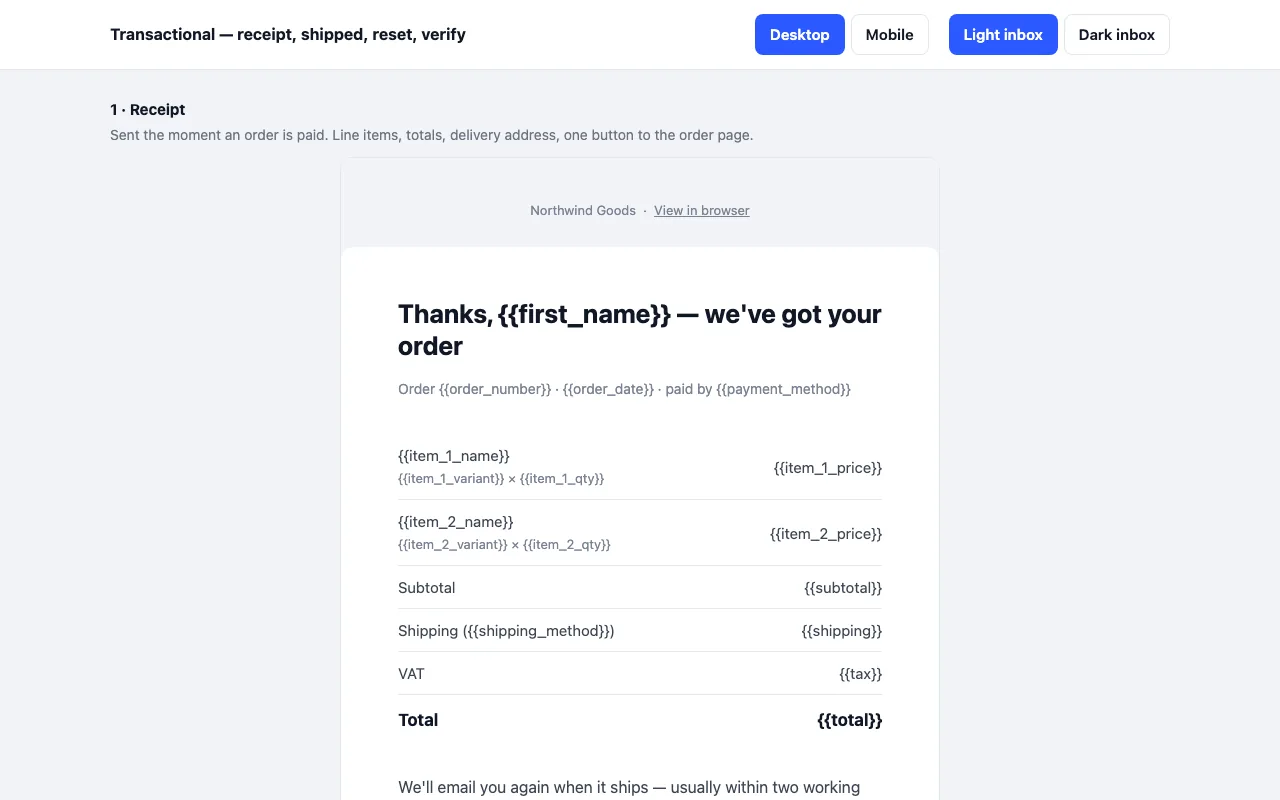
The four service emails every shop or app sends, built in MJML: order receipt with line items, shipped with tracking, password reset, email confirmation with a code. Built for Outlook, Gmail and Apple Mail, dark mode handled. The receipt is free.

  • MJML 4.15
  • Tables + VML
  • Dark mode
  • 600 px

How it renders

What actually happens in each client, and why the markup is built the way it is.

Outlook 2019

600 px · tables + VML
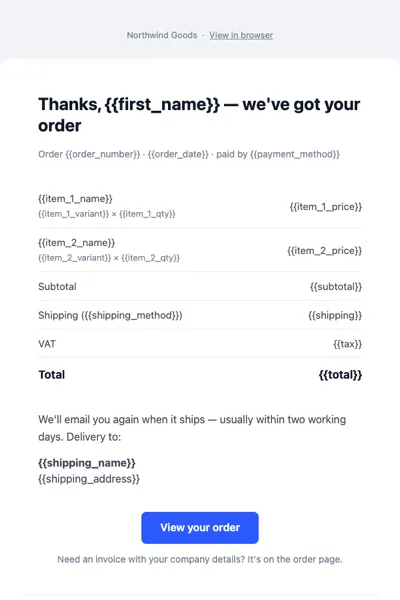
Receipt email rendered in a light inbox

browser rendering at 600 px — not a capture from this client

What matters here

Outlook renders mail through the Word engine. The layout is nested tables with conditional comments, so the structure holds and nothing collapses — but the dark theme is ignored and it stays light, which is intentional.

Built for

  • Outlook 2016
  • Outlook 2019
  • Outlook 365
  • Outlook.com
  • Gmail web
  • Gmail iOS
  • Apple Mail
  • Yahoo Mail
  • Thunderbird

Light and dark inbox

Receipt email rendered in a light inbox
light inbox · 600 px
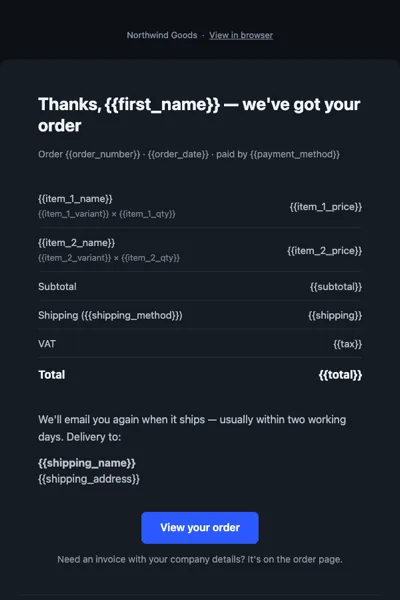
Receipt email rendered in a dark inbox
dark inbox · 600 px

Dark mode is handled with prefers-color-scheme plus [data-ogsc] fallbacks for Outlook.com, which rewrites colours instead of reading media queries.

Desktop and mobile

Receipt email rendered in a light inbox
light inbox · 600 px
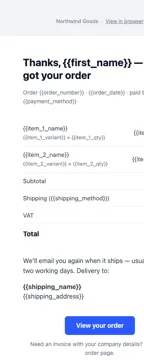
Welcome email at 360 pixels wide
narrow · 360 px

Client support

ClientLightDark
Outlook 2016 / 2019 / 365 (Windows) ✓ —
Outlook.com ✓ ✓
Gmail web ✓ ✓
Gmail iOS and Android ✓ partial
Apple Mail ✓ ✓
Yahoo Mail ✓ ✓
Thunderbird ✓ ✓

“partial” means the client applies its own colour inversion rather than reading the palette in the source. Nothing breaks — it simply is not identical to the design.

Pro

$9

Every page, the Pro-only pages, the source files, no attribution, and 12 months of updates and email support.

Email 1 — receipt, compiled HTML
yes
Emails 2–4 — shipped, password reset, verify email
yes
MJML source and shared theme
yes
Credit link
not required
Updates and support
12 months, email

Licence

Use it in unlimited personal and commercial projects, including client work.
Do not resell the template itself, alone or in a bundle.

Full licence terms →

Why this is harder than it looks

Outlook renders email with the Word engine. Anything that behaves in a browser falls apart there: flexbox does nothing, margins collapse unpredictably, and background images are ignored outright. Transactional emails get sent more than any other kind — every order, every login — so a layout that breaks in one client breaks in front of everyone, all day.

These four are nested tables with conditional comments where Outlook needs them, VML buttons, and a dark-mode block that Gmail and Apple Mail honour and Outlook ignores gracefully. The receipt’s line items are a plain <table> with inline styles, so your template engine can loop the rows. The shipped email’s progress bar is three table cells with background colours — no image to host, nothing for a client to block.

The four emails

  1. Receipt — order paid: line items, subtotal, shipping, tax, total, delivery address, one button to the order page, and a returns line.
  2. Shipped (Pro) — carrier, estimate, tracking number, a three-step progress bar.
  3. Password reset (Pro) — button, plain-text fallback link, 30-minute expiry, and the “if this wasn’t you” paragraph with where the request came from.
  4. Verify email (Pro) — a button and a six-digit code in a monospace block, so one template serves web and mobile flows.

The free archive is the receipt as compiled HTML. Pro is all four, plus the MJML source with the shared theme, header and footer, so you change the brand once.

Things done on purpose

No unsubscribe link — these are service emails, and the footer says so; add one back if you send anything promotional on the same stream. The merge tags are the common {{variable}} syntax that Postmark, SendGrid, Mailgun and Resend accept directly; the README lists every tag per email. The sender name and address block are placeholders and must be replaced.

What “partial” means in the table

Gmail on iOS and Android honours the dark theme by inverting colours itself rather than reading prefers-color-scheme. The result is readable and contrasty, but it is Gmail’s inversion, not the palette in the source. Nothing breaks; it simply is not identical.
Free archive

  • dist/01-receipt.html
  • README.md · LICENCE.txt

Pro archive

  • src/*.mjml · 4 emails
  • src/_theme, _header, _footer · shared
  • dist/*.html · compiled, all four
  • index.html · preview page
  • README.md · LICENCE.txt (Pro)

Read before you build

Version history

  • 1.0.0 2026-09-21

    First release

  • 16 KB
    heaviest email
  • 14
    MSO conditionals
  • 0
    flex or grid rules
  • 9
    clients targeted

Related email templates

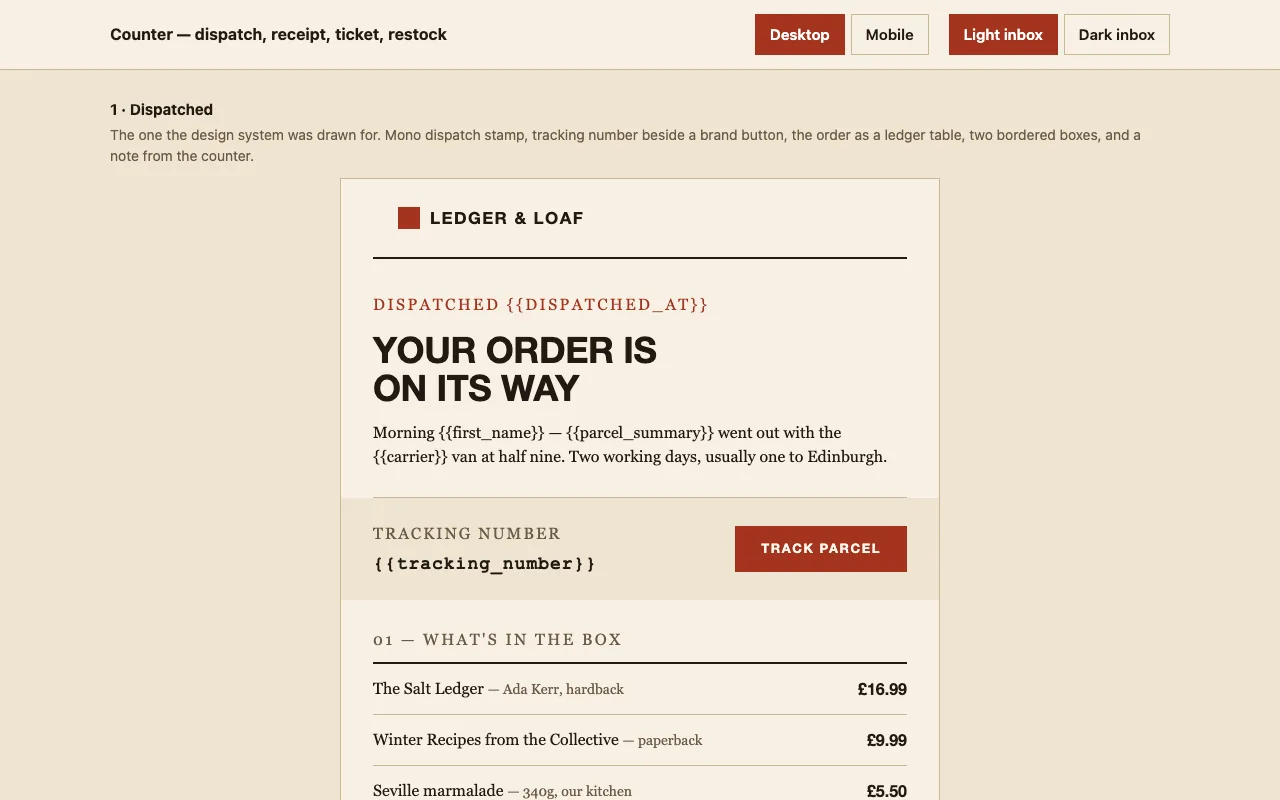
Counter — dispatch, receipt, event ticket and back-in-stock emails preview

Four emails a shop actually sends, built in MJML in a 1970s ledger style: the parcel went out, here is your receipt, your seat is held, the thing you asked about is back. Warm paper, oxblood, squared corners. Built for Outlook, Gmail and Apple Mail, dark mode wired up. The dispatch email is free.

Newsletter — digest, magazine and announcement layouts preview

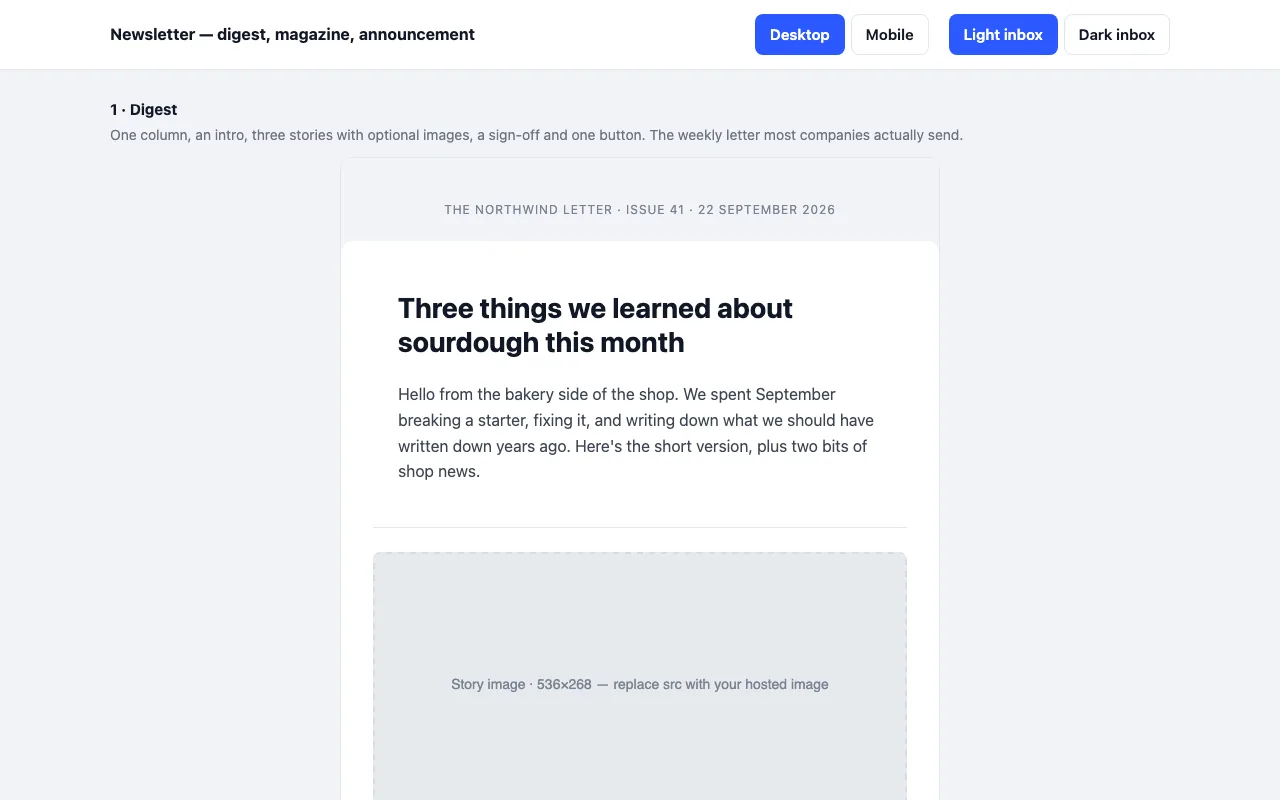
Three newsletter emails built in MJML: a one-column digest, a magazine issue with a lead story and two-up grid, and a single-message announcement. Sample copy written in full. Built for Outlook, Gmail and Apple Mail, dark mode handled. The digest is free.

Welcome — onboarding email series preview

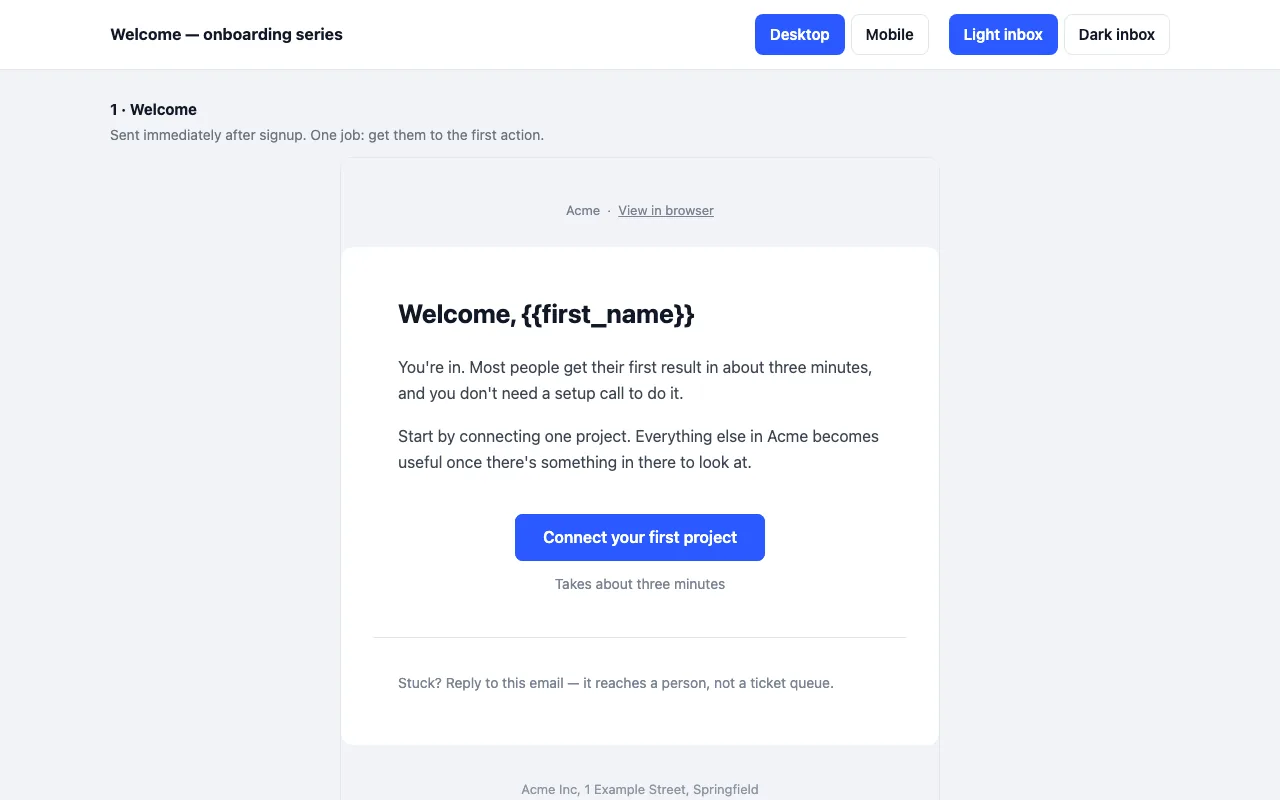
A four-email onboarding series built in MJML: welcome, activation, trial ending, day-14 check-in. Built for Outlook, Gmail and Apple Mail, and it holds up in dark mode. The first email is free.

Tell us what happened

Goes straight to a person. No account, no ticket number.

What is this about?

We keep the message and the page it came from. Nothing else — not your IP, not your browser. Privacy.