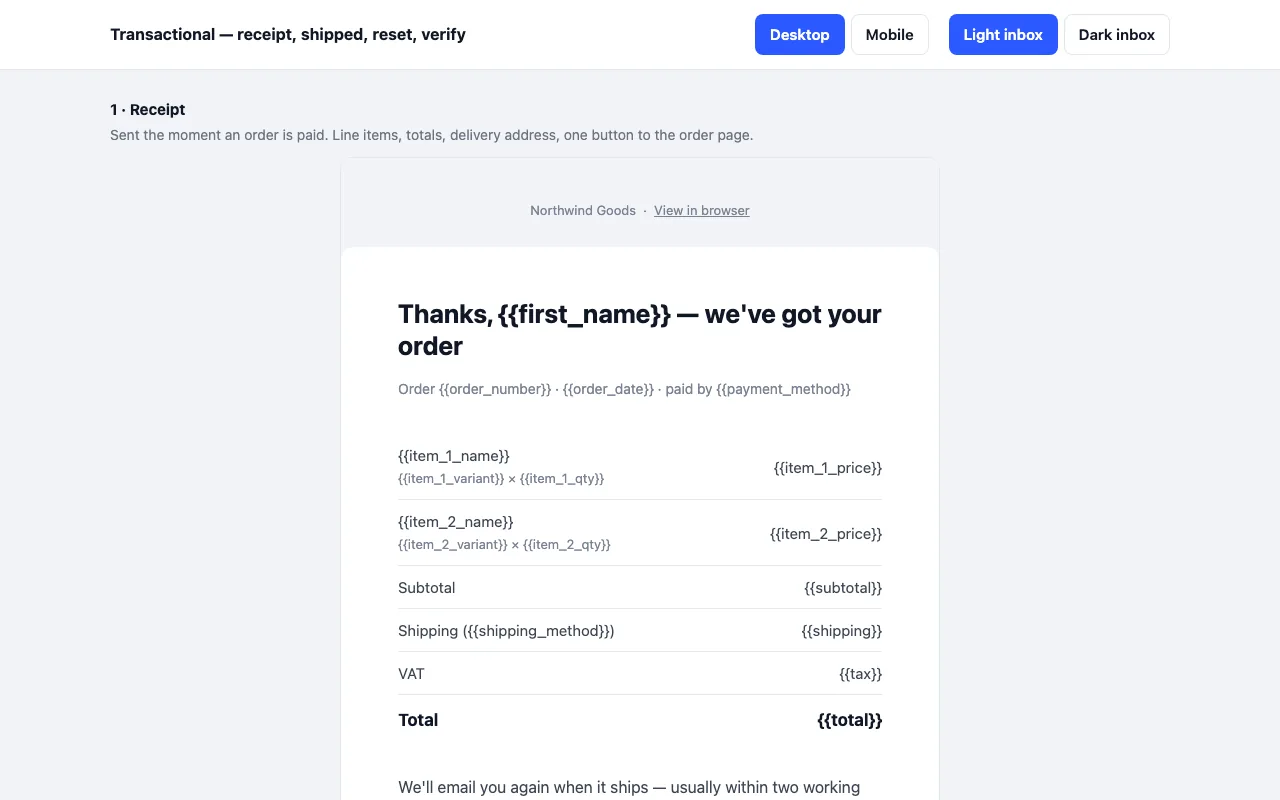
The four service emails every shop or app sends, built in MJML: order receipt with line items, shipped with tracking, password reset, email confirmation with a code. Built for Outlook, Gmail and Apple Mail, dark mode handled. The receipt is free.
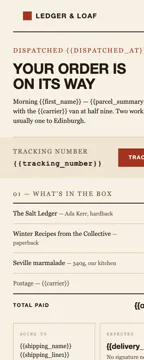
Four emails a shop actually sends, built in MJML in a 1970s ledger style: the parcel went out, here is your receipt, your seat is held, the thing you asked about is back. Warm paper, oxblood, squared corners. Built for Outlook, Gmail and Apple Mail, dark mode wired up. The dispatch email is free.
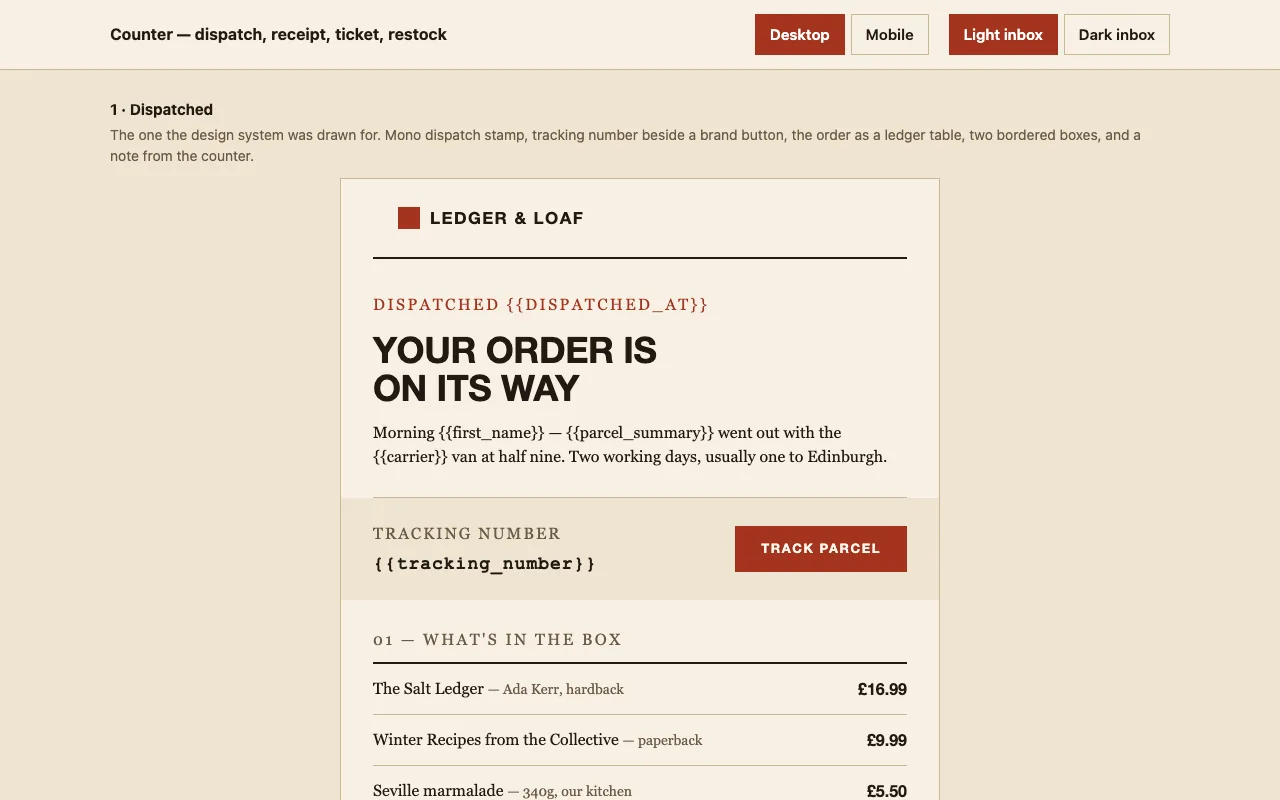
What actually happens in each client, and why the markup is built the way it is.
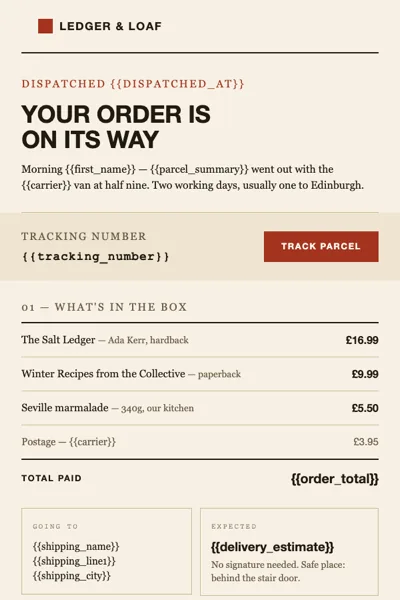
Outlook renders mail through the Word engine, which ignores border-radius and media queries. Neither matters here: the system has no rounded corners to lose, and the email is built to stay in the light palette on Outlook by design. Every rule and box border sits on a table cell, which the Word engine draws reliably.
Gmail drops part of the media queries and clips a message over 102 KB behind 'View entire message'. The heaviest email here is 35 KB, and the stacked mobile layout is built so it still reads even where the queries are dropped.
Full support, including the dark palette taken from the design system — warm brown, not an auto-inverted grey. Backgrounds are set on the table as well as the wrapper so nothing is left half-converted.
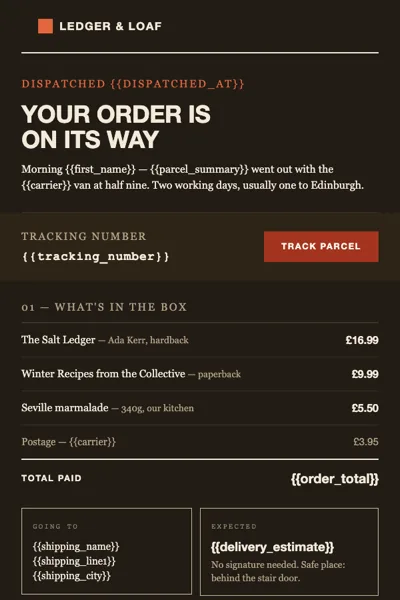
Dark mode is handled with prefers-color-scheme plus
[data-ogsc] fallbacks for Outlook.com, which rewrites
colours instead of reading media queries.
| Client | Light | Dark |
|---|---|---|
| Outlook 2016 / 2019 / 365 (Windows) | ✓ | — |
| Outlook.com | ✓ | ✓ |
| Gmail web | ✓ | ✓ |
| Gmail iOS and Android | ✓ | partial |
| Apple Mail | ✓ | ✓ |
| Yahoo Mail | ✓ | ✓ |
| Thunderbird | ✓ | ✓ |
“partial” means the client applies its own colour inversion rather than reading the palette in the source. Nothing breaks — it simply is not identical to the design.
The home page and its CSS — enough to publish a one-pager. A credit link stays in the footer.
Every page, the Pro-only pages, the source files, no attribution, and 12 months of updates and email support.
Use it in unlimited personal and commercial projects, including client work.
Do not resell the template itself, alone or in a bundle.
Most email packs are a receipt and three variations on a receipt. This one covers the moments a small shop with a counter and a programme of evenings actually writes to people: the parcel left, the card cleared, the seat is held, the book you wanted is on the shelf.
They share a masthead, a footer and a theme file, so changing the address or the brand colour is one edit rather than four.
Not a limitation — a decision. Images in email are blocked by default in Outlook and by a fair
share of Gmail users, they inflate the message, and they are the first thing to break when the
recipient is on a train. Everything here is drawn with table cells and background colours: the
logo mark is a 22 px square, the date chip on the ticket email is a bordered cell, the call to
action is a cell with an <a> in it.
That also means nothing to host, nothing to re-upload when the CDN moves, and no broken-image icon in the one email that has to look trustworthy.
<button> does not work in email, and a styled <a> alone collapses in Outlook. Every call to
action here is a table cell with bgcolor set, wrapping a link with its own padding. Clumsy in
source, reliable in the inbox.
The dark palette is the design system’s own — warm brown, not a grey inversion. It is wired up
with prefers-color-scheme and the [data-ogsc] attribute Outlook.com uses to rewrite colours.
Outlook on Windows ignores media queries entirely and stays light. That is deliberate rather than an oversight: a half-converted email is worse than a light one, and the light palette is the one the system was drawn in.
Placeholders are {{double_braces}} — what Handlebars, Mustache, Liquid, Django and most
sending tools already read. Nothing needs data you would not already have on the order.
These follow the rules that make email work — nested tables, inline styles, no flex or grid, 600 px, VML where a background needs it. We have not run them through a paid rendering service, and this page will not pretend otherwise. Send yourself a test first; that is good practice with any template, including this one.
First release
The four service emails every shop or app sends, built in MJML: order receipt with line items, shipped with tracking, password reset, email confirmation with a code. Built for Outlook, Gmail and Apple Mail, dark mode handled. The receipt is free.
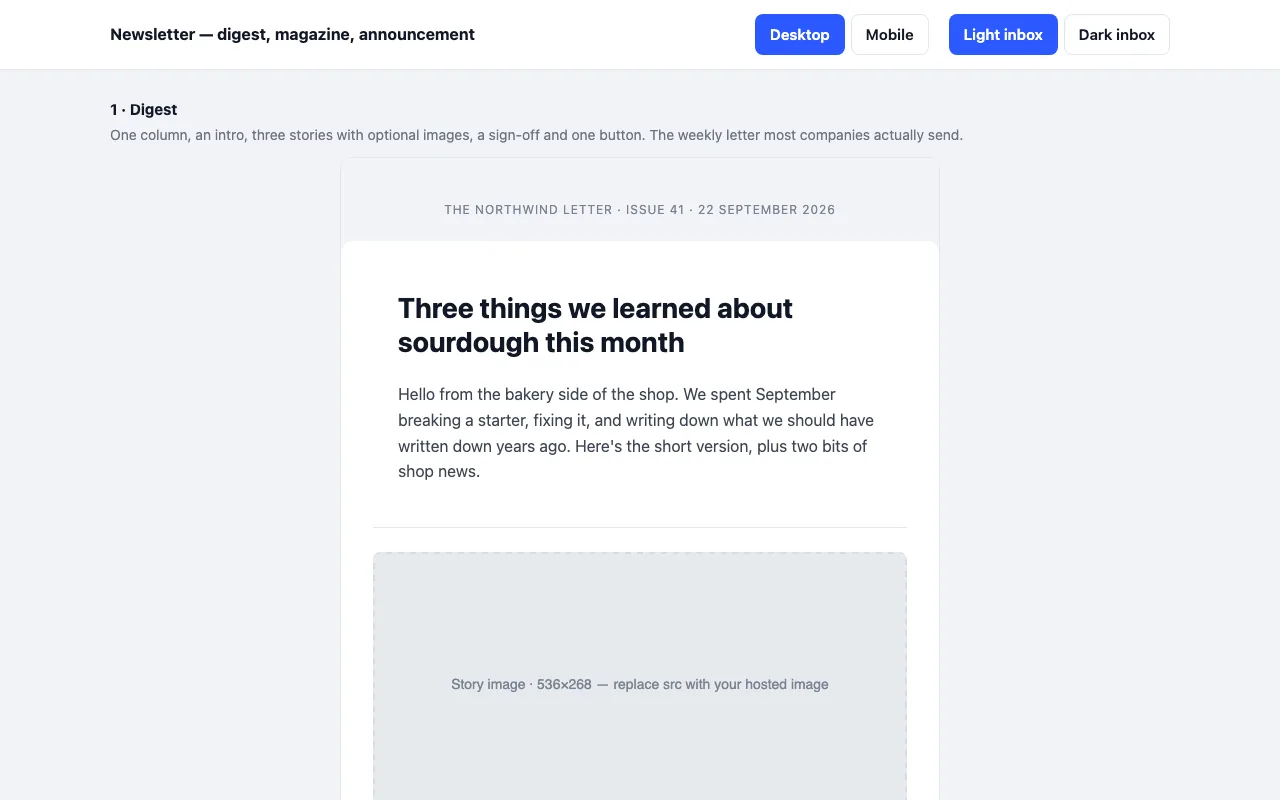
Three newsletter emails built in MJML: a one-column digest, a magazine issue with a lead story and two-up grid, and a single-message announcement. Sample copy written in full. Built for Outlook, Gmail and Apple Mail, dark mode handled. The digest is free.
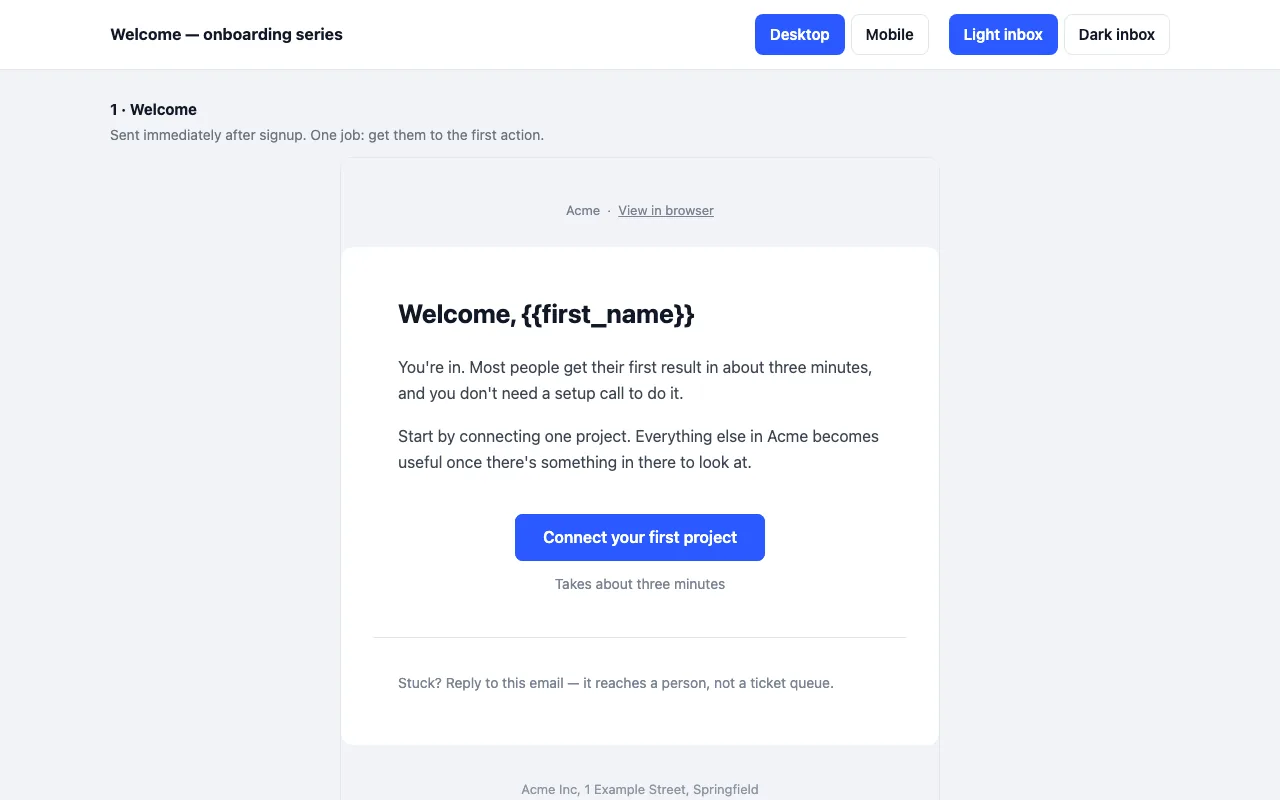
A four-email onboarding series built in MJML: welcome, activation, trial ending, day-14 check-in. Built for Outlook, Gmail and Apple Mail, and it holds up in dark mode. The first email is free.