Why this is harder than it looks
Outlook renders email with the Word engine. Anything that behaves in a browser falls apart
there: flexbox does nothing, margins collapse unpredictably, and background images are
ignored outright.
These emails are built on tables with conditional comments for Outlook — the constructions
that are known to survive the Word engine — rather than on anything a browser preview would
happily render and Outlook would not.
What “partial” means in the table
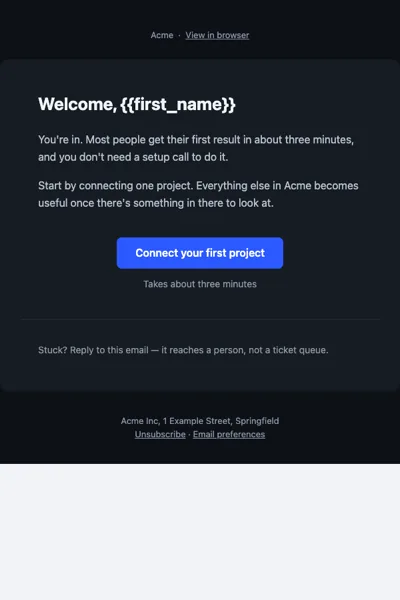
Gmail on iOS and Android honours the dark theme by inverting colours itself rather than
reading prefers-color-scheme. The result is readable and contrasty, but it is Gmail’s
inversion, not the palette in the source. Nothing breaks; it simply is not identical.
The four emails
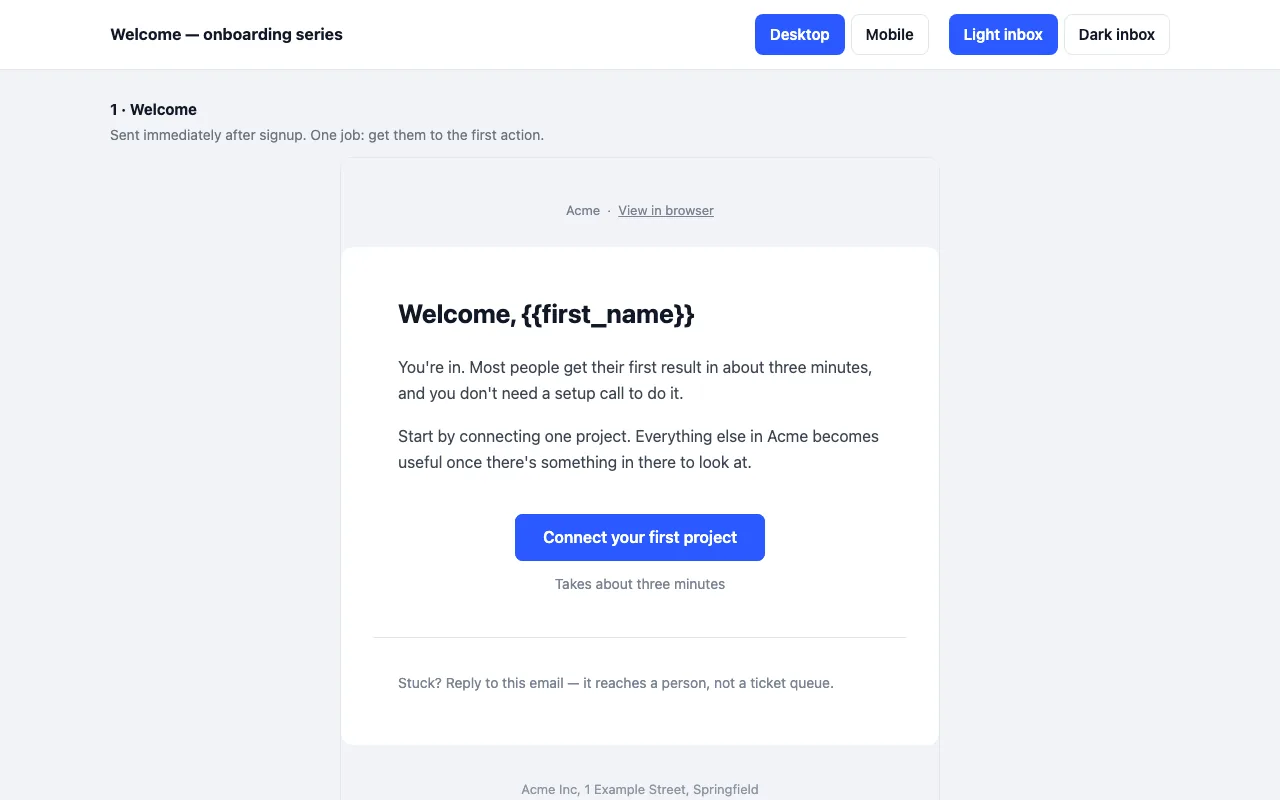
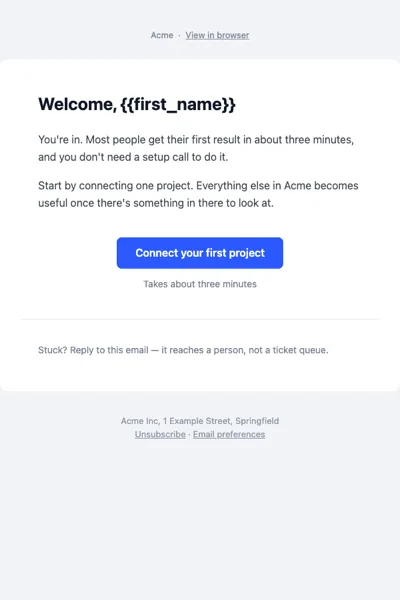
- Welcome — sent on signup; one job, the first action.
- Activation — day three; pushes the one feature that correlates with retention.
- Trial ending — three days out; says plainly what changes and what does not.
- Check-in (Pro) — day fourteen, from a named person, answered by reply. No survey link.
The free archive is email 1 as compiled HTML. Pro is all four, plus the MJML source and the
shared theme file so you can change the palette once.
What you will need to replace
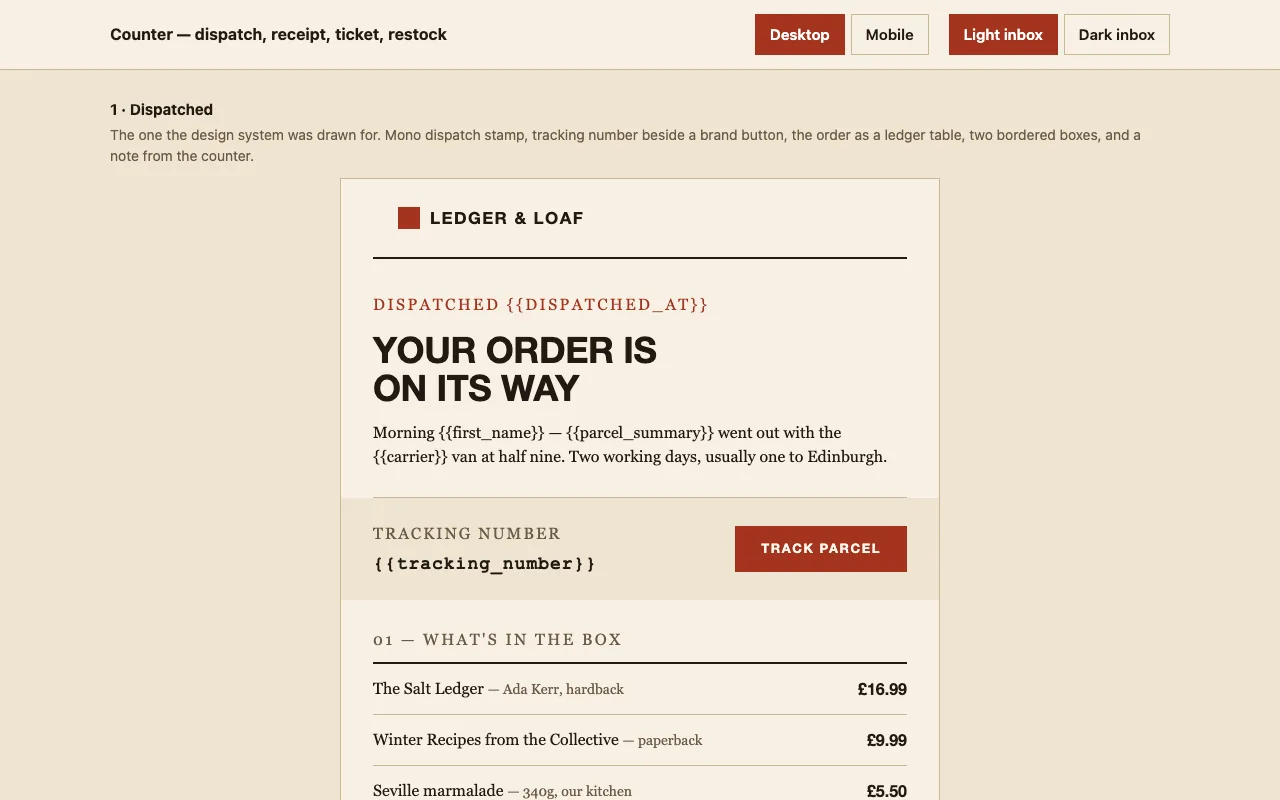
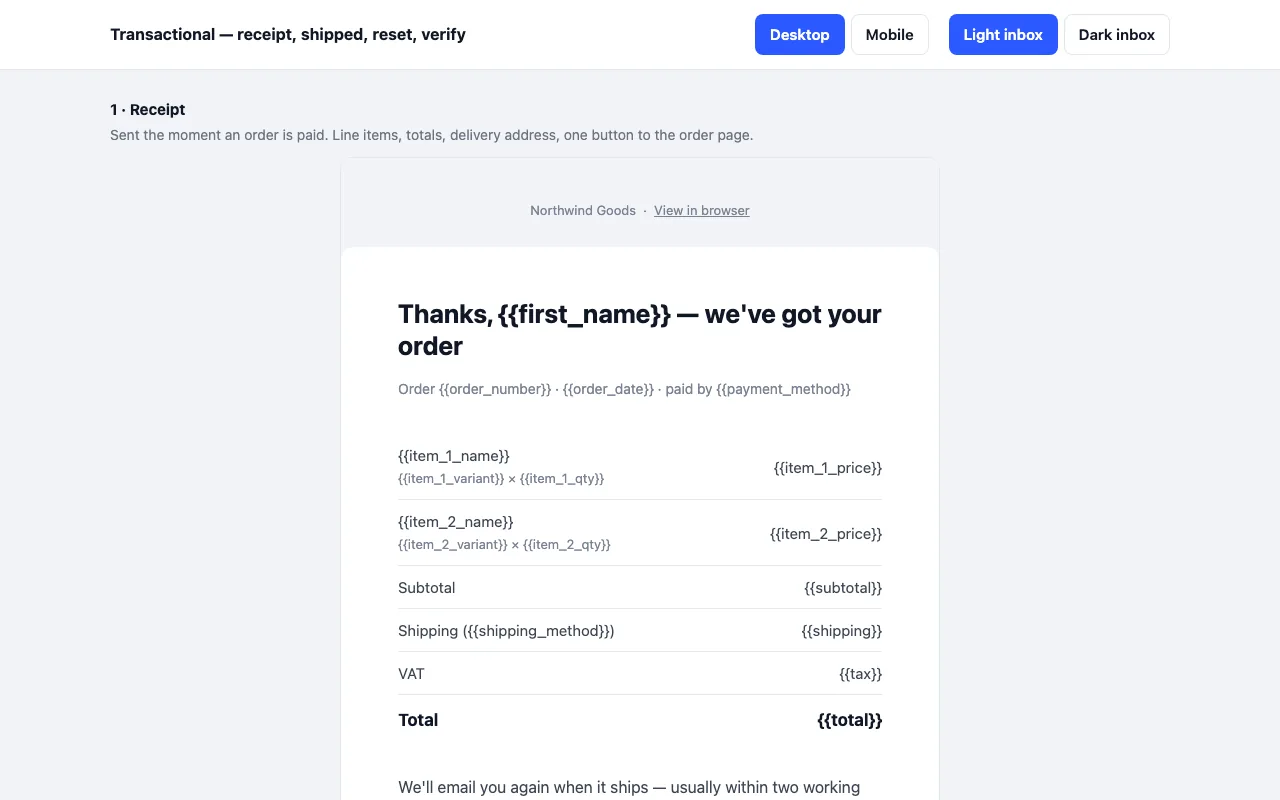
Merge tags use the common {{variable}} syntax — {{first_name}}, {{cta_url}},
{{unsubscribe_url}}. Most providers accept it directly. The sender name, address block
and unsubscribe link are placeholders and must be replaced: an unsubscribe link is a legal
requirement in most markets.